AI Formula Wizard: Your Spreadsheet Formula Genius
If you’ve ever spent hours wrestling with Excel or Google Sheets formulas, only to end up with a headache and a broken spreadsheet, you’re not alone. Enter AI Formula Wizard, a game-changing tool that uses artificial intelligence to make formula generation as easy as typing a sentence. Whether you’re a beginner or a spreadsheet pro, this tool is here to save you time, frustration, and maybe even your sanity.
What is AI Formula Wizard?
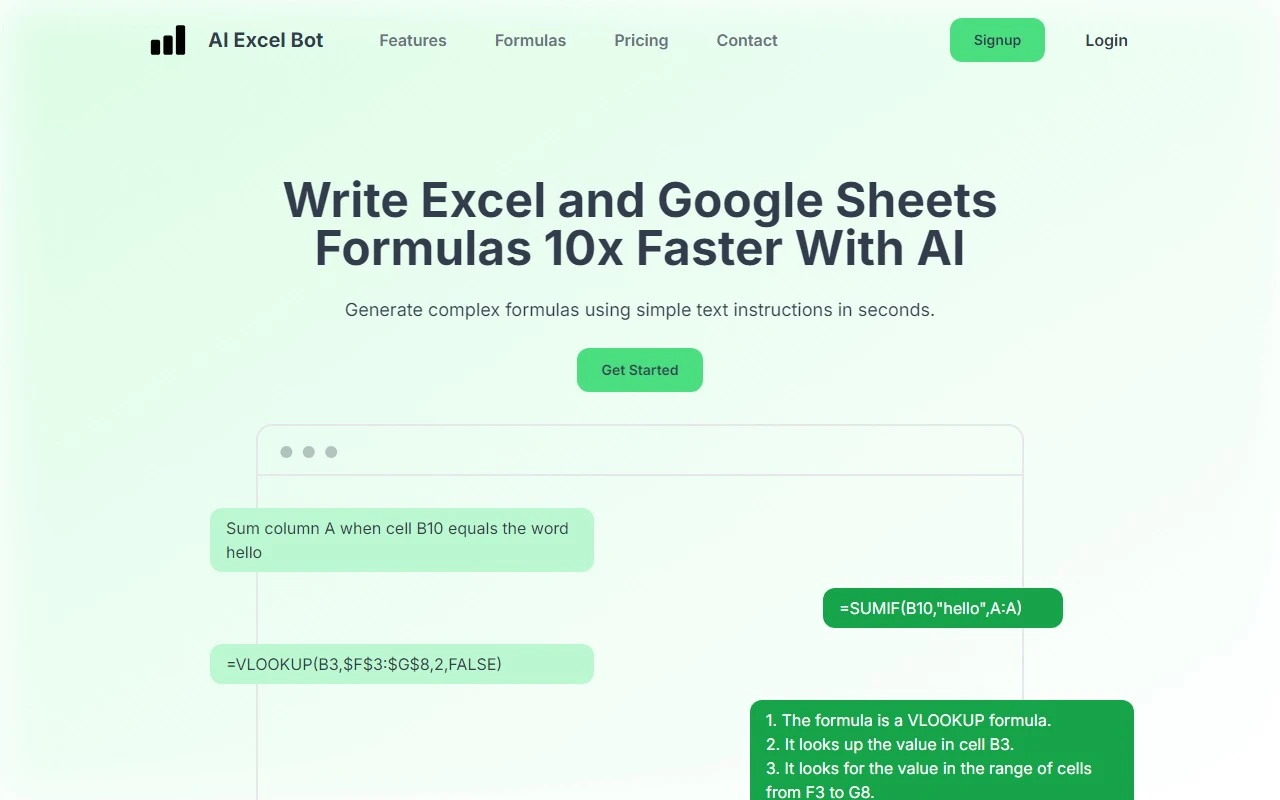
AI Formula Wizard is an AI-powered tool designed to generate Excel and Google Sheets formulas in seconds. Instead of memorizing complex syntax or Googling endless tutorials, you simply describe what you want the formula to do in plain English, and the AI does the heavy lifting. It’s like having a spreadsheet expert on speed dial.
How Does AI Formula Wizard Work?
Using AI Formula Wizard is as simple as it gets. Here’s how it works:
- Describe Your Formula: Type a plain-text instruction like “Calculate the average of column B if column A equals ‘Sales’”.
- Get the Formula: The AI instantly generates the correct formula (e.g.,
=AVERAGEIF(A:A, "Sales", B:B)). - Copy and Paste: Use the formula directly in your spreadsheet.
The tool also offers a Chrome Extension, so you can generate formulas without leaving your Google Sheets or Excel workspace. Talk about seamless integration!
Key Features of AI Formula Wizard
- AI-Powered Formula Generation: No more guessing or trial-and-error. The AI understands your instructions and delivers accurate formulas.
- Text-Based Instructions: Forget complex syntax. Just type what you need in plain English.
- Chrome Extension: Work directly in your spreadsheet without switching tabs.
- Efficient and Time-Saving: Cut formula creation time from minutes to seconds.
Real-World Use Cases
Here’s how AI Formula Wizard can transform your spreadsheet tasks:
- Creating Complex Formulas: Need a nested IF statement or a VLOOKUP with multiple conditions? The AI handles it effortlessly.
- Simplifying Formula Generation: Beginners can create advanced formulas without needing to learn the technical details.
- Boosting Productivity: Spend less time on formulas and more time analyzing your data.
For example, imagine you’re analyzing sales data and need to calculate the total revenue for a specific product category. Instead of fumbling with SUMIFS, you can simply type: “Sum column C where column A is ‘Electronics’.” The AI will generate =SUMIFS(C:C, A:A, "Electronics") in seconds.
Frequently Asked Questions
-
How accurate are the AI-generated formulas?
The AI is highly accurate, but it’s always a good idea to double-check the output, especially for complex tasks. -
Can I use AI Formula Wizard for free?
Yes! There’s a free tier available, but for advanced features, check out the pricing page. -
Is it compatible with both Excel and Google Sheets?
Absolutely. It works seamlessly with both platforms. -
Can I access it without leaving my spreadsheet?
Yes, the Chrome Extension lets you generate formulas right from your workspace. -
Is it beginner-friendly?
Definitely. The text-based interface makes it easy for anyone to use.
Get Started with AI Formula Wizard
Ready to revolutionize your spreadsheet game? Here’s how to begin:
- Sign Up: Create your account at the signup page.
- Log In: Access your dashboard via the login page.
- Explore Pricing: Choose a plan that fits your needs on the pricing page.
Need Help? Contact the Team
If you have questions or need support, the team at Query Labs is here to help. Visit the contact page for assistance with customer service, refunds, or general inquiries.
AI Formula Wizard isn’t just a tool—it’s a productivity powerhouse. Whether you’re a data analyst, a small business owner, or a student, this tool will make your spreadsheet life infinitely easier. Give it a try and see why it’s quickly becoming a must-have for anyone who works with data.