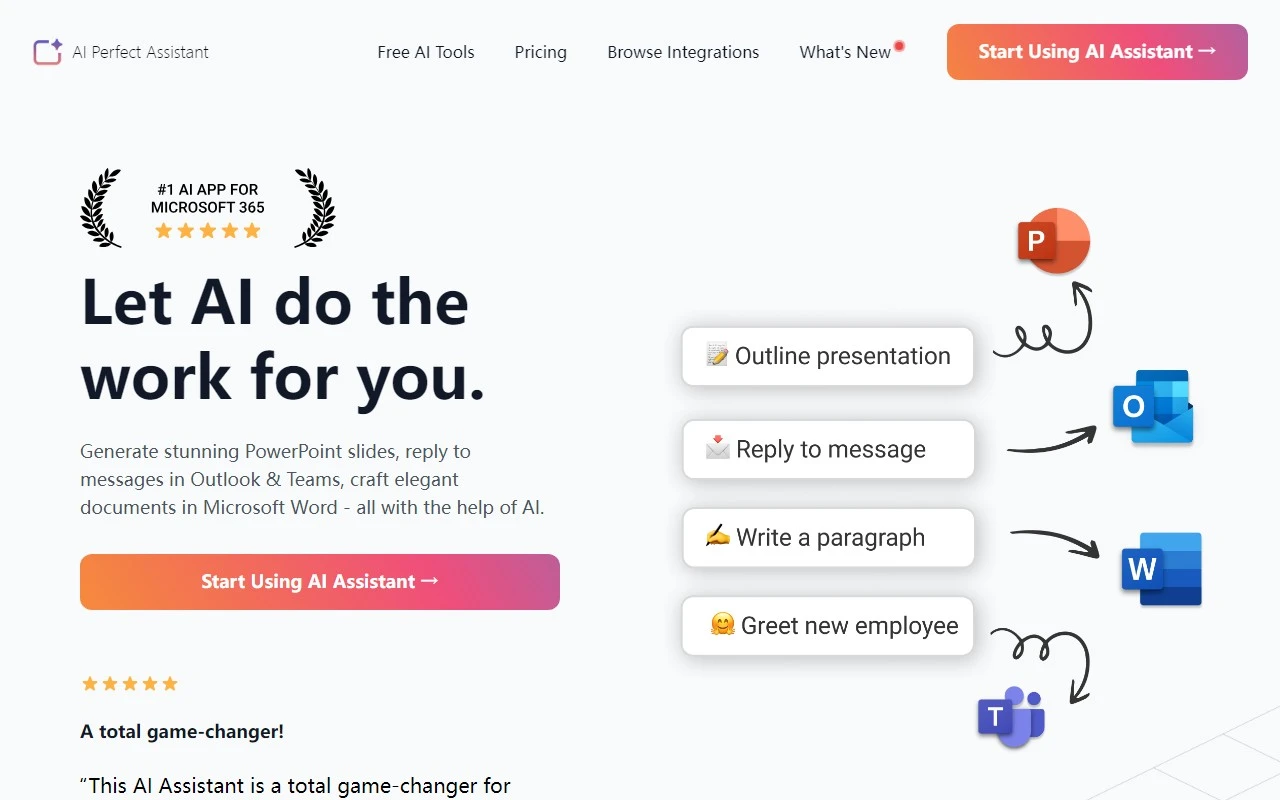
AI Perfect Assistant: Your Ultimate Productivity Companion for Microsoft Suite
If you’ve ever wished for a personal assistant to handle the nitty-gritty of your Microsoft Office tasks, AI Perfect Assistant is here to make that dream a reality. This AI-powered tool integrates seamlessly into your Microsoft 365 suite, helping you and your team work smarter, not harder. Whether you’re crafting presentations, replying to emails, or polishing documents, this assistant is designed to save you time and elevate your work.
What is AI Perfect Assistant?
AI Perfect Assistant is an innovative add-in for Microsoft Office 365 that leverages artificial intelligence to streamline your workflow. It’s like having a co-pilot for your daily tasks, capable of:
- Generating stunning PowerPoint slides in minutes.
- Crafting polished and professional documents in Microsoft Word.
- Replying to emails in Outlook and messages in Teams with ease.
It’s perfect for professionals, teams, and anyone looking to boost their productivity without the hassle of manual effort.
How to Get Started
Using AI Perfect Assistant is a breeze:
- Install the add-in from your Microsoft Office 365 account.
- Sign in with your work or school credentials.
- Start exploring its features right away—whether you’re designing a presentation, drafting a document, or managing your inbox.
Core Features That Shine
Here’s what makes AI Perfect Assistant stand out:
- Generate PowerPoint Slides: Transform your ideas into visually appealing presentations with minimal effort.
- Reply to Messages in Outlook & Teams: Craft thoughtful, professional responses in seconds.
- Craft Elegant Documents in Word: Enhance your writing with AI-powered suggestions and formatting.
Real-World Use Cases
Let’s break it down with practical examples:
- Creating Visually Appealing Presentations: Imagine you’re preparing for a client pitch. Instead of spending hours designing slides, AI Perfect Assistant helps you create a polished deck in minutes.
- Efficiently Replying to Emails and Messages: When your inbox is overflowing, the assistant drafts clear, concise responses, so you can focus on higher-priority tasks.
- Enhancing Document Writing and Editing: Whether it’s a report, proposal, or memo, the AI ensures your documents are professional and error-free.
Pricing and Support
Curious about the cost? Check out the pricing page for detailed plans and options: AI Perfect Assistant Pricing.
If you have questions or need assistance, the support team is just an email away:
- Support Email: [email protected]
- Contact Page: Contact Us
Final Thoughts
AI Perfect Assistant is more than just a tool—it’s a game-changer for anyone using Microsoft Office 365. With its intuitive features and seamless integration, it’s designed to help you work smarter and achieve more. Whether you’re a busy professional, a team leader, or a student, this assistant is your secret weapon for productivity.
Ready to transform your workflow? Visit the pricing page to get started today!