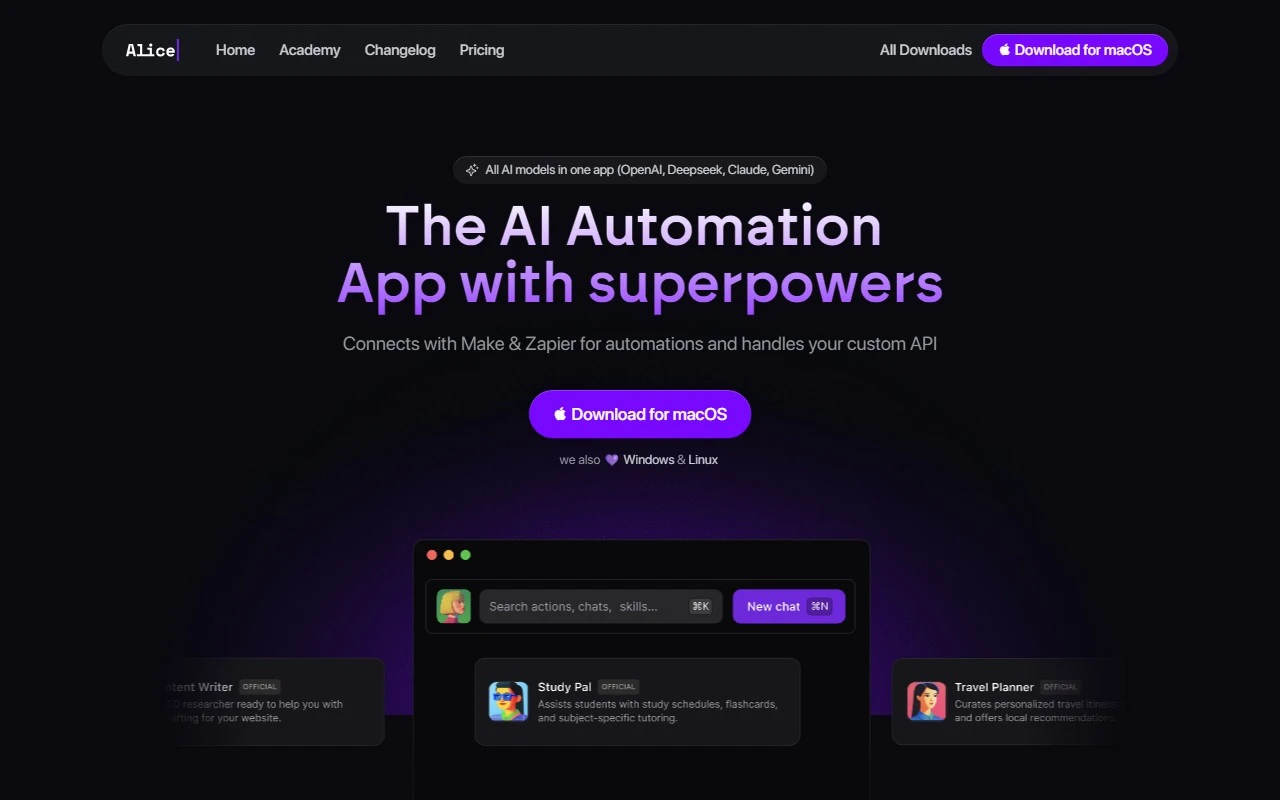
Alice App - Your Private AI Assistant: A Game-Changer for Productivity
If you’re looking for a desktop AI assistant that feels like it was tailor-made for your workflow, Alice App is worth your attention. It’s not just another AI tool—it’s a powerhouse of productivity designed to streamline your tasks, automate repetitive actions, and help you focus on what truly matters.
What is Alice App?
Alice App is an AI-powered desktop assistant that brings the power of artificial intelligence directly to your workspace. Whether you’re managing schedules, generating content, or automating tasks, Alice is there to make your life easier. Think of it as your personal productivity partner, always ready to assist with a chat, a shortcut, or a smart automation.
How Does It Work?
Getting started with Alice is a breeze:
- Download and install the app on your desktop.
- Open it up and start chatting with AI models, working with images, or using snippets and keyboard shortcuts.
- Customize it to fit your workflow—Alice adapts to your needs, not the other way around.
Core Features That Shine
Alice isn’t just a chatbot; it’s a multi-functional tool packed with features to boost your efficiency:
- Chat with Different Models: Whether you need brainstorming help or quick answers, Alice supports multiple AI models to suit your needs.
- Work with Images: From generating visuals to editing, Alice handles image-related tasks with ease.
- Snippets and Shortcuts: Save time with pre-defined snippets and keyboard shortcuts for frequently used actions.
- Run Automations: Automate repetitive tasks across your apps—imagine scheduling social media posts or managing your calendar without lifting a finger.
Real-World Use Cases
Here’s how Alice can transform your daily routine:
- Automating Social Media Content: Generate posts, captions, and even visuals in minutes.
- Creating Voice Memos: Dictate ideas or reminders and let Alice transcribe them instantly.
- Advanced Cost Management: Track expenses, analyze budgets, and get insights with AI-powered tools.
- Managing Google Calendar: Schedule meetings, set reminders, and optimize your time effortlessly.
Pricing and Free Trial
Alice offers flexible pricing plans to fit your budget. Whether you’re a solo professional or part of a team, there’s a plan for you. Check out the pricing page for details.
- Free Trial: Not ready to commit? Alice offers a free trial so you can test-drive its features before making a decision.
Frequently Asked Questions
Here are some common questions about Alice:
- What sets Alice apart? Unlike other AI assistants, Alice is designed for desktop productivity with a focus on automation and customization.
- Which AI models does Alice support? Alice integrates with multiple AI models, ensuring versatility and accuracy.
- Is a ChatGPT Plus subscription required? Nope! Alice works independently, so no additional subscriptions are needed.
- Can I get a refund? If Alice doesn’t meet your expectations, the team offers a refund policy—just reach out to their support team.
Support and Resources
Got questions or need help? Alice’s support team is just an email away: [email protected].
For visual learners, check out their YouTube channel for tutorials and tips.
Final Thoughts
Alice App is more than just an AI assistant—it’s a productivity enhancer that adapts to your unique needs. With its robust features, intuitive design, and affordable pricing, it’s a tool that can truly make a difference in your workflow. Ready to give it a try? Download Alice today and see how it can transform the way you work.