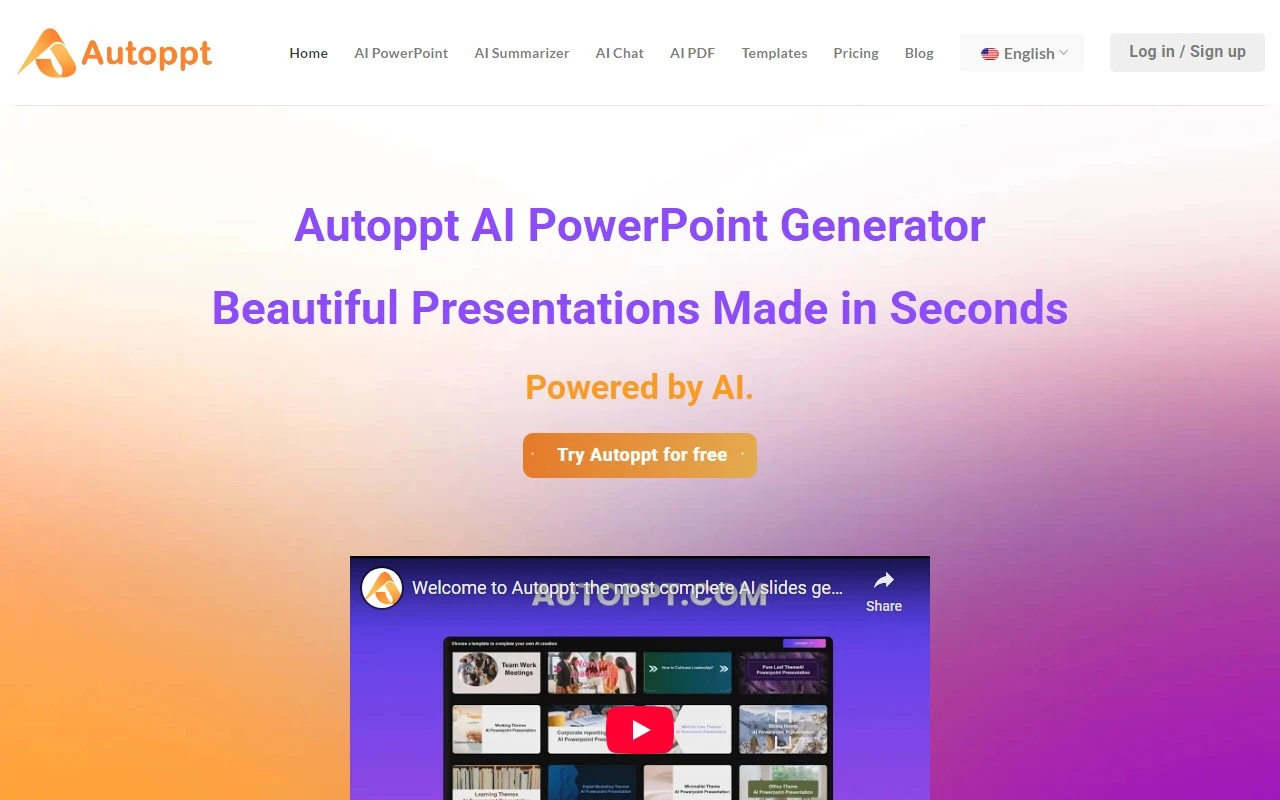
Autoppt Review: The AI-Powered Presentation Game-Changer
Let’s face it—creating presentations can be a tedious, time-consuming task. Whether you’re a business professional, educator, or student, the struggle to craft polished slides that captivate your audience is real. Enter Autoppt, an AI-powered PowerPoint tool that’s here to revolutionize the way you create presentations. With its intuitive design, powerful features, and seamless workflow, Autoppt makes it easy to turn ideas into stunning slides in minutes. Here’s why it’s worth your attention.
What is Autoppt?
Autoppt is an AI-driven presentation maker that simplifies the entire slide creation process. Whether you’re starting from scratch or converting existing documents, Autoppt does the heavy lifting for you. Just input a topic or upload a file (Word, PDF, Excel, PPT, or JPG), and it generates up to 30 polished slides in seconds. It’s like having a professional designer and a tech-savvy assistant rolled into one.
How to Use Autoppt: A Step-by-Step Guide
Using Autoppt is as easy as 1-2-3. Here’s how it works:
-
Add Your Topic or File
Start by typing in a topic or uploading a document. Autoppt supports a wide range of file types, including Word, PDF, Excel, PPT, and even images. -
Choose a Template
Browse through Autoppt’s diverse library of templates, designed to suit various themes and audiences. Whether you’re pitching a business idea or teaching a class, there’s a template for every need. -
Edit and Customize
Fine-tune your slides with Autoppt’s built-in editing tools. Adjust text, colors, and layouts, or add tables, images, and other visuals to make the presentation uniquely yours. -
Download and Share
Once you’re done, export your slides as a PowerPoint file or share them via a direct link. It’s that simple!
Core Features That Make Autoppt Stand Out
- AI Slide Creation: Generate up to 30 professional slides in seconds, saving you hours of manual work.
- File Compatibility: Upload Word, PDF, Excel, PPT, or JPG files, and Autoppt seamlessly converts them into slides.
- Diverse Templates: Choose from a wide range of templates tailored for different purposes and styles.
- Built-In Editing Tools: Easily customize slides with text, visuals, and design adjustments.
- Easy Sharing and Exporting: Export presentations in PowerPoint format or share them via a direct link.
Real-World Use Cases for Autoppt
Autoppt isn’t just a tool—it’s a solution for a variety of needs. Here are some real-world examples of how it can be used:
- Business Presentations: Impress clients and stakeholders with polished, professional slides.
- Education: Create engaging lesson plans or student presentations in minutes.
- AI PDF Summarizer: Turn lengthy PDFs into concise, visually appealing slides.
- AI Mindmap: Organize ideas and concepts into structured presentations.
- AI Chatbot: Use Autoppt’s chatbot to brainstorm ideas or refine your content.
Frequently Asked Questions (FAQ)
-
What is Autoppt?
Autoppt is an AI-powered tool that helps you create stunning presentations quickly and effortlessly. -
Does Autoppt offer a free trial?
Yes! Check out the Pricing Page for details. -
How does Autoppt work?
Simply input a topic or upload a file, and Autoppt generates slides for you. -
Does Autoppt offer templates?
Absolutely! Autoppt has a wide variety of templates to choose from. -
Does Autoppt support PowerPoint and Google Slides?
Autoppt exports presentations in PowerPoint format, which can be imported into Google Slides.
Support and Contact Information
Need help? Autoppt’s customer support team is here for you.
- Support Email: [email protected]
- Contact Page: https://autoppt.com/#contact-form
About Autoppt
Autoppt is developed by Autoppt Inc., a company dedicated to simplifying presentation creation through AI innovation. Learn more about the team and mission on the About Us Page.
Get Started with Autoppt Today
Ready to transform the way you create presentations?
- Login: https://app.autoppt.com/login-index.html
- Sign Up: https://app.autoppt.com/login-index.html
- Pricing: https://app.autoppt.com/pricing.html
Autoppt is more than just a tool—it’s your secret weapon for creating presentations that wow. Give it a try and experience the difference for yourself!