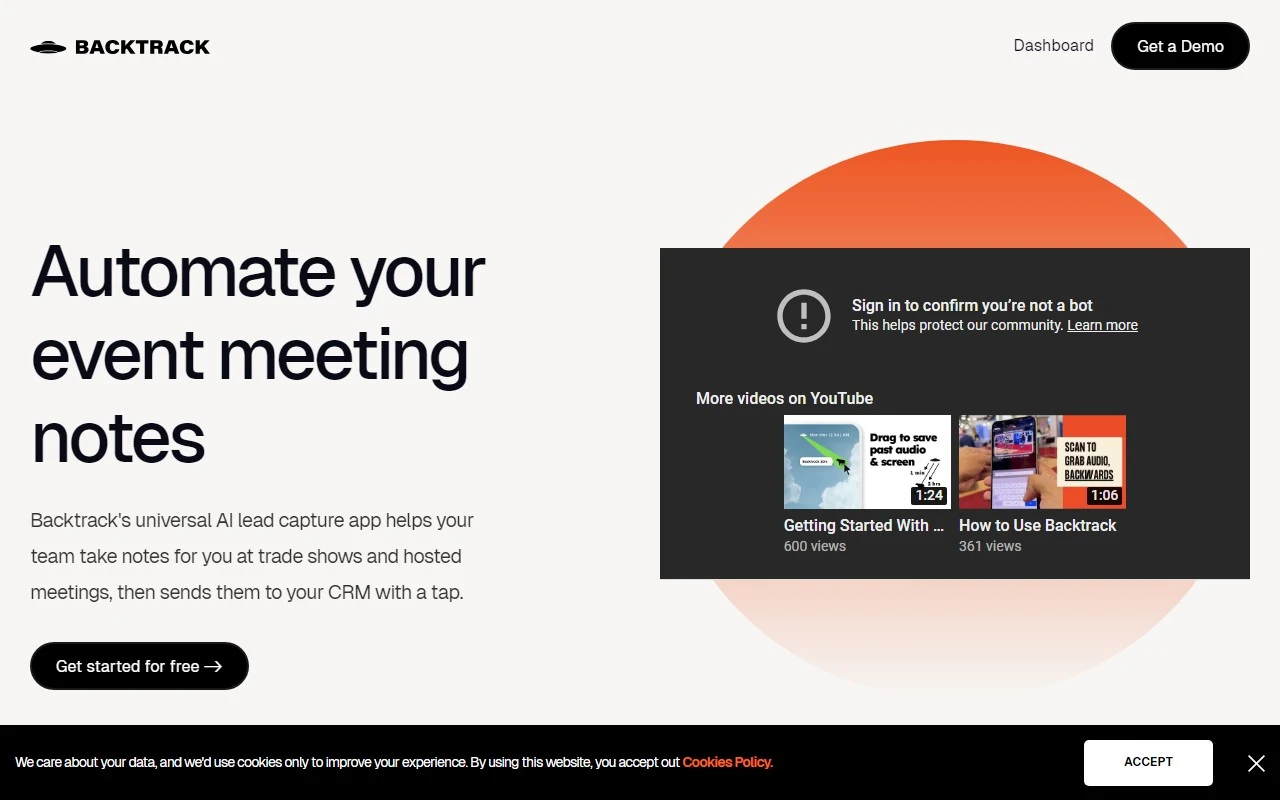
Backtrack: The Ultimate Mac Recorder for Capturing the Past
If you’ve ever wished you could rewind time to capture that brilliant idea, important conversation, or critical moment, Backtrack is here to make that a reality. This Mac menu bar recorder is a game-changer for professionals, creatives, and anyone who values preserving their digital interactions. Whether it’s a Zoom call, a brainstorming session, or a client meeting, Backtrack ensures you never miss a beat.
What is Backtrack?
Backtrack is a versatile Mac app that lets you record audio, screen, and microphone activity retroactively. Imagine this: you’re in a meeting, and someone drops a golden nugget of information. You realize you should have recorded it, but it’s too late—or is it? With Backtrack, you can save up to 1 hour of past audio and screen activity with a simple drag-and-drop action.
It’s perfect for a wide range of use cases:
- Recording Slack Huddles or Zoom calls for later review
- Capturing brainstorming sessions or user interviews for detailed analysis
- Saving sales calls or webinars for training purposes
- Reporting bugs with precise screen and audio context
How Does Backtrack Work?
Using Backtrack is as simple as it gets. After installing the app, a discreet icon appears in your Mac’s menu bar. When you need to save something, just click and drag the icon. Backtrack automatically stores the most recent hour of audio and screen activity, allowing you to preview and customize what you want to save before downloading.
Pro Tip: Backtrack’s recordings are completely private until you decide to share them. You can even generate a shareable link for collaboration.
Core Features That Set Backtrack Apart
Here’s why Backtrack stands out in the crowded world of recording tools:
- Locally record up to 5 hours of past audio, screen, or microphone activity
- Preview and customize recordings before downloading to save only what matters
- Upload recordings to the cloud for AI-powered note-taking, transcripts, and summaries
- Compatible with platforms like Zoom, Slack Huddles, and in-person meetings
Real-World Use Cases
Let’s dive into some practical examples:
- Recording Slack Huddles: Missed a quick discussion in Slack? Backtrack lets you revisit it effortlessly.
- Client Calls: Capture every detail of client conversations for better follow-ups.
- Brainstorming Sessions: Save those fleeting ideas for future reference.
- Bug Reporting: Provide developers with precise audio and screen context for faster issue resolution.
Frequently Asked Questions
What platforms does Backtrack support for recording?
Backtrack works seamlessly with Zoom, Slack Huddles, in-person meetings, and more.
How far back can I record with Backtrack?
You can record up to 1 hour of past activity by default, with options to extend locally.
Can I customize what I save from Zoom calls or in-person conversations?
Absolutely! Backtrack lets you preview and edit recordings before saving.
Is my recording data private?
Yes, your recordings are private until you choose to share them.
About Backtrack
Backtrack is developed by Yac Inc., a company dedicated to creating innovative tools for modern workflows.
Pricing and Support
Ready to give Backtrack a try? Check out their pricing plans here: https://www.usebacktrack.com/pricing.
For updates and insights, follow Backtrack on:
- LinkedIn: https://www.linkedin.com/company/40904393
- Twitter: https://twitter.com/UseBacktrack
- Instagram: https://www.instagram.com/usebacktrack
Backtrack isn’t just a recorder—it’s your personal time machine for capturing the moments that matter. Whether you’re a busy professional, a creative thinker, or a tech enthusiast, this tool is a must-have for your Mac. Try it today and see how it transforms the way you work!