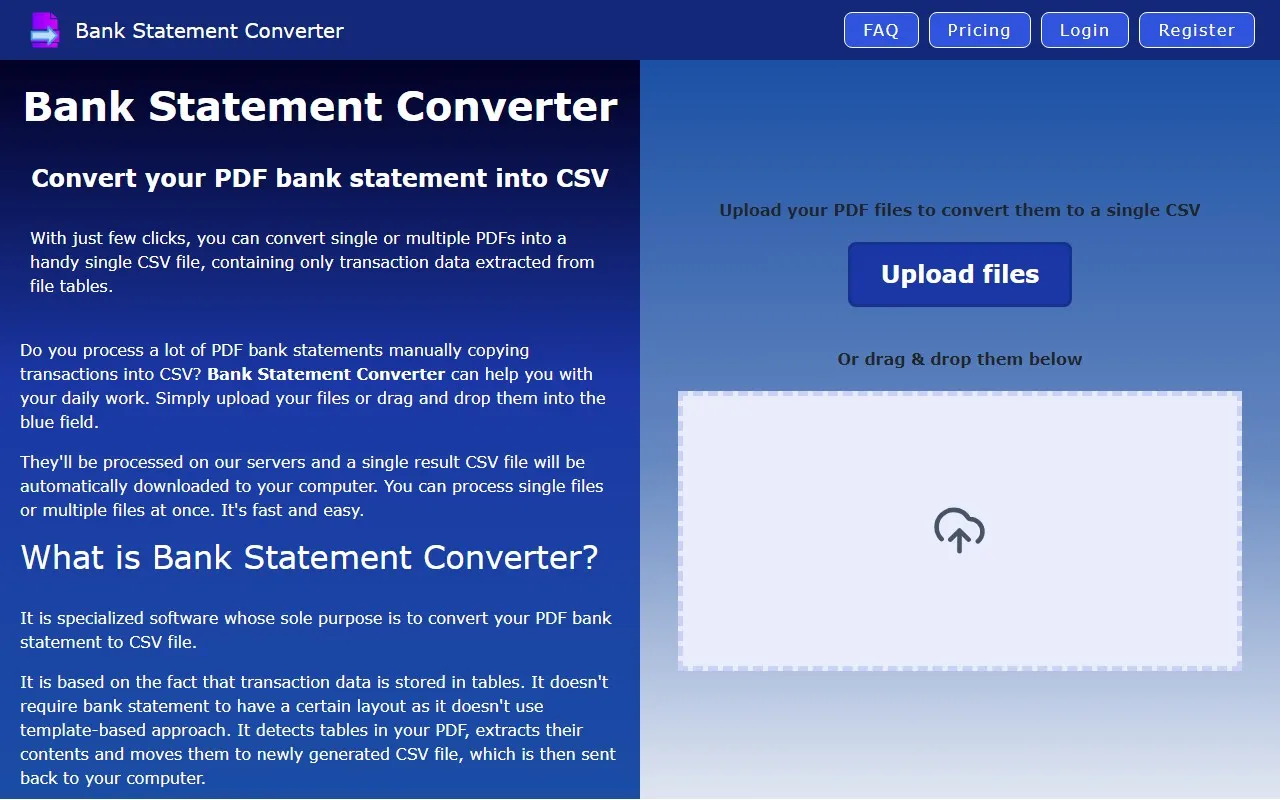
Bank Statement Converter: Your Go-To Tool for Effortless PDF-to-CSV Conversion
If you’ve ever found yourself staring at a PDF bank statement, wishing you could magically turn it into a clean, analyzable CSV file, then Bank Statement Converter is here to save the day. This intuitive online tool is designed to simplify your financial data management, making it a must-have for anyone dealing with bank statements regularly.
What is Bank Statement Converter?
At its core, Bank Statement Converter is a powerful yet user-friendly tool that transforms PDF bank statements into CSV files. Whether you’re a financial analyst, accountant, or just someone who wants to keep track of their spending, this tool streamlines the process, saving you time and effort.
How Does It Work?
Using Bank Statement Converter is as easy as 1-2-3:
- Upload your PDF: Simply drag and drop your PDF bank statement(s) into the tool.
- Convert: Let the tool work its magic—it automatically detects and extracts tables from your PDF.
- Download your CSV: In just a few clicks, you’ll have a clean, organized CSV file ready for analysis.
Bonus: You can process single or multiple files at once, making it perfect for handling monthly statements or bulk data.
Key Features That Stand Out
- PDF to CSV Conversion: Effortlessly convert PDF bank statements into CSV format.
- Automatic Table Detection: The tool intelligently identifies and extracts tables, ensuring accuracy.
- Fast and Easy Processing: No technical skills required—just upload, convert, and download.
Real-World Use Cases
Here’s how Bank Statement Converter can make your life easier:
- Financial Analysis: Convert monthly bank statements to CSV for detailed expense tracking or budgeting.
- Accounting: Simplify bookkeeping by turning PDF statements into spreadsheet-ready data.
- Personal Finance: Organize your spending habits by analyzing your bank statements in Excel or Google Sheets.
Getting Started
Ready to give it a try? Here’s how to get started:
- Log in: If you already have an account, head over to the Bank Statement Converter Login page.
- Sign up: New users can create an account via the Bank Statement Converter Sign Up page.
Pricing That Fits Your Needs
Bank Statement Converter offers flexible pricing plans to suit your requirements. Whether you’re a casual user or need advanced features, you’ll find a plan that works for you. Check out the Bank Statement Converter Pricing page for details.
Why Choose Bank Statement Converter?
In a world where time is money, Bank Statement Converter stands out as a reliable, efficient, and affordable solution for managing financial data. Its seamless interface, powerful features, and quick processing make it a top choice for professionals and individuals alike.
So, if you’re tired of manually extracting data from PDFs, give Bank Statement Converter a try—it’s the tool you didn’t know you needed!