BIGVU: The Ultimate Tool for Professional Video Creation
If you’re looking to create polished, professional videos without the hassle, BIGVU is the tool you’ve been waiting for. Whether you’re a content creator, marketer, or business professional, BIGVU combines a teleprompter, caption maker, and video editor into one seamless platform. Let’s dive into why this tool is a game-changer.
What Makes BIGVU Stand Out?
BIGVU isn’t just another video editing tool—it’s a comprehensive solution designed to simplify the video creation process. Here’s what makes it special:
- Teleprompter Apps for Every Device: Whether you’re on Android, iPhone, iPad, or desktop, BIGVU’s teleprompter ensures you can deliver your script with confidence, no matter where you are.
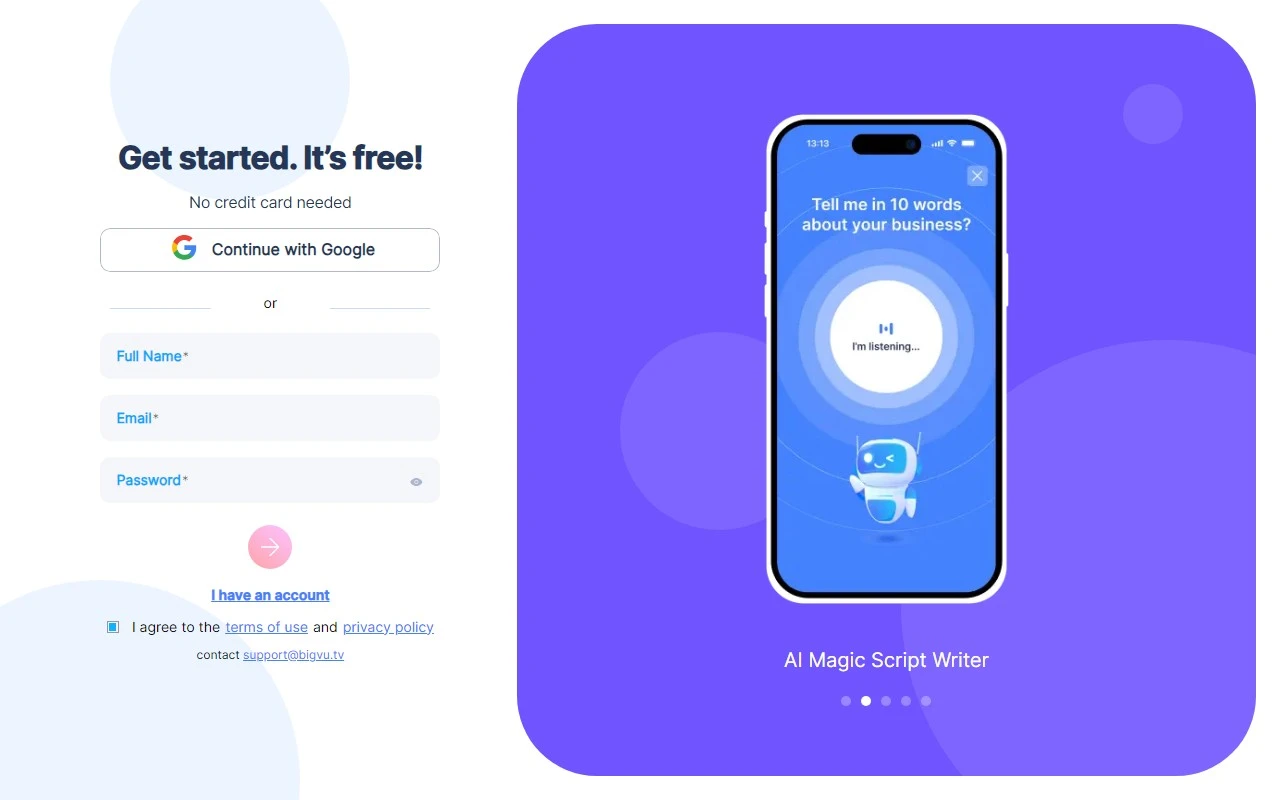
- AI Magic Writer: Struggling with writer’s block? The AI Magic Writer helps you brainstorm ideas and transform them into scripts in minutes, saving you time and effort.
- Automatic Captioning and Transcription: BIGVU automatically generates captions and transcriptions, making your videos accessible and engaging for all audiences. Plus, you can style captions to match your brand or platform (think TikTok, Instagram, and more).
- Video Editing Made Easy: Trim, crop, and add logos or branding elements to your videos with just a few clicks. No advanced editing skills required!
- Social Video Analytics: Track your video performance across multiple channels and gain insights to optimize your content strategy.
- Live Streaming: Go live on Facebook, YouTube, or LinkedIn directly from the platform, making it perfect for presentations, events, or real-time engagement.
How to Use BIGVU Like a Pro
Using BIGVU is straightforward, even for beginners. Here’s a quick walkthrough:
- Create Your Script: Use the AI Magic Writer to generate a script or write your own.
- Record with Confidence: Use the teleprompter feature to read your script smoothly while recording.
- Edit and Style: Trim unnecessary footage, add captions, and customize your video with logos or themes.
- Share or Download: Once your video is ready, share it directly to social media or download it for further use.
Real-World Use Cases
BIGVU isn’t just versatile—it’s practical. Here are some ways people are using it:
- Real Estate Marketing: Create professional property walkthroughs with polished captions and branding.
- Mobile Journalism: Report on the go with a teleprompter and quick editing tools.
- Social Media Content: Elevate your TikTok, Instagram, or LinkedIn videos with styled captions and analytics.
- Live Events: Stream presentations or events directly to your audience.
Frequently Asked Questions
Got questions? Here are some quick answers:
- What devices are compatible with BIGVU? Android, iPhone, iPad, and desktop.
- Can I customize captions? Absolutely! Style them to match your brand or platform.
- Is there a free trial? Yes, you can explore BIGVU’s features with a free trial.
- How can I analyze my video performance? Use the social video analytics feature to track views and engagement.
Pricing and Support
BIGVU offers flexible pricing plans to suit your needs. Check out the Pricing Page to find the right fit for you.
For support or to learn more, visit the About Us Page or connect with BIGVU on Facebook, YouTube, TikTok, LinkedIn, Twitter, or Instagram.
Ready to Get Started?
Log in to your account at BIGVU Login and start creating professional videos today. Whether you’re a seasoned pro or a beginner, BIGVU makes video creation simple, efficient, and fun.
BIGVU is more than just a tool—it’s your partner in creating content that stands out. Try it today and see the difference for yourself!