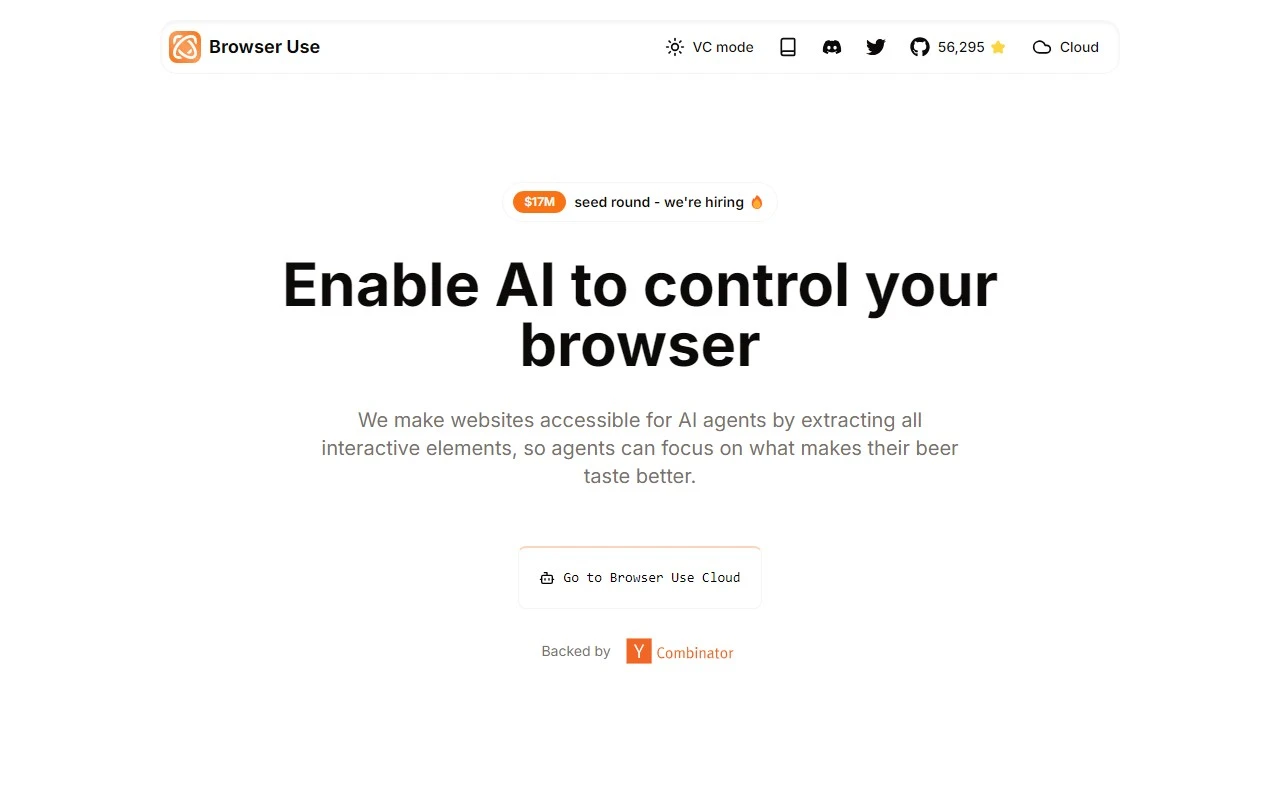
Browser Use: The AI-Powered Browser Automation Tool You Need
If you’ve ever wished for a smarter, more efficient way to automate web interactions, Browser Use might just be the game-changer you’re looking for. This AI-driven browser automation tool is designed to make websites accessible for AI agents, streamlining complex tasks and enhancing productivity. Let’s dive into what makes Browser Use stand out and how it can transform your workflow.
What is Browser Use?
At its core, Browser Use is an AI-controlled browser automation tool that extracts interactive elements from websites, enabling seamless automation for AI agents. Whether you’re automating repetitive tasks, extracting data, or managing multiple tabs, Browser Use simplifies the process with its advanced features.
How to Get Started with Browser Use
Getting started is straightforward. Simply integrate Browser Use into your browser setup, and it will take care of the rest. The tool automates interactions by accessing and interacting with the interactive elements of websites, saving you time and effort. Whether you’re a developer, data analyst, or just someone looking to streamline your online tasks, Browser Use is designed to adapt to your needs.
Core Features That Make Browser Use Shine
Here’s what sets Browser Use apart from other automation tools:
- Powerful Browser Automation: Automate complex web interactions with ease.
- Vision + HTML Extraction: Accurately extract and interact with web elements.
- Multi-tab Management: Handle multiple tabs efficiently without losing track.
- Element Tracking: Keep an eye on specific elements for dynamic interactions.
- Custom Actions: Tailor automation to your specific requirements.
- Self-correcting: Automatically adjusts to changes in web elements.
- Any LLM Support: Compatible with any large language model for enhanced capabilities.
Real-World Use Cases
Here are some practical examples of how Browser Use can be applied:
-
Automating Complex Web Interactions: Imagine needing to log into multiple accounts, fill out forms, and extract data from various websites. Browser Use can handle all these tasks seamlessly, freeing up your time for more strategic work.
-
Enhancing Data Extraction: Whether you’re scraping data for research or analyzing trends, Browser Use ensures that your data extraction processes are accurate and efficient.
Frequently Asked Questions
What kind of websites can Browser Use automate?
Browser Use is versatile and can automate interactions on a wide range of websites, from simple forms to complex web applications.
Is Browser Use suitable for individual developers?
Absolutely! Browser Use is designed to be user-friendly and adaptable, making it a great tool for both individual developers and large teams.
Get in Touch with Browser Use
For customer service inquiries, you can reach out to [email protected]. For more contact options, visit the Contact Us page.
Learn More About Browser Use
Curious about the company behind the tool? Visit the About Us page to learn more about Browser Use.
Get Started Today
Ready to experience the power of AI-driven browser automation? Sign up or log in to get started:
Pricing
For detailed pricing information, check out the Browser Use Pricing page.
Stay Connected
Follow Browser Use on social media to stay updated on the latest features and updates:
Browser Use is more than just a tool—it’s a productivity powerhouse that leverages AI to make your web interactions smarter and more efficient. Whether you’re automating tasks, extracting data, or managing multiple tabs, Browser Use has got you covered. Give it a try and see the difference for yourself!