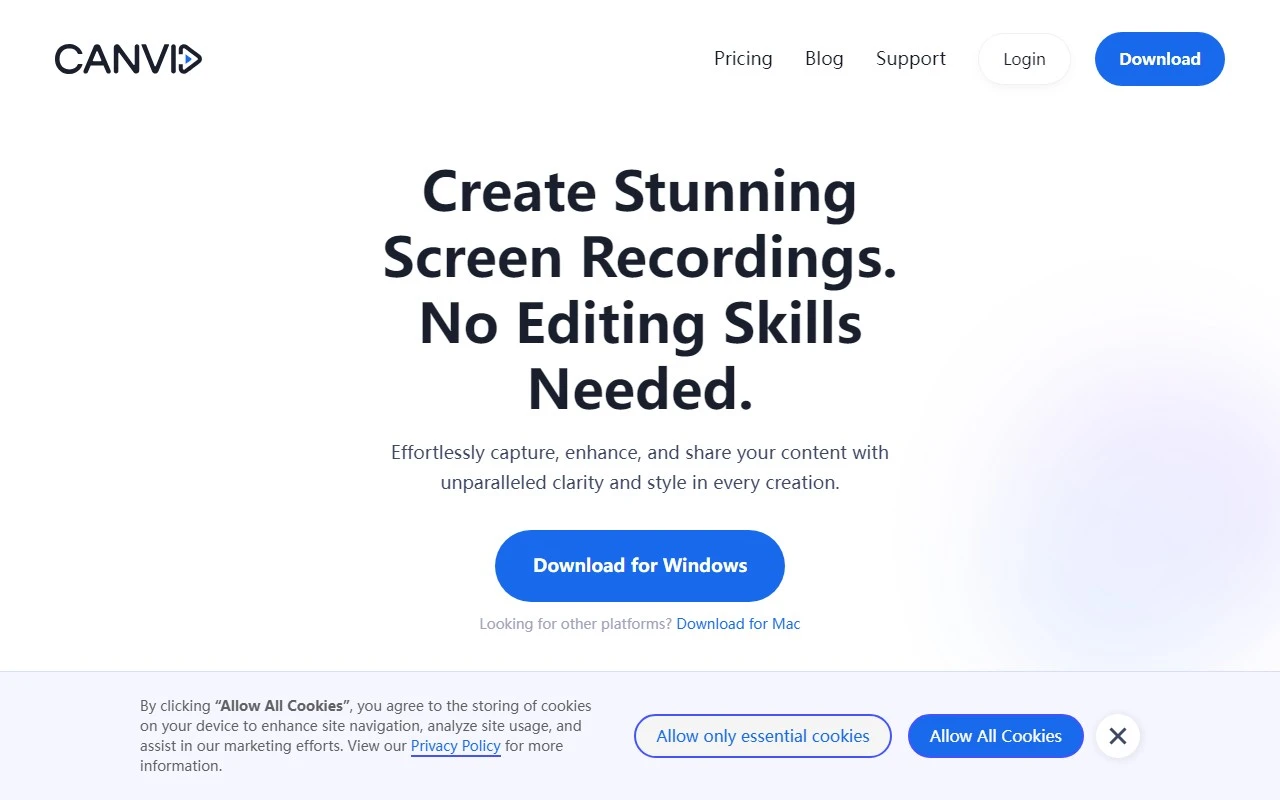
Canvid AI Screen Recorder: A Game-Changer for High-Quality Screen Recordings
If you’re looking for a screen recorder that goes beyond the basics, Canvid AI Screen Recorder is here to impress. Powered by cutting-edge AI, this tool isn’t just about capturing your screen—it’s about transforming your recordings into professional, engaging content. Whether you’re creating tutorials, online lectures, or design showcases, Canvid makes it easy to produce high-quality videos that stand out.
What Makes Canvid Special?
Canvid is more than just a screen recorder—it’s a creative toolkit. Here’s what sets it apart:
- Smooth Mouse Movements: No more jerky cursor actions. Canvid ensures your mouse movements are fluid and natural, making your recordings look polished.
- Automatic Zooms: Highlight key areas effortlessly with AI-driven zoom effects that focus on what matters most.
- Cinematic Motion Blur: Add a touch of elegance to your videos with motion blur effects that mimic professional film techniques.
- Beautiful Backgrounds: Replace dull backgrounds with stunning visuals to make your content more appealing.
- AI-Enhanced Voice: Crisp, clear audio is essential, and Canvid’s AI ensures your voiceovers sound professional.
- Edit Without Hassle: No need for complicated editing software. Canvid’s built-in tools let you tweak your recordings in minutes.
- Captions in a Click: Add captions effortlessly to make your videos more accessible and engaging.
How to Get Started with Canvid
Getting started with Canvid is a breeze. Simply download the beta version from their website, and you’re ready to capture, enhance, and share your screen recordings. The intuitive interface ensures even beginners can create professional-quality videos in no time.
Real-World Use Cases
Here’s how Canvid can elevate your work:
- Record High-Quality Tutorials: Whether you’re teaching software or sharing how-to guides, Canvid’s features make your tutorials easy to follow and visually appealing.
- Create Engaging Online Lectures: Educators can use Canvid to produce dynamic, interactive lectures that keep students engaged.
- Showcase Designs and Mock-ups: Designers can highlight their work with smooth zooms and beautiful backgrounds, making their presentations stand out.
- Facilitate Remote Team Communication: Share clear, professional screen recordings to streamline collaboration with remote teams.
- Enhance Customer Support: Use Canvid to create visual troubleshooting guides that make it easier for customers to resolve issues.
Frequently Asked Questions
- Can I try Canvid before purchasing? Yes! The beta version is available for download, so you can test it out before committing.
- Is Canvid a subscription service? Check out the pricing page for details on subscription options.
- Are there limitations on video duration with Canvid? Currently, the beta version allows for flexible recording lengths, but check the official site for updates.
Join the Canvid Community
Canvid is more than a tool—it’s a community. Connect with other users and get support through their Discord server: https://discord.gg/3eFvvHfFMX. You can also follow Canvid on Facebook, YouTube, LinkedIn, Twitter, and Instagram for updates, tips, and inspiration.
Ready to Get Started?
Log in to your Canvid account here: https://app.canvid.com/login. For pricing details, visit https://www.canvid.com/#pricing.
Canvid AI Screen Recorder is developed by VideoCom.com Inc., a company dedicated to creating innovative tools for content creators. Whether you’re a professional or a hobbyist, Canvid is designed to make your screen recordings shine. Give it a try and see the difference for yourself!