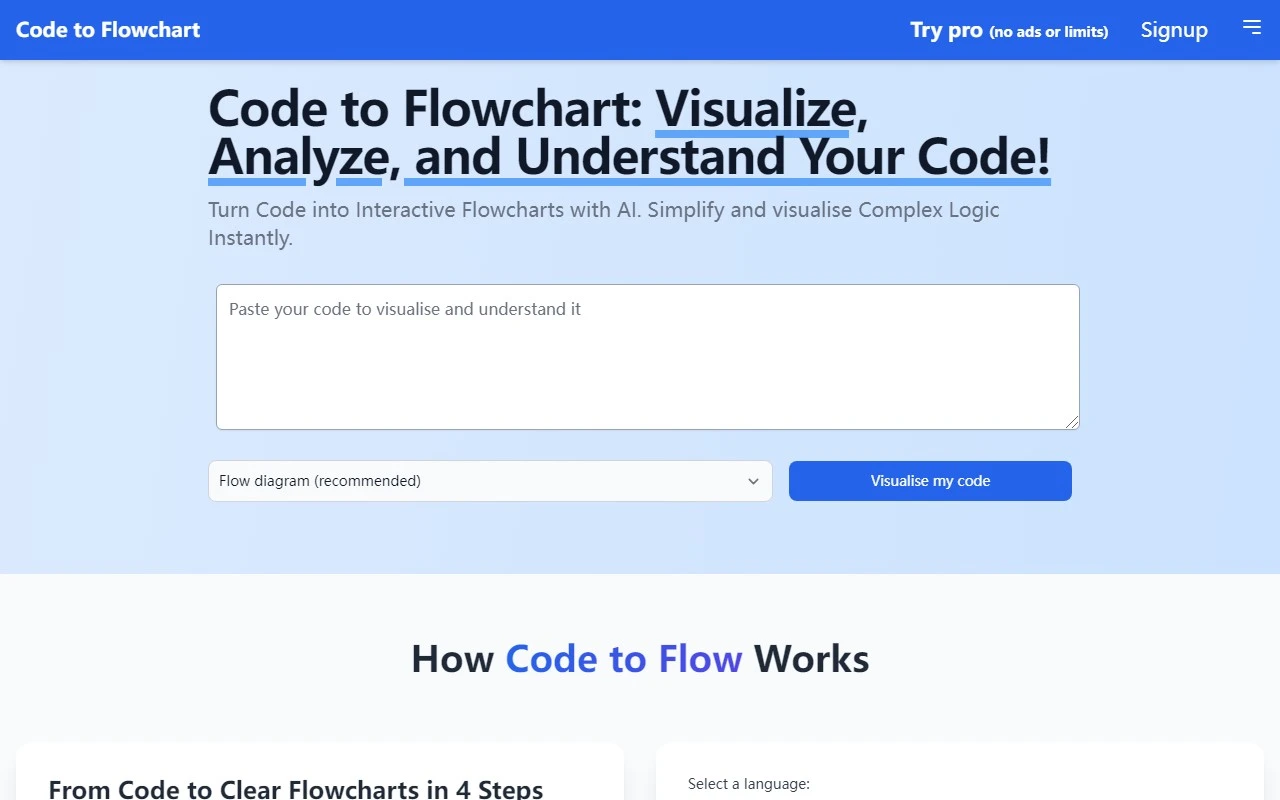
Code to Flowchart: Your AI-Powered Code Visualization Tool
Ever stared at a wall of code and wished you could see it as a clear, visual flowchart? Enter Code to Flowchart, a web-based tool that transforms your code into interactive, AI-generated flowcharts. Whether you''re debugging, teaching, or documenting, this tool is designed to simplify complex logic and make your code more accessible.
What Makes Code to Flowchart Stand Out?
Code to Flowchart isn’t just another visualization tool—it’s powered by AI to analyze your code and create dynamic, interactive flowcharts. Here’s what makes it a game-changer:
- AI-Powered Code Analysis: The tool intelligently dissects your code, identifying key logic structures and relationships.
- Interactive Flowcharts: Click, zoom, and explore your code’s flow in a visual format that’s easy to navigate.
- Simplified Complex Logic: Break down intricate algorithms into digestible visual steps.
How to Use Code to Flowchart
Using Code to Flowchart is straightforward:
- Upload Your Code: Simply upload your code files directly to the platform.
- Let the AI Work: The tool analyzes your code and generates a flowchart automatically.
- Interact and Explore: Dive into the flowchart to understand the logic, debug, or share insights with others.
Real-World Use Cases
Here’s how Code to Flowchart can make a difference in your workflow:
- Understanding Complex Code: Struggling to decipher a legacy codebase? Visualize it to see the big picture.
- Teaching Programming Concepts: Use flowcharts to explain loops, conditionals, and algorithms to students or junior developers.
- Collaborative Code Review: Share flowcharts with your team to streamline discussions and identify issues faster.
- Code Documentation: Create visual aids to complement your technical documentation, making it easier for others to follow.
Frequently Asked Questions
Got questions? Here are some quick answers:
- Can Code to Flowchart analyze any programming language? Yes, it supports a wide range of languages.
- Is the generated flowchart editable? Currently, the flowcharts are generated automatically and are not editable.
- Can I share the flowchart with others? Absolutely! Shareable links make collaboration seamless.
- Is my code stored and secured? Your code is processed securely and not stored permanently.
- Is there a limit on the size of the code files I can upload? Check the pricing page for details on file size limits based on your plan.
Get Started Today
Ready to turn your code into flowcharts?
- Sign up here: https://codetoflow.com/accounts/signup/
- Log in to your account: https://codetoflow.com/accounts/login/
Pricing and Support
Code to Flowchart offers flexible pricing plans to suit your needs. Explore your options on the pricing page.
Need help? Reach out to the support team at [email protected] for assistance with customer service, refunds, or any other inquiries.
Final Thoughts
Code to Flowchart is a powerful tool for developers, educators, and teams looking to visualize and simplify their code. With its AI-driven approach and user-friendly interface, it’s a must-try for anyone who wants to make their code more understandable and collaborative. Give it a shot and see how it transforms your workflow!