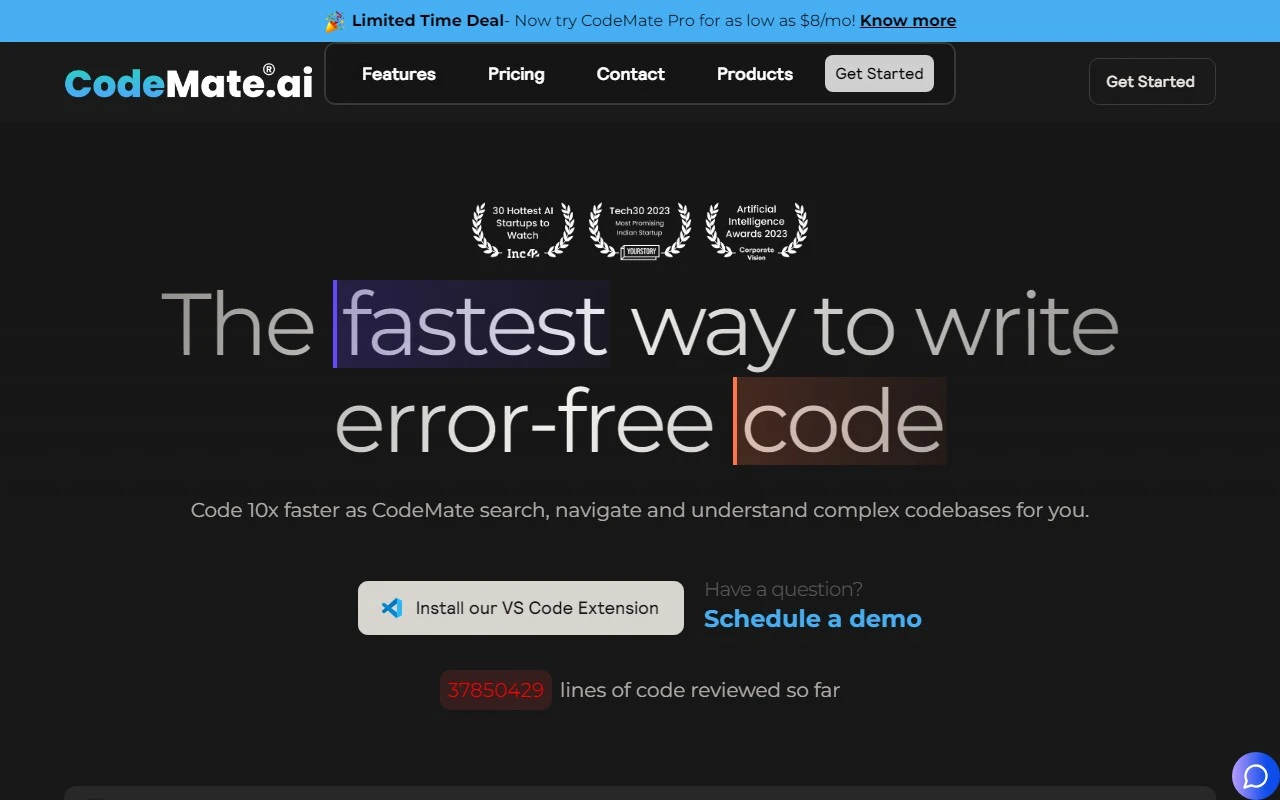
CodeMate Review: Write Error-Free Code Faster with AI-Powered Assistance
If you’re a developer looking to streamline your workflow, reduce errors, and boost productivity, CodeMate might just be the game-changer you’ve been waiting for. This innovative tool is designed to help you write cleaner, more efficient code—faster than ever before. Let’s dive into what makes CodeMate stand out and how it can transform your coding experience.
What is CodeMate?
CodeMate is an AI-powered coding assistant that integrates seamlessly into your development environment. Whether you’re using Visual Studio Code or their dedicated IDE, CodeMate works in the background to detect and correct errors in real-time. No more switching between platforms or sifting through stack overflow threads—CodeMate keeps you in the flow.
Key Features That Set CodeMate Apart
Here’s why CodeMate is a must-have for developers:
- Real-Time Autocorrect: CodeMate identifies and fixes coding errors as you type, saving you hours of debugging.
- AI Debugging Tool: Get instant, detailed fixes and error descriptions to resolve issues faster.
- Code Performance Analysis: Generate quality reports to evaluate your code’s performance and identify areas for improvement.
- Personalized Assistance: CodeMate’s ChatGPT is trained on your codebase, offering tailored suggestions and best practices.
- Automated Code Reviews: Ensure your code meets industry standards with just a click.
Real-World Use Cases
Here’s how CodeMate can make a difference in your projects:
- Boost Productivity: Developers report a 10x improvement in coding speed thanks to real-time error correction and debugging.
- Prevent Delays: Catch errors early to avoid project setbacks and get paid sooner.
- Streamline Workflows: Automate repetitive tasks like debugging and code reviews to focus on what matters most.
- Production-Ready Code: With a single click, CodeMate ensures your code is clean, optimized, and ready to deploy.
- Skill Development: Use performance reports to self-evaluate and improve your coding skills over time.
Getting Started with CodeMate
Ready to give it a try? Here’s how to get started:
- Install the Extension: Download the CodeMate Visual Studio Code Extension or use their dedicated IDE.
- Sign Up: Create an account at the CodeMate Sign Up Page.
- Explore Pricing: Check out the CodeMate Pricing Page to find a plan that suits your needs.
Frequently Asked Questions
- What errors does CodeMate fix? It handles syntax errors, logical bugs, and performance issues, among others.
- How does code review work? CodeMate compares your code against industry best practices and provides actionable feedback.
- Is my code secure? Absolutely. CodeMate prioritizes privacy and ensures your code is never shared or stored improperly.
- What languages are supported? CodeMate works with a wide range of programming languages, making it versatile for most developers.
Support and Community
Need help? CodeMate’s support team is just an email away: [email protected]. You can also join their active Discord community for tips, updates, and discussions: CodeMate Discord.
Stay Connected
Follow CodeMate on social media for the latest news and updates:
Final Thoughts
CodeMate isn’t just a tool—it’s a productivity partner for developers. By automating error correction, debugging, and code reviews, it frees you up to focus on creativity and problem-solving. Whether you’re a seasoned pro or just starting out, CodeMate is worth exploring.
Ready to level up your coding game? Visit CodeMate’s website today and see the difference for yourself.