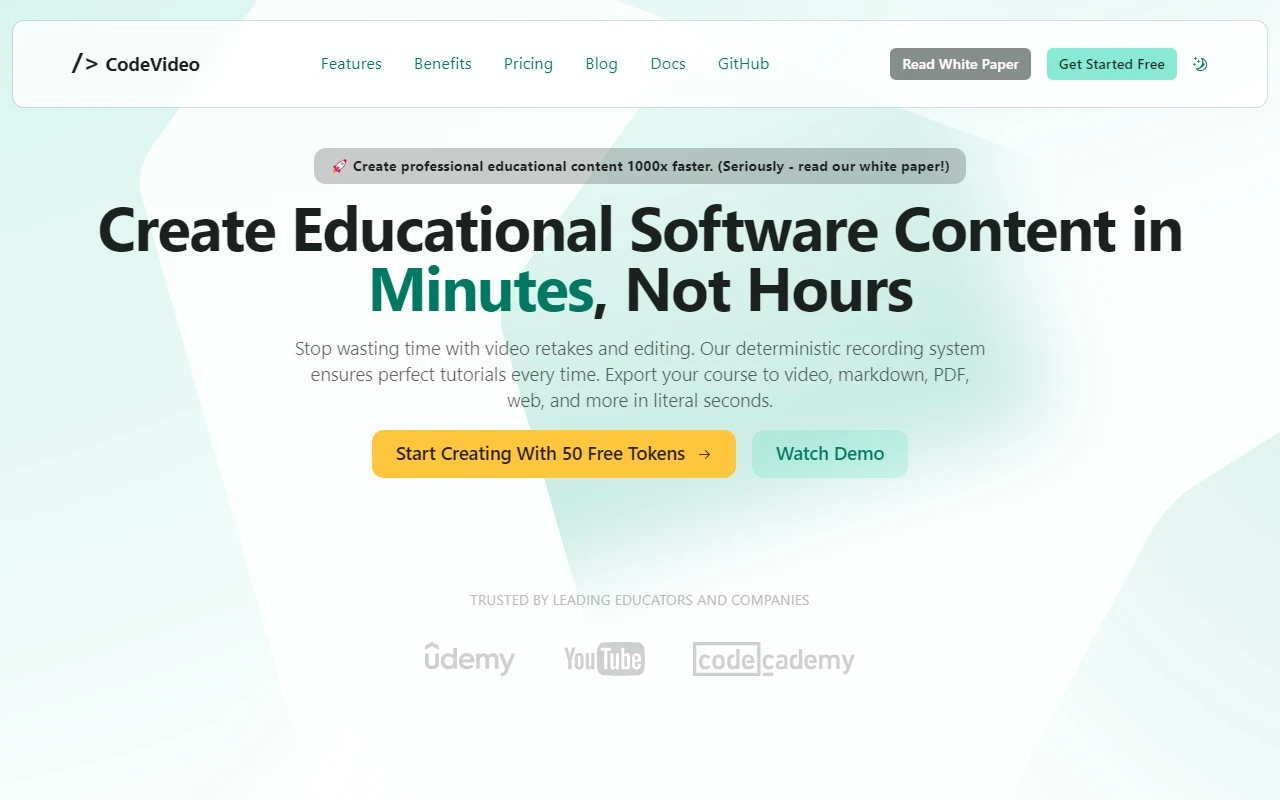
CodeVideo: The Ultimate Tool for Creating Educational Content
If you’re looking for a way to create, share, and export educational content with ease, CodeVideo is your go-to solution. Whether you’re a software developer, educator, or content creator, this platform simplifies the process of turning code snippets into engaging, shareable formats like videos, PDFs, PowerPoint presentations, HTML, and Markdown. Let’s dive into what makes CodeVideo stand out and how it can transform your workflow.
What is CodeVideo?
CodeVideo is a powerful platform designed to help you create educational software content quickly and efficiently. Its deterministic recording system ensures that every step of your code is captured accurately, while its AI-powered insights provide valuable suggestions to enhance your content. With support for collaborative editing, you can work with peers or students in real-time, making it perfect for team projects or classroom settings.
How to Use CodeVideo
Using CodeVideo is straightforward:
- Open CodeVideo Studio and start building your course step-by-step.
- Edit actions as needed to fine-tune your content.
- Export, share, or even sell your final product in your preferred format—all with just a single click.
For example, if you’re creating a tutorial on Python programming, you can record your code execution, add annotations, and export it as a video for your YouTube channel or as a PDF for your students.
Core Features
- Multi-format Export: Export your content as videos, PDFs, PowerPoint slides, HTML, or Markdown.
- Deterministic Recording System: Ensures precise and consistent recordings of your code.
- AI-Powered Insights: Get smart suggestions to improve your content.
- Collaborative Editing: Work with others in real-time for seamless teamwork.
- Instant Replays: Review your content instantly to catch errors or refine details.
Use Cases
- Creating Software Development Tutorials: Perfect for developers who want to share their knowledge through step-by-step guides.
- Exporting Educational Content: Ideal for educators who need to distribute materials in multiple formats.
- Collaborative Teaching and Learning: Great for classrooms or workshops where real-time collaboration is key.
Frequently Asked Questions
- How quickly can I create educational content using CodeVideo?
With its intuitive interface and powerful tools, you can create professional-grade content in minutes. - What formats can I export my content into?
CodeVideo supports exports in videos, PDFs, PowerPoint presentations, HTML, and Markdown.
Support and Contact
For customer service, refunds, or general inquiries, reach out to the CodeVideo team at [email protected]. You can also visit their Contact Us page for more options.
About CodeVideo
CodeVideo is developed by Full Stack Craft, a company dedicated to creating innovative tools for developers and educators.
Pricing
Interested in trying CodeVideo? Check out their pricing page to find a plan that suits your needs.
Learn More
- Watch tutorials and demos on their YouTube channel.
- Explore their open-source projects and contribute on GitHub.
CodeVideo is more than just a tool—it’s a game-changer for anyone looking to create educational content efficiently and effectively. Give it a try and see how it can elevate your projects!