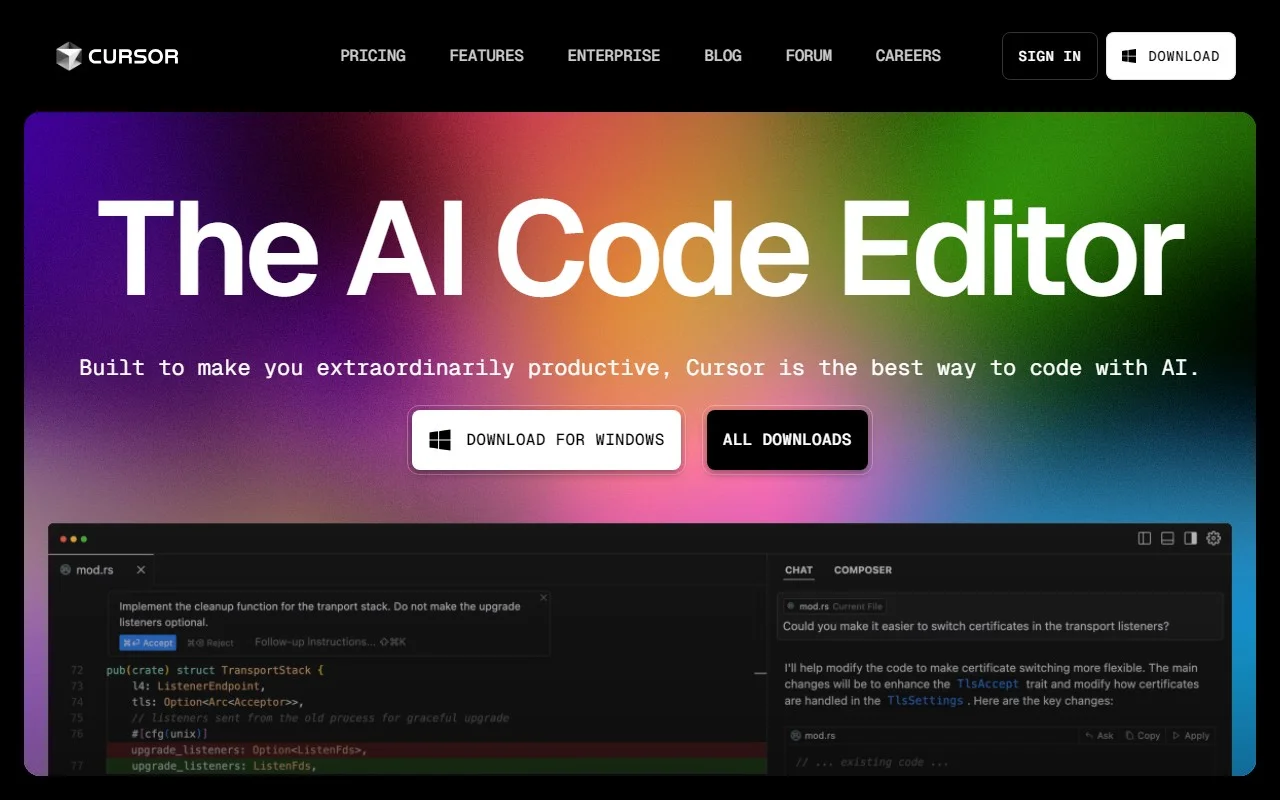
Cursor: The AI-Powered Code Editor That Feels Like Pair Programming with a Genius
If you’ve ever wished for a coding partner who’s always available, never tires, and knows your codebase inside out, Cursor is here to make that dream a reality. As an AI-first code editor, Cursor is designed to supercharge your development workflow, helping you write, debug, and navigate code faster than ever before. It’s not just an editor—it’s your AI-powered co-pilot.
Why Cursor Stands Out
Cursor isn’t just another code editor; it’s a game-changer. Built with developers in mind, it combines the familiarity of VSCode with cutting-edge AI capabilities. Here’s what makes it special:
- Pair Programming with AI: Imagine having a coding partner who can instantly suggest improvements, explain complex logic, or even write entire functions for you. Cursor’s AI does just that, making it feel like you’re collaborating with a seasoned developer.
- Chat with Your Project: Stuck on a bug? Need to understand how a specific feature works? Cursor lets you chat directly with your codebase, providing context-aware answers that save you hours of digging through documentation.
- One-Click Migration: If you’re already using VSCode, switching to Cursor is seamless. Migrate all your favorite extensions with a single click and pick up right where you left off.
- Local Mode for Security: Worried about privacy? Cursor’s local mode ensures your code never leaves your machine, giving you peace of mind while leveraging AI.
Key Features That Make Coding Effortless
Cursor is packed with features that streamline every aspect of development:
- Codebase-Specific Answers: Get answers tailored to your project, whether you’re debugging, refactoring, or just trying to understand legacy code.
- Browse Documentation Instantly: No more tab-switching or Googling. Cursor integrates documentation browsing directly into your workflow.
- Generate Code from Scratch: Need a quick boilerplate or a complex algorithm? Cursor’s AI can generate code snippets on the fly.
- Fix Bugs Faster: Cursor identifies potential issues and suggests fixes, helping you squash bugs before they become problems.
Real-World Use Cases
Here’s how Cursor can transform your coding experience:
- Pair Programming: Collaborate with Cursor’s AI to brainstorm solutions, debug code, or review logic—all in real-time.
- Codebase Navigation: Quickly find and understand relevant parts of your project, even in large, complex codebases.
- Code Generation: Need a function or a class? Cursor can generate it for you, saving you time and effort.
- Bug Fixing: Identify and resolve issues faster with AI-powered suggestions and context-aware debugging.
Frequently Asked Questions
- Can I use Cursor for free?
Yes! Cursor offers a free tier with robust features. For advanced capabilities, check out their pricing page. - Is my code stored on Cursor’s servers?
Not if you use local mode. Your code stays on your machine, ensuring complete privacy. - Can Cursor help me generate code from scratch?
Absolutely. Cursor’s AI can generate boilerplate code, functions, and even complex algorithms. - Does Cursor support migrating extensions from VSCode?
Yes! Migrate your VSCode extensions with just one click.
Getting Started with Cursor
Ready to try Cursor? Here’s how to get started:
- Download the editor for Mac from their official website.
- Install it and migrate your VSCode extensions with a single click.
- Start coding with your AI co-pilot by your side.
Need Help or Have Questions?
Cursor’s support team is here to assist. Reach out via email at [email protected] for customer service inquiries.
Connect with Cursor
Stay updated and join the community:
Cursor is more than just a tool—it’s a revolution in how we write and think about code. Whether you’re a solo developer or part of a team, Cursor’s AI-first approach will make you faster, smarter, and more efficient. Give it a try and experience the future of coding today.