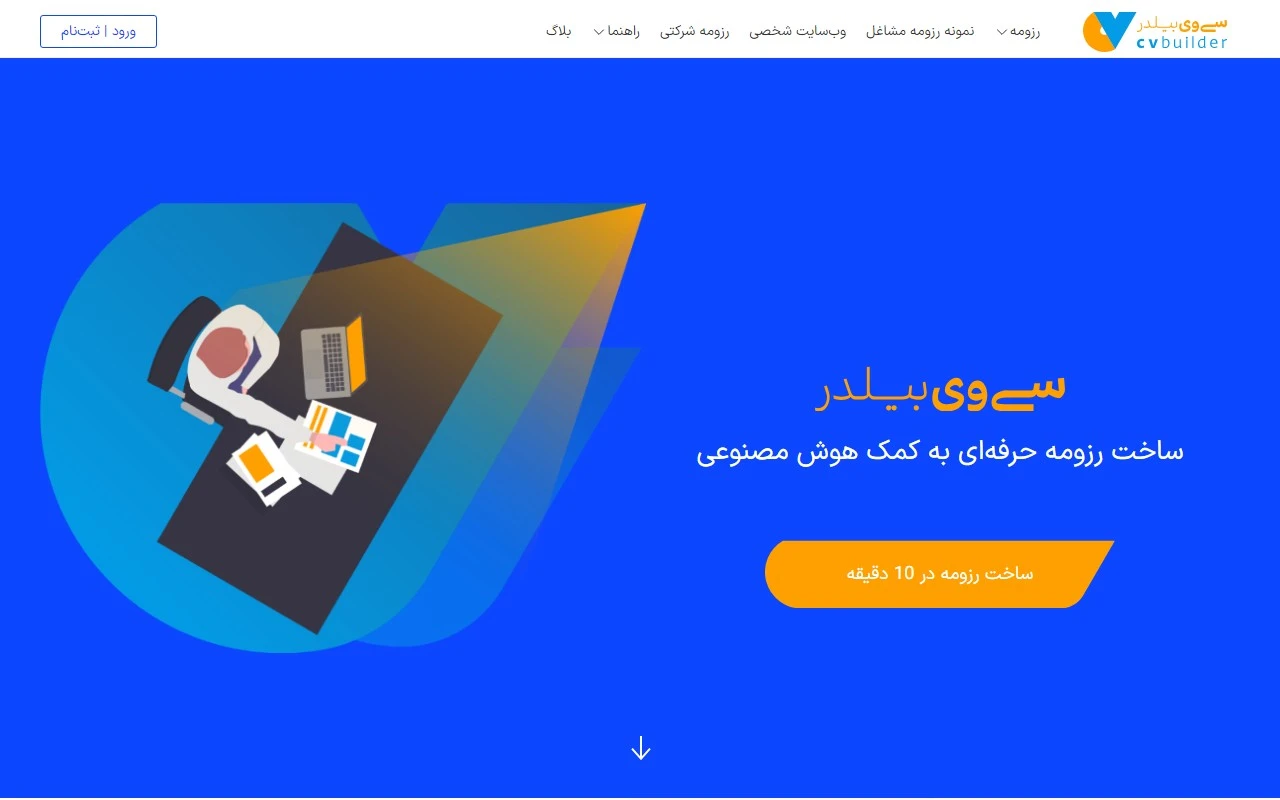
CV Builder: Your Ultimate AI-Powered Resume Assistant
Creating a professional resume doesn’t have to be a headache. With CV Builder, you can craft a standout resume in minutes, thanks to its intuitive, AI-powered tools. Whether you’re applying for a job, an academic program, or building your personal brand, CV Builder has you covered. Let’s dive into what makes this tool a game-changer.
What is CV Builder?
CV Builder is an online platform designed to simplify the resume creation process. It combines AI technology with user-friendly features to help you build a polished resume tailored to your needs. No more staring at a blank page—CV Builder guides you every step of the way.
How Does CV Builder Work?
Using CV Builder is as easy as 1-2-3:
- Create an Account: Sign up here to get started.
- Choose a Template: Pick from a variety of professionally designed resume templates.
- Fill in Your Details: Add your work experience, skills, education, and more.
- Customize and Download: Tweak the design, then download your resume in PDF or Word format.
Key Features of CV Builder
Here’s what sets CV Builder apart:
- AI-Powered Resume Creation: Let the AI suggest the best way to present your skills and experience.
- Multiple Templates: Choose from a range of styles to match your industry or personal preference.
- Customizable Sections: Tailor your resume to highlight what matters most.
- Multiple Formats: Download your resume in PDF or Word for easy sharing.
- Portfolio Creation: Build a professional portfolio to showcase your work.
Who is CV Builder For?
CV Builder is versatile and can be used for a variety of purposes:
- Job Applications: Stand out to employers with a polished, professional resume.
- Academic Applications: Highlight your achievements for scholarships, internships, or grad school.
- Personal Websites: Create a resume to complement your online presence.
- Company Resumes: Build resumes for your team or organization.
FAQs About CV Builder
- Why use a resume builder? Save time, avoid formatting headaches, and create a professional resume effortlessly.
- What’s the difference between a CV and a resume? A CV is typically longer and more detailed, while a resume is concise and tailored to a specific job.
- Is CV Builder free? Yes, the basic resume creation service is free. Check the pricing page for premium features.
- Can I edit my resume after downloading it? Absolutely! Simply log back in to make changes.
- How do I share my resume on social media? Use the shareable link provided or upload your downloaded file.
Need Help? Contact CV Builder
Got questions or need support? Reach out to the CV Builder team:
- Support Email: [email protected]
- Contact Page: https://cvbuilder.me/Contact
Learn More About CV Builder
Curious about the team behind the tool? Visit the About Us page to discover more about CV Builder’s mission and values.
Stay Connected
Follow CV Builder on social media for tips, updates, and inspiration:
- LinkedIn: https://www.linkedin.com/company/cvbuilder-me
- Instagram: https://www.instagram.com/cvbuilder.me/
- Pinterest: https://www.pinterest.com/cvbuilderme/
Ready to Build Your Resume?
Whether you’re a recent graduate, a seasoned professional, or someone looking to switch careers, CV Builder is the tool you need to make a great first impression. Sign up today and start crafting your perfect resume!