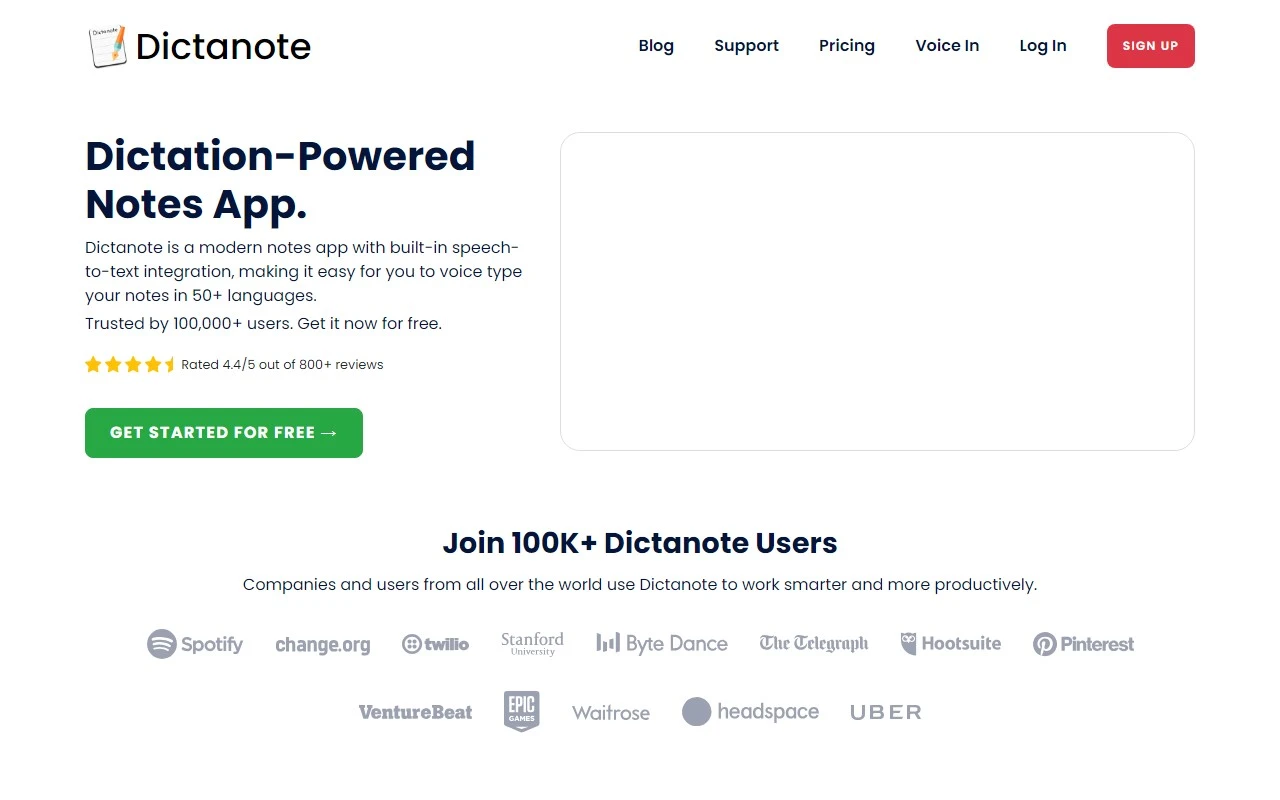
Dictanote: The Ultimate Speech-to-Text Note-Taking App
If you’ve ever wished for a smarter, faster way to take notes, Dictanote is here to revolutionize your workflow. This isn’t just another note-taking app—it’s a powerful speech recognition tool that transforms your spoken words into text with remarkable accuracy. Whether you’re a student, writer, journalist, or professional, Dictanote is designed to make your life easier.
What Makes Dictanote Stand Out?
Dictanote is more than just a note-taking app; it’s a multi-lingual speech recognition powerhouse. With support for 50+ languages and 80+ dialects, it’s a global solution for anyone who needs to capture ideas quickly. The app transcribes your speech into text in real time, with over 90% accuracy, ensuring your notes are as precise as your words.
But that’s not all. Dictanote lets you use voice commands to add paragraphs, punctuation marks, and even smileys—yes, you can literally say “smiley face” and see 😊 appear in your notes. It’s intuitive, efficient, and downright fun to use.
How to Get Started with Dictanote
Getting started with Dictanote is a breeze. Simply open the app or install the Chrome extension (available for Windows, Linux, and Mac). Once you’re in, start speaking into your microphone, and Dictanote will transcribe your words instantly.
Here’s a pro tip: use keyboard shortcuts to control dictation effortlessly. For example, you can start or stop dictation with a single keystroke, or switch between languages on the fly. It’s perfect for multi-lingual users or those who need to switch contexts quickly.
Core Features That Shine
- Real-time speech-to-text transcription: Speak, and Dictanote writes. It’s that simple.
- Multi-lingual support: Over 50 languages and 80 dialects mean you’re covered no matter where you are.
- Voice commands: Add paragraphs, punctuation, and even emojis with just your voice.
- Keyboard shortcuts: Take control of dictation with ease.
- Secure storage: Your notes are encrypted and stored safely on Dictanote’s servers.
Real-World Use Cases
Dictanote isn’t just a tool—it’s a game-changer for a variety of tasks:
- Note-taking: Whether you’re in a lecture or a meeting, Dictanote ensures you never miss a word.
- Writing books: Dictate your next novel or blog post without lifting a finger.
- Journalism: Transcribe interviews or dictate articles on the go.
- Emails: Quickly draft professional emails with voice dictation.
- Transcribing audio files: Use Dictanote Transcribe to convert audio files into text effortlessly.
Frequently Asked Questions
- What are the system requirements? Dictanote works on desktop (via Chrome), Android, and iPhone (Safari 12+).
- Are Dictanote and Voice In different products? Yes, they’re distinct but complementary tools.
- Can I convert audio files to text? Absolutely—check out Dictanote Transcribe for this feature.
- What about privacy? Your data is securely encrypted and stored on Dictanote’s servers.
Get Started Today
Ready to try Dictanote? Here’s everything you need to get started:
- Sign up: Dictanote Sign Up
- Log in: Dictanote Login
- Pricing: Explore plans at Dictanote Pricing
Need Help? We’ve Got You Covered
If you have any questions or need support, reach out to the Dictanote team at [email protected]. They’re always ready to help.
Stay Connected
Follow Dictanote on social media for updates, tips, and more:
- YouTube: Dictanote YouTube
- LinkedIn: Dictanote LinkedIn
- Twitter: Dictanote Twitter
Dictanote is more than just a tool—it’s your new productivity partner. Give it a try and experience the future of note-taking today!