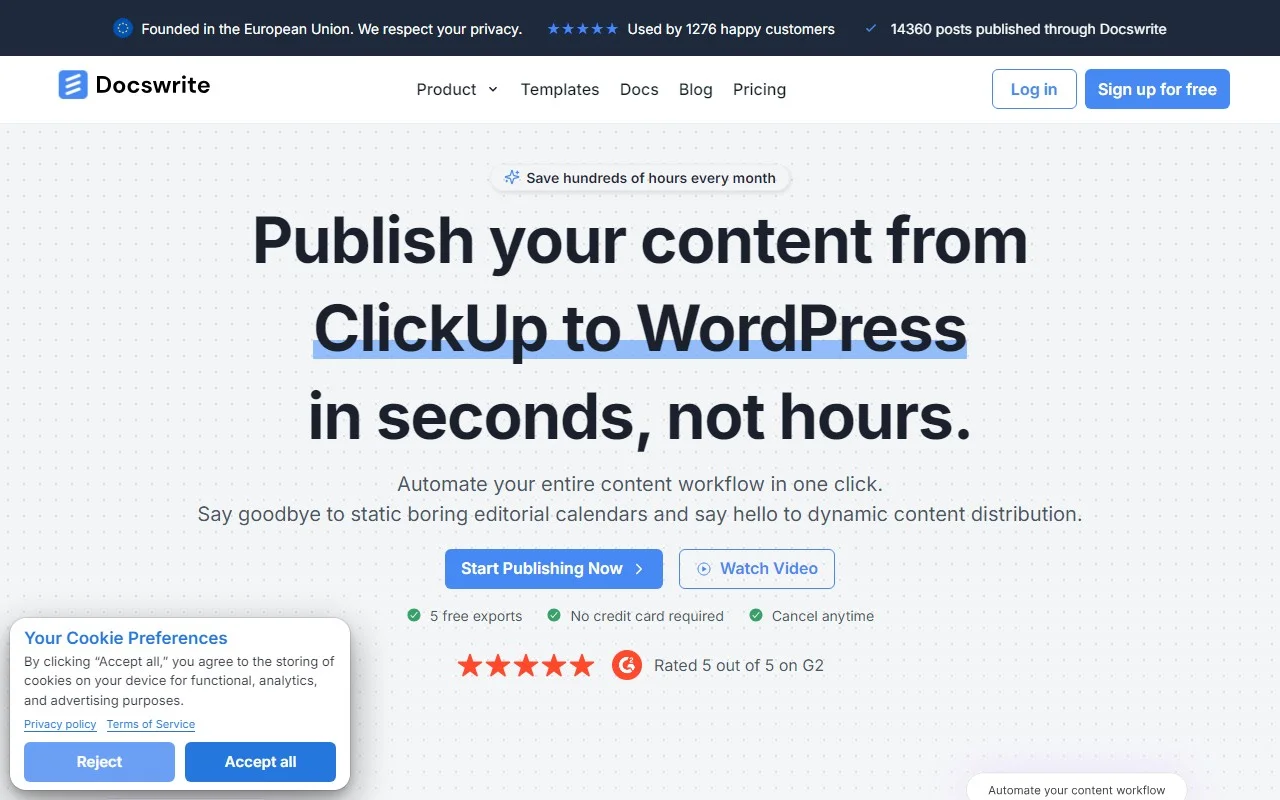
Docswrite: The Ultimate Content Publishing Assistant
If you’ve ever felt the pain of juggling multiple tools just to publish a single blog post, Docswrite is here to save the day. This nifty productivity tool is designed to streamline your content publishing process, making it faster, easier, and more efficient. Whether you’re managing a blog, a team, or multiple WordPress sites, Docswrite is the secret sauce to keeping your workflow smooth and stress-free.
What is Docswrite?
At its core, Docswrite is a tool that helps you and your team publish content from Google Docs directly to WordPress. But it doesn’t stop there—it also integrates seamlessly with other platforms like Trello, Monday, Airtable, and Google Sheets. Imagine being able to write, format, and publish your articles without ever leaving your favorite tools. That’s the magic of Docswrite.
How Does Docswrite Work?
Using Docswrite is as simple as it gets. There are two main ways to publish your content:
-
Direct Publishing via Zapier: If you’re already using tools like Trello or Monday, you can connect them to Docswrite using Zapier. This allows you to publish content directly from your existing workflow without any extra steps.
-
Publishing from the Docswrite Dashboard: Write your content in Google Docs, add all the necessary details (like title, slug, tags, categories, featured image, and SEO settings) right in the document, and let Docswrite handle the rest. With just one click, your content is live on WordPress.
Core Features That Make Docswrite Stand Out
- One-Click Publishing: Publish from Google Docs to WordPress in a single click—no more manual copying and pasting.
- Seamless Integrations: Works with Trello, Monday, Airtable, Jira, and more.
- SEO Optimization: Supports Yoast, Rankmath, and Newspack SEO settings, ensuring your content is search-engine-ready.
- No Plugins Required: Docswrite works without the need for additional WordPress plugins.
- Custom Styles & Shortcodes: Maintain your brand’s style and use shortcodes effortlessly.
- Multi-Blog Management: Handle multiple WordPress blogs from one centralized dashboard.
- Automated CSV Publishing: Programmatically publish posts from CSV data in Google Sheets.
- Image Compression: Automatically compresses images to WEBP for faster load times.
Real-World Use Cases
Here’s how Docswrite can fit into your workflow:
- Trello to WordPress: Manage your editorial calendar in Trello and publish directly to WordPress without switching tools.
- Monday.com to WordPress: Sync your Monday.com tasks with your blog for seamless content updates.
- Airtable to WordPress: Use Airtable as your content repository and publish articles with ease.
- Google Sheets to WordPress: Automate the publishing of posts from CSV data stored in Google Sheets.
- Project Management Tools: Integrate with Jira, Linear, and more to keep your content pipeline flowing.
Frequently Asked Questions
- Is Docswrite SEO optimized? Yes, it supports Yoast, Rankmath, and Newspack SEO settings.
- Do I need additional WordPress plugins? Nope—Docswrite works without any extra plugins.
- Can I compress images? Absolutely! Docswrite automatically converts images to WEBP for optimal performance.
- Is there a trial? Yes, and you don’t need to pay for it.
Get Started with Docswrite
Ready to simplify your content publishing process?
- Sign Up: https://docswrite.com/login
- Pricing: https://docswrite.com/pricing
Need Help?
Docswrite’s support team is here to assist you.
- Contact Us: https://help.docswrite.com/support
Follow Docswrite
Stay updated with the latest news and tips:
- Twitter: https://twitter.com/docswrite_blog
About Docswrite
Learn more about the team behind this innovative tool:
- About Us: https://docswrite.com/about-us
Docswrite isn’t just a tool—it’s a game-changer for anyone who values efficiency and simplicity in their content workflow. Give it a try and see how much time (and sanity) you can save!