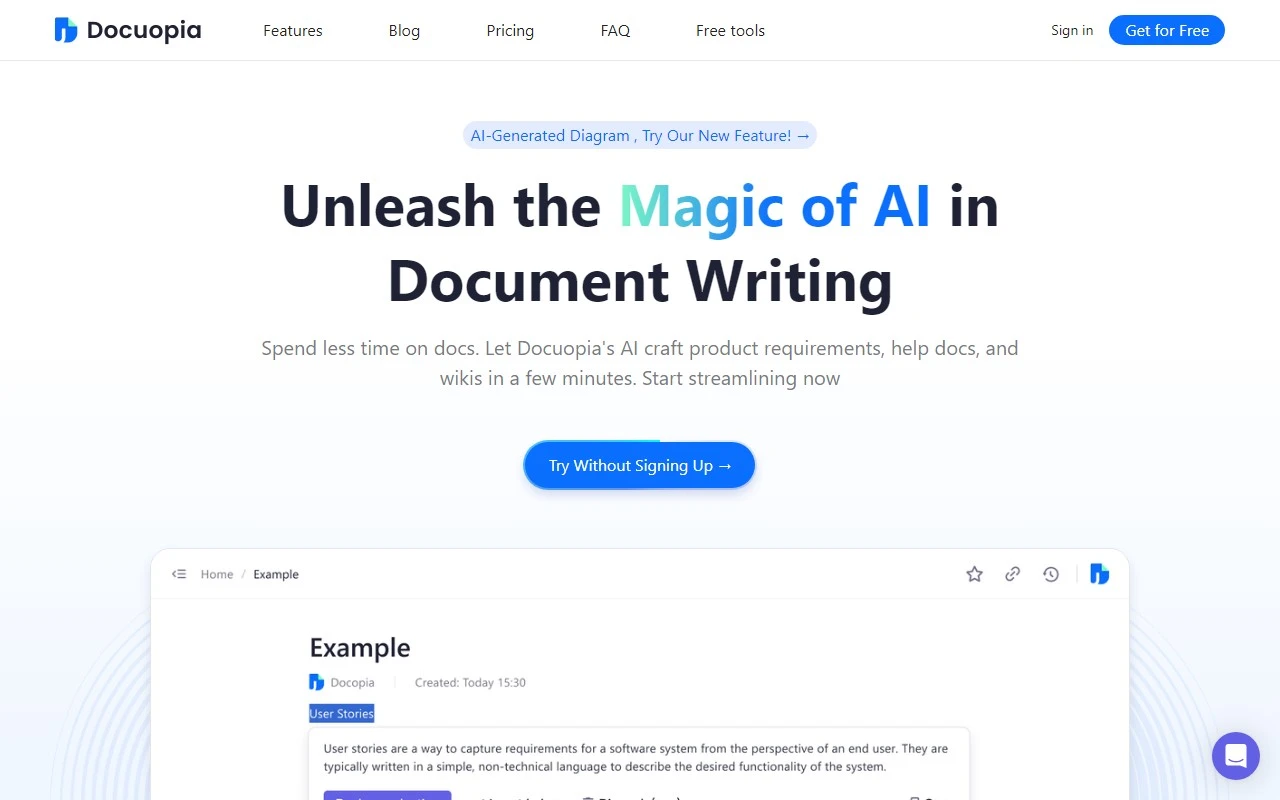
Docuopia: Your AI-Powered Document Assistant
If you’ve ever felt bogged down by the endless cycle of drafting, editing, and formatting documents, Docuopia might just be the game-changer you’ve been waiting for. This AI-powered document assistant is designed to streamline your workflow, enhance your writing, and save you hours of tedious work. Whether you’re crafting product requirements, help docs, or knowledge bases, Docuopia has got your back.
Why Docuopia Stands Out
Docuopia isn’t just another writing tool—it’s a comprehensive solution for anyone who deals with documentation regularly. Here’s what makes it special:
- AI-Assisted Drafting: Say goodbye to staring at a blank page. Docuopia’s AI helps you draft documents quickly, whether it’s a product requirements document (PRD) or a detailed wiki.
- AI-Enhanced Editing: Not only does it help you write, but it also improves your content with smart suggestions for phrasing, tone, and structure.
- Personalized Content Optimization: Tailor your documents to specific audiences or instructions with ease.
- Real-Time Collaboration: Work seamlessly with your team using built-in version control and collaboration features.
Real-World Use Cases
Let’s break down how Docuopia can transform your work:
- Writing PRDs: Imagine needing to create a detailed product requirements document for a new feature. Instead of spending hours outlining and drafting, Docuopia generates a polished PRD in minutes, leaving you with more time to focus on execution.
- Enhancing Document Quality: Struggling with clunky phrasing or unclear instructions? Docuopia’s editing tools refine your content, making it more professional and readable.
- Tailored Content: Whether you’re writing for technical experts or a general audience, Docuopia adapts your content to meet specific needs.
- Team Collaboration: Working on a document with multiple stakeholders? Docuopia’s real-time collaboration ensures everyone stays on the same page—literally.
Getting Started with Docuopia
Ready to give it a try? Here’s how to dive in:
- Sign Up: Create your account at https://app.docuopia.com/sso/register.
- Log In: Access your workspace at https://app.docuopia.com/sso/login.
- Explore Pricing: Check out the flexible plans at https://www.docuopia.com/#pricing. Whether you’re a solo user or part of a team, there’s an option for you.
Support and Community
Docuopia’s support team is always here to help. For any questions or assistance, reach out to [email protected].
Want to connect with other users or share tips? Join the Docuopia Discord community at https://discord.gg/92R5WePRAw. It’s a great place to learn, collaborate, and get inspired.
Stay Updated
Follow Docuopia on social media for the latest updates, tips, and tutorials:
- YouTube: https://www.youtube.com/channel/UCuDlGQcLyyz58lWn8ZFWEHQ
- Twitter: https://twitter.com/Docuopia
Final Thoughts
Docuopia is more than just a tool—it’s a productivity partner for anyone who deals with documentation. By leveraging AI to handle the heavy lifting, it frees you up to focus on what really matters: creating impactful, high-quality content. Whether you’re a product manager, technical writer, or team leader, Docuopia is worth exploring. Give it a try and see how it can transform your workflow.