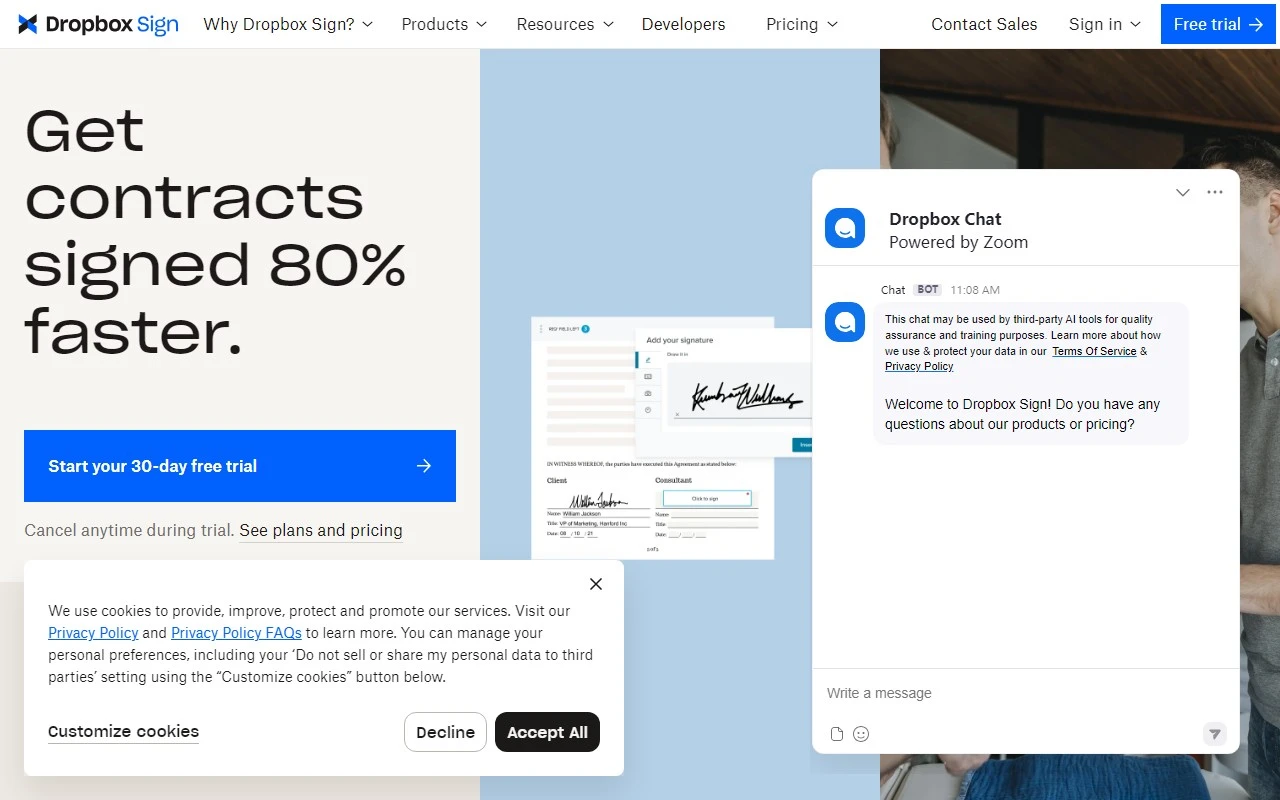
Dropbox Sign: The Ultimate Tool for Electronic Signatures
If you’ve ever found yourself drowning in paperwork or stuck in the endless loop of printing, signing, scanning, and emailing documents, Dropbox Sign is here to rescue you. As someone who’s tried countless e-signature tools, I can confidently say that Dropbox Sign stands out for its simplicity, reliability, and robust feature set. Let’s dive into what makes it a game-changer.
What is Dropbox Sign?
Dropbox Sign is a seamless solution for sending, receiving, and managing legally binding electronic signatures. Whether you’re closing a business deal, onboarding a new employee, or signing a lease, Dropbox Sign streamlines the process, saving you time and hassle. It’s part of the Dropbox ecosystem, so you know it’s built with the same user-friendly design and security you’d expect.
How to Use Dropbox Sign
Getting started is a breeze. Simply create an account and you’re ready to prepare, send, sign, and track agreements effortlessly. No technical expertise required—just a few clicks and you’re done. Here’s how it works:
- Prepare: Upload your document or use a pre-made template.
- Send: Add recipients and set signing order if needed.
- Sign: Sign electronically or let others sign.
- Track: Monitor the status of your documents in real time.
Core Features That Shine
Dropbox Sign isn’t just about signing documents—it’s about simplifying your workflow. Here are some of its standout features:
- Sign Documents Online: No more printing or scanning. Sign from anywhere, on any device.
- Create Electronic Signatures: Customize your signature to make it uniquely yours.
- Create Templates: Save time by reusing templates for frequently used documents.
- Fill and Sign PDFs: Easily add text, checkboxes, and signatures to PDFs.
- Complete Online Contracts: Streamline contract management from start to finish.
- Document Management: Keep all your signed documents organized and accessible.
Real-World Use Cases
Dropbox Sign isn’t just for one industry—it’s versatile enough to fit a variety of needs. Here are some examples:
- Sales and Business Development: Close deals faster by sending contracts for e-signature.
- Human Resources: Simplify employee onboarding with digital offer letters and agreements.
- Startups: Save time and resources by automating document workflows.
- Financial Technology: Securely sign loan agreements, account openings, and more.
- Real Estate: Streamline lease agreements and property contracts.
- On-Demand Services: Quickly sign service agreements or NDAs with clients.
Pricing That Fits Your Needs
Dropbox Sign offers flexible pricing plans to suit individuals, teams, and enterprises. Whether you’re a solo entrepreneur or part of a large organization, there’s a plan for you. Check out the pricing page to find the best fit.
Got Questions? We’ve Got Answers
Here are some common questions about Dropbox Sign:
- What is Dropbox Sign? It’s an electronic signature tool that simplifies document signing and management.
- How much does Dropbox Sign cost? Pricing varies based on your needs—visit the pricing page for details.
- What are the core features? From signing documents to managing contracts, Dropbox Sign has it all. See the full list above.
For more help, reach out to their support team via the contact us page.
Ready to Get Started?
- Login: Already have an account? Log in here.
- Sign Up: New to Dropbox Sign? Create your account today.
Stay Connected
Follow Dropbox Sign on social media for updates, tips, and more:
- Facebook: Dropbox Facebook
- YouTube: Dropbox YouTube
- Twitter: Dropbox Twitter
Final Thoughts
Dropbox Sign is more than just an e-signature tool—it’s a productivity powerhouse. Whether you’re a business owner, freelancer, or part of a large team, it’s designed to make your life easier. Give it a try and see why it’s the go-to solution for electronic signatures. Your future self will thank you.