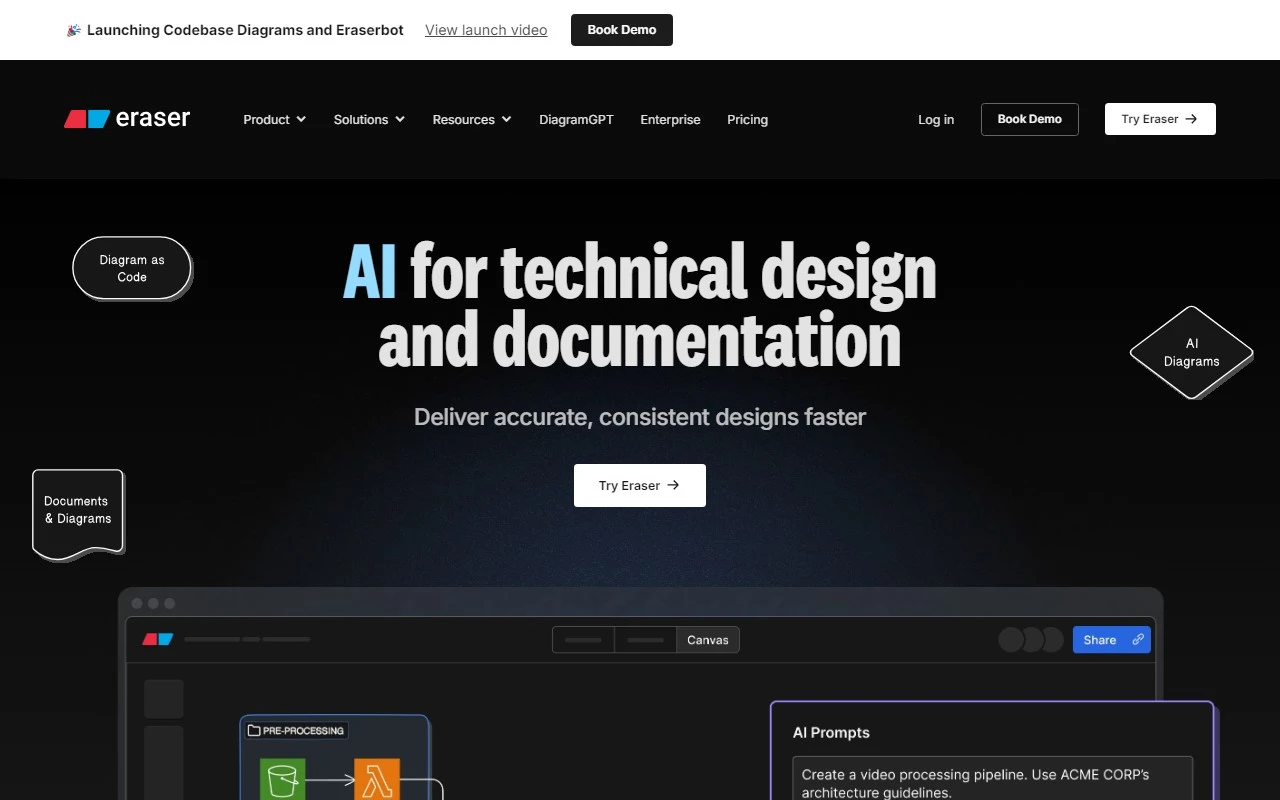
Eraser: Revolutionizing Technical Design and Documentation with AI
If you’ve ever spent hours wrestling with clunky diagramming tools or struggled to translate complex ideas into visual form, Eraser is here to change the game. This AI-powered platform is designed to make technical design and documentation effortless, letting you generate stunning diagrams in seconds—whether you’re starting from text, code, or even an image.
What is Eraser?
Eraser is an AI-driven tool that simplifies the creation of technical diagrams. It’s perfect for engineers, developers, and technical writers who need to visualize complex systems, workflows, or architectures quickly and accurately. Instead of spending hours manually crafting diagrams, Eraser automates the process, delivering professional-quality visuals in a fraction of the time.
Why Eraser Stands Out
- AI-Powered Diagramming: Eraser’s AI engine can transform text, code, or images into polished diagrams in seconds.
- Versatile Use Cases: Whether you’re creating flowcharts, architecture diagrams, or technical documentation, Eraser has you covered.
- Seamless Integration: Works with a variety of inputs, making it a flexible tool for diverse workflows.
Core Features of Eraser
Here’s what makes Eraser a must-have tool for technical professionals:
- AI Diagram: Automatically generates diagrams from any input.
- AI Flowchart: Turns complex processes into clear, easy-to-follow flowcharts.
- AI Architecture Diagram: Visualize system architectures with minimal effort.
- Text to Diagram: Convert written descriptions into visual diagrams.
- Image to Diagram: Extract and refine diagrams from existing images.
- Code to Diagram: Generate diagrams directly from code snippets.
Real-World Use Cases
Eraser shines in a variety of scenarios:
- AI Diagramming: Quickly create diagrams for presentations or reports.
- Text to Diagram: Turn meeting notes or technical specs into visuals.
- Image to Diagram: Clean up and enhance diagrams from scanned documents.
- Technical Documentation: Streamline the creation of user manuals or system guides.
- Technical Design: Visualize system designs for development teams.
- Diagram as Code: Generate diagrams directly from your codebase.
Getting Started with Eraser
Ready to give Eraser a try? Here’s how to dive in:
- Sign Up: Create your account at Eraser Sign Up.
- Log In: Access your workspace at Eraser Login.
FAQs About Eraser
-
What is Eraser?
Eraser is an AI-powered tool for generating technical diagrams from text, code, or images. -
What can I use as inputs for Eraser?
You can use text descriptions, code snippets, or images to create diagrams. -
Who is Eraser for?
Eraser is ideal for engineers, developers, technical writers, and anyone who needs to create technical visuals. -
What are the benefits of Eraser?
It saves time, ensures accuracy, and produces professional-quality diagrams effortlessly. -
Can I edit Eraser diagrams?
Yes, Eraser allows you to customize and refine diagrams to suit your needs.
Support and Contact Information
Need help? Eraser’s support team is here to assist:
- Support Email: Reach out at [email protected].
- Customer Service: For general inquiries, visit the Contact Us page.
- Refund Requests: Contact the refund team at [email protected].
Learn More About Eraser
Want to dive deeper? Check out the About Us page to learn more about the company behind this innovative tool.
Eraser is more than just a diagramming tool—it’s a productivity powerhouse for technical professionals. Whether you’re documenting a complex system or designing a new architecture, Eraser makes it easy to bring your ideas to life. Give it a try and experience the future of technical design!