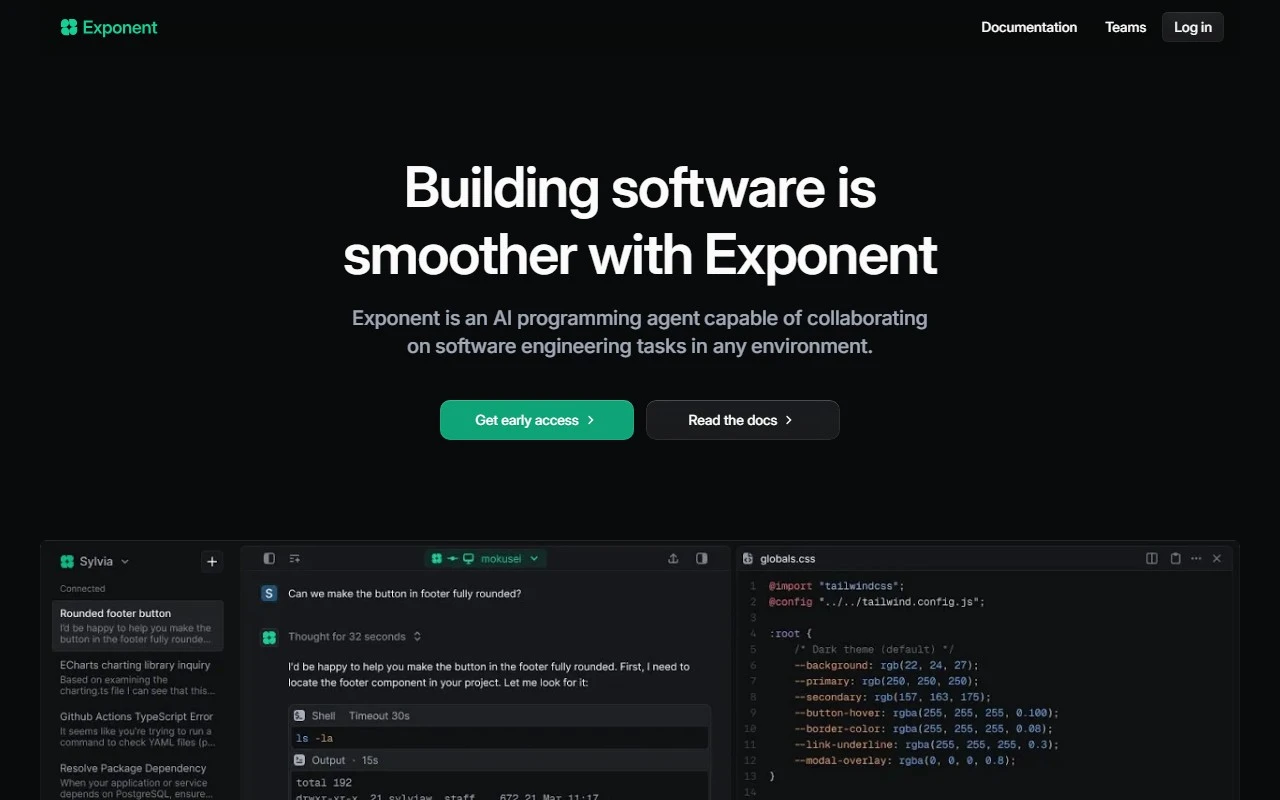
Exponent: Your AI-Powered Programming Partner
If you’re a developer looking to streamline your workflow, Exponent is the AI programming agent you’ve been waiting for. Designed to enhance collaboration and productivity, Exponent is more than just a tool—it’s a teammate that helps you tackle complex software engineering tasks with ease.
What Makes Exponent Stand Out?
Exponent isn’t just another AI assistant. It’s a robust, developer-focused agent that integrates seamlessly into your workflow. Whether you’re debugging, optimizing code, or generating SQL queries, Exponent is there to help you work smarter, not harder.
Here’s what sets Exponent apart:
- Collaborative Debugging: Exponent works alongside you to identify and fix errors in real-time, reducing the time spent troubleshooting.
- Automated CI Error Fixing: Say goodbye to tedious CI pipeline issues. Exponent can automatically resolve errors, keeping your builds running smoothly.
- SQL Query Generation: Need to pull data quickly? Exponent generates accurate SQL queries in seconds, saving you time and effort.
How to Use Exponent
Using Exponent is simple and intuitive. You can run commands directly in your terminal or integrate it into your local development environment. Here’s how it works:
- Install Exponent: Follow the setup instructions to get started.
- Run Commands: Use Exponent to assist with tasks like debugging, SQL generation, or code optimization.
- Collaborate: Let Exponent handle the heavy lifting while you focus on building great software.
Real-World Use Cases
Exponent shines in a variety of scenarios. Here are just a few examples:
- Debugging Docker: Struggling with container issues? Exponent can quickly identify and resolve Docker-related errors.
- Generating SQL Queries: Whether you’re querying a complex database or pulling simple reports, Exponent delivers precise SQL in moments.
- Automating Incident Response: Exponent can help you respond to incidents faster by automating error detection and resolution.
- Optimizing Application Code: From performance bottlenecks to inefficient algorithms, Exponent helps you fine-tune your code for peak efficiency.
Frequently Asked Questions
- What kind of tasks can Exponent help with?
Exponent assists with debugging, SQL generation, CI error fixing, and code optimization, among other tasks. - Can Exponent be used in local development environments?
Absolutely! Exponent integrates seamlessly into your local setup, making it easy to use in your daily workflow.
Support and Contact Information
Need help or have questions? Exponent’s support team is here for you:
- Support Email: [email protected]
- Contact Page: Visit the Contact Us page for more options.
- Twitter: Follow Exponent on Twitter for updates and tips.
Get Started with Exponent
Ready to supercharge your development process? Log in to Exponent here: Exponent Login.
Exponent is more than just a tool—it’s your partner in building better software. Give it a try and see how it transforms your workflow!