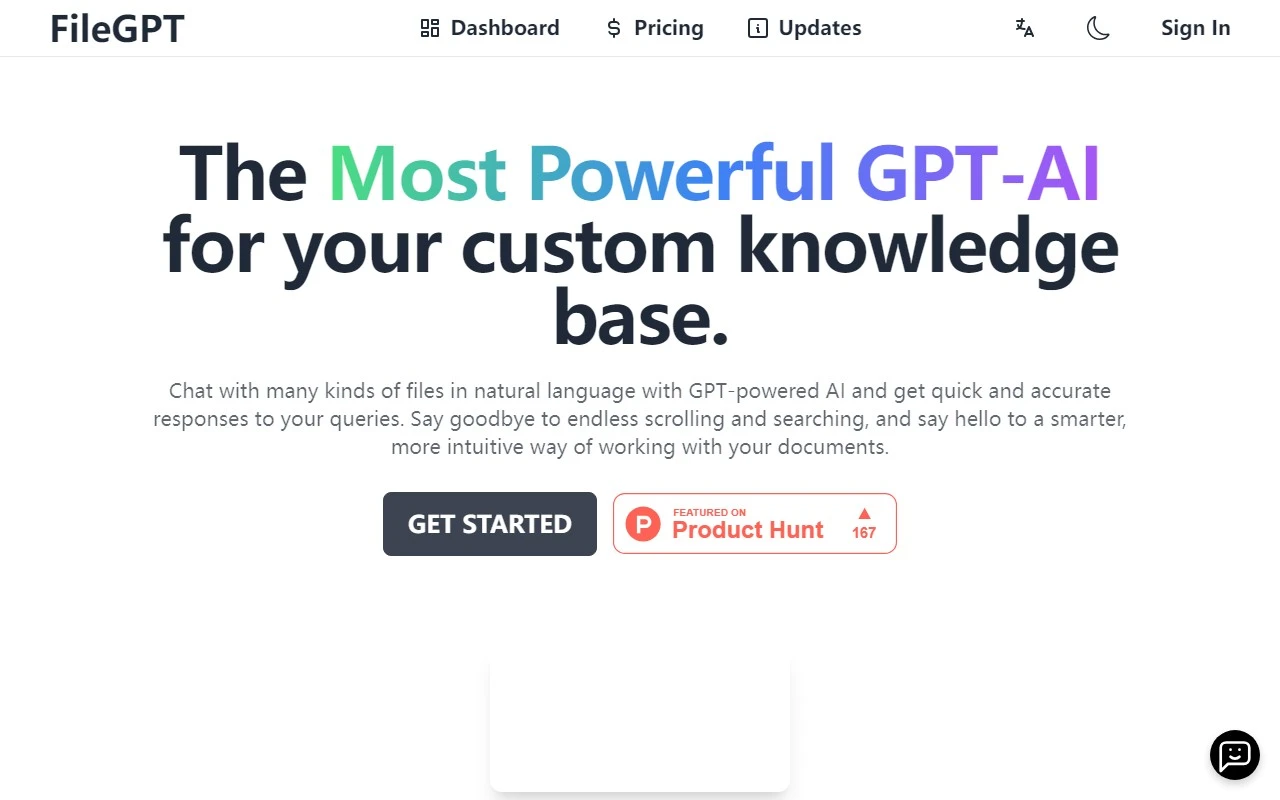
FileGPT: Your AI-Powered Document Assistant
Ever wished you could just ask your files a question and get an instant, accurate answer? FileGPT makes that possible. It’s a game-changing AI tool designed to help you interact with your documents, videos, audio, and even webpages in a completely new way. Forget endless scrolling or keyword searches—FileGPT lets you chat with your files using natural language, making information retrieval faster and more intuitive than ever.
What Makes FileGPT Stand Out?
FileGPT isn’t just another AI tool—it’s a custom knowledge base that adapts to your needs. Whether you’re working with PDFs, Word documents, handwritten notes, YouTube videos, or webpages, FileGPT can process and analyze them all. Here’s why it’s a must-have for professionals, researchers, and students alike:
- Chat with Everything: Interact with files, audio, videos, and webpages using simple, natural language queries.
- Multi-Format Support: Works seamlessly with PDFs, DOCs, TXTs, audio files, YouTube links, and more.
- Long Text Handling: No matter how large your files are, FileGPT can process them without breaking a sweat.
- Smart Content Parsing: Extract text from handwritten documents or analyze audio and video content effortlessly.
- Cross-Source Querying: Ask questions across multiple files at once and get consolidated answers.
- Affordable Pricing: A cost-effective solution to upgrade your workflow.
How to Use FileGPT
Using FileGPT is as easy as 1-2-3:
- Upload Your Files: Whether it’s a PDF, a YouTube link, or a webpage, just upload it to the platform.
- Ask Questions: Use natural language to query your files. For example, “What are the key points in this report?” or “Summarize this video for me.”
- Get Instant Answers: FileGPT processes your queries and delivers accurate, context-aware responses in seconds.
Real-World Use Cases
FileGPT isn’t just a cool tool—it’s a productivity powerhouse. Here are some ways it can transform your workflow:
- Research: Quickly extract relevant information from research papers, articles, or webpages.
- Content Creation: Generate ideas, gather data, and get assistance in drafting written content.
- Data Analysis: Analyze large text datasets, extract insights, or perform linguistic research.
- Learning & Education: Automate studying, gather information, and analyze educational resources.
- Business Documentation: Search, summarize, and extract key details from contracts, reports, or business documents.
FAQs and Support
Got questions? FileGPT has you covered:
- What is FileGPT?: It’s an AI tool that lets you chat with your files and get instant answers.
- Can I try it for free?: Yes! Check out the pricing page for details.
- What files does it support?: PDFs, DOCs, TXTs, audio, YouTube links, and webpages.
- Why choose FileGPT over ChatPDF or ChatDOC?: FileGPT supports more formats and offers advanced features like cross-source querying.
For more help, join the FileGPT Discord or email their support team at [email protected].
About FileGPT
Curious about the team behind this innovative tool? Learn more on the About Us page.
Get Started Today
Ready to revolutionize how you interact with your files? Log in to FileGPT and start chatting with your documents today. For pricing details, visit the pricing page.
Follow FileGPT on Twitter for updates and tips!
FileGPT isn’t just a tool—it’s your new AI-powered assistant. Try it and see how it can simplify your workflow, save time, and make information retrieval a breeze.