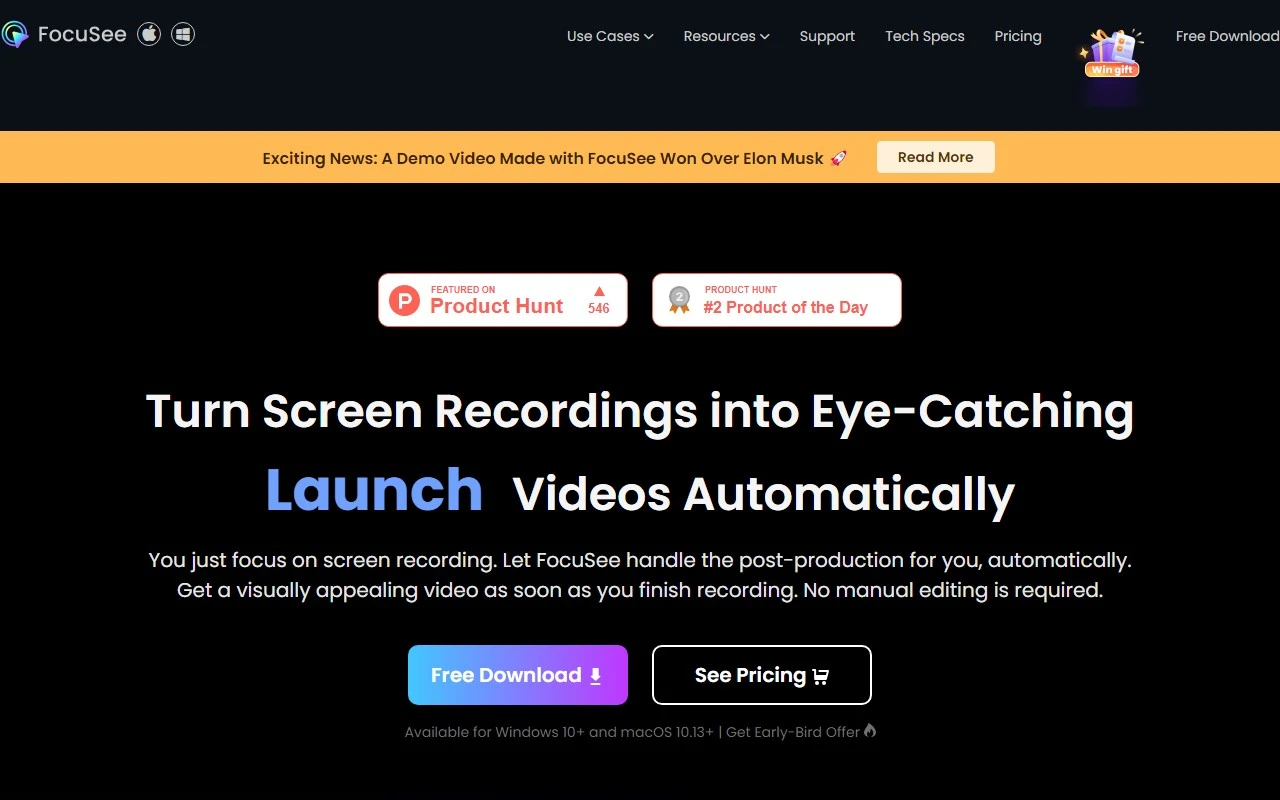
FocuSee: The Ultimate Screen Recording Tool for Professional Videos
If you’ve ever struggled to create polished, engaging screen recordings, FocuSee is here to change the game. This innovative tool takes the hassle out of video production by automatically adding professional touches like zoom effects, cursor tracking, and beautiful backgrounds—no manual editing required. Whether you’re creating tutorials, promo videos, or sales pitches, FocuSee makes it easy to produce high-quality content in minutes.
What is FocuSee?
FocuSee is a screen recording tool designed to elevate your videos with minimal effort. Unlike traditional screen recorders, FocuSee automatically enhances your recordings with dynamic zoom-in effects, tracks your cursor movements, and adds a polished background. The result? A professional-looking video that’s ready to share without spending hours in editing software.
How Does FocuSee Work?
Using FocuSee is as simple as it gets:
- Record your screen, selfie, and voiceover just like you normally would.
- Let FocuSee work its magic:
- It tracks your cursor movements to ensure viewers follow along.
- It applies automatic zoom-in effects to highlight key areas of your screen.
- It adds a nice background to give your video a clean, professional look.
- Your video is ready to use—no editing required!
Core Features of FocuSee
- Automatic Zoom-In Effects: Focus attention on the most important parts of your screen without lifting a finger.
- Cursor Movement Tracking: Keep viewers engaged by guiding them through your actions.
- Nice Background: Add a polished backdrop to your videos for a professional finish.
- No Manual Editing: Save time by skipping the editing process altogether.
Real-World Use Cases for FocuSee
Here are just a few ways you can use FocuSee to create impactful videos:
- Demos & Tutorials: Walk your audience through software, apps, or processes with clarity and precision.
- Promo & Launch Videos: Showcase your product or service in a visually compelling way.
- Pitch & Sales Videos: Make a strong impression on potential clients or investors with professional presentations.
Frequently Asked Questions
What does FocuSee do?
FocuSee enhances your screen recordings with automatic zoom effects, cursor tracking, and background customization to create professional-looking videos.
How does FocuSee work?
Simply record your screen, and FocuSee handles the rest—applying effects, tracking your cursor, and adding a background automatically.
What are the core features of FocuSee?
The key features include automatic zoom-in effects, cursor movement tracking, a nice background, and no manual editing required.
What are the pricing options for FocuSee?
For detailed pricing information, visit the FocuSee Pricing Page.
Why Choose FocuSee?
FocuSee is perfect for anyone who wants to create professional videos without the steep learning curve of traditional editing software. Whether you’re a marketer, educator, or entrepreneur, this tool saves you time and effort while delivering stunning results.
Ready to elevate your screen recordings? Check out FocuSee today and see how easy it is to create videos that stand out.
For support or questions, contact the FocuSee team at [email protected].
FocuSee isn’t just a tool—it’s your shortcut to professional-quality videos. Try it now and experience the difference!