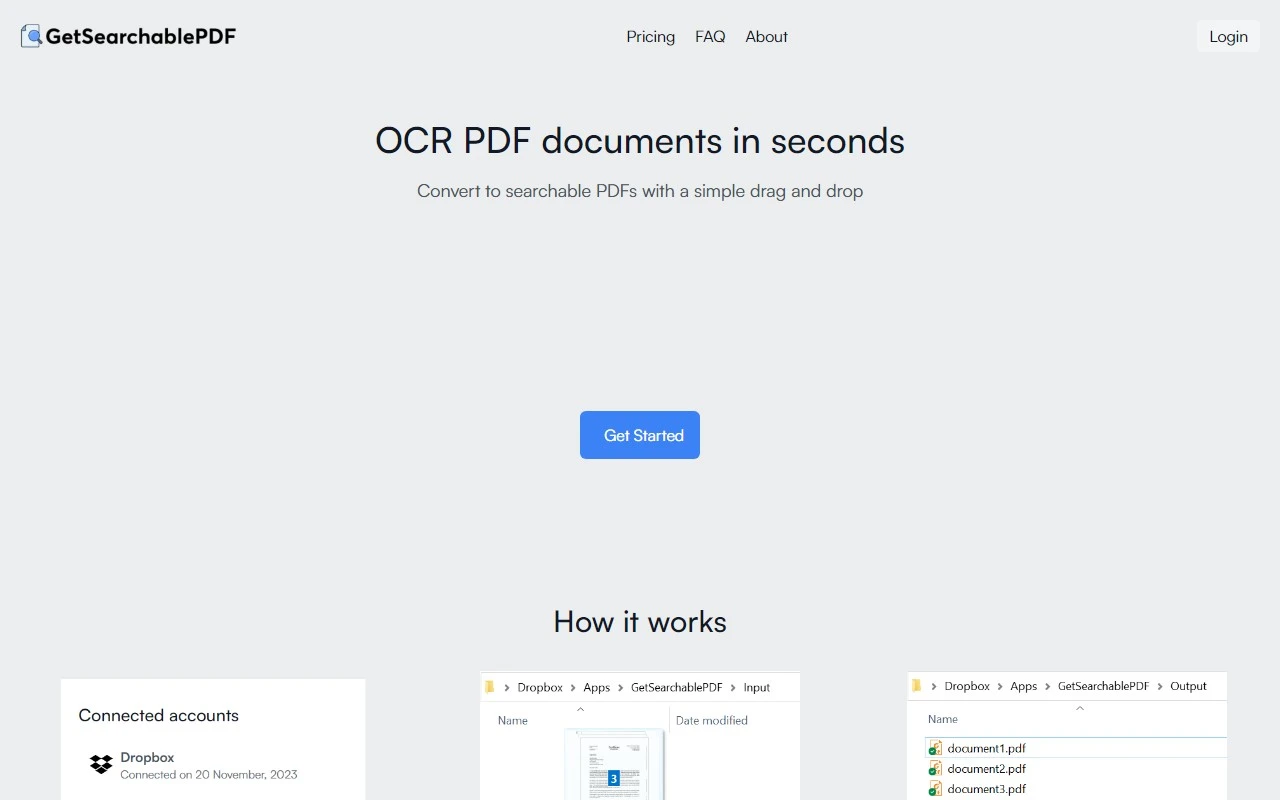
GetSearchablePDF: The Ultimate Tool for Bulk OCR PDFs
If you’ve ever struggled with PDFs that are just images—scanned documents, screenshots, or even handwritten notes—GetSearchablePDF is here to save the day. This tool is a game-changer for anyone who needs to convert static PDFs into fully searchable, editable, and accessible files. Let me break down why this tool stands out and how it can make your life easier.
What is GetSearchablePDF?
GetSearchablePDF is a powerful, user-friendly solution for bulk OCR (Optical Character Recognition) processing. Whether you’re dealing with scanned PDFs, screenshots, photos, or even handwritten notes, this tool delivers best-in-class accuracy and supports a wide range of file types.
The best part? It’s incredibly simple to use. Just drag and drop your files, and let the tool work its magic.
Why GetSearchablePDF is a Must-Have
Here’s what makes GetSearchablePDF stand out:
- Best-in-class OCR accuracy: Say goodbye to frustrating errors. This tool ensures your text is recognized with precision.
- Handwriting support: Yes, it can even decipher handwritten notes! Perfect for digitizing journals or meeting notes.
- Secure processing: Your files are safe and never stored unnecessarily.
- Bulk processing: Convert multiple PDFs at once, saving you time and effort.
Real-World Use Cases
Here are some scenarios where GetSearchablePDF shines:
- Scanned PDFs: Turn old paper documents into searchable digital files.
- Screenshots: Extract text from screenshots for easy reference.
- Handwriting: Digitize handwritten notes or signatures.
- Photos: Pull text from images, like receipts or whiteboard snapshots.
How to Get Started
Getting started is a breeze:
- Sign up: Create an account at GetSearchablePDF Sign Up.
- Log in: Access your dashboard at GetSearchablePDF Login.
- Upload your files: Drag and drop your PDFs, and let the tool do the rest.
Pricing and Credits
GetSearchablePDF operates on a credit-based system. Each credit allows you to process one page. Pricing plans are flexible, starting with smaller packages for occasional users and scaling up for heavy-duty needs.
- Need more than 2,500 credits per month? Custom plans are available.
- Not ready to commit? Check out the Pricing Page for details and see if there’s a free trial available.
FAQs Answered
Here are some common questions:
- Do you store files? No, your files are processed securely and not stored long-term.
- What is a "credit"? One credit = one page processed.
- Ran out of credits? Purchase more directly from your account.
- On-prem solution? Currently, GetSearchablePDF is cloud-based, but you can contact support for custom inquiries.
Support and Contact
Got questions or need help? Reach out to the friendly support team at [email protected].
Learn More
Want to dive deeper into the story behind GetSearchablePDF? Visit the About Us Page to learn more about the company and its mission.
Final Thoughts
GetSearchablePDF is more than just an OCR tool—it’s a productivity powerhouse. Whether you’re a student, professional, or business owner, this tool can transform the way you work with PDFs. Give it a try and see for yourself!
Ready to get started? Head over to GetSearchablePDF Sign Up and unlock the full potential of your PDFs today.