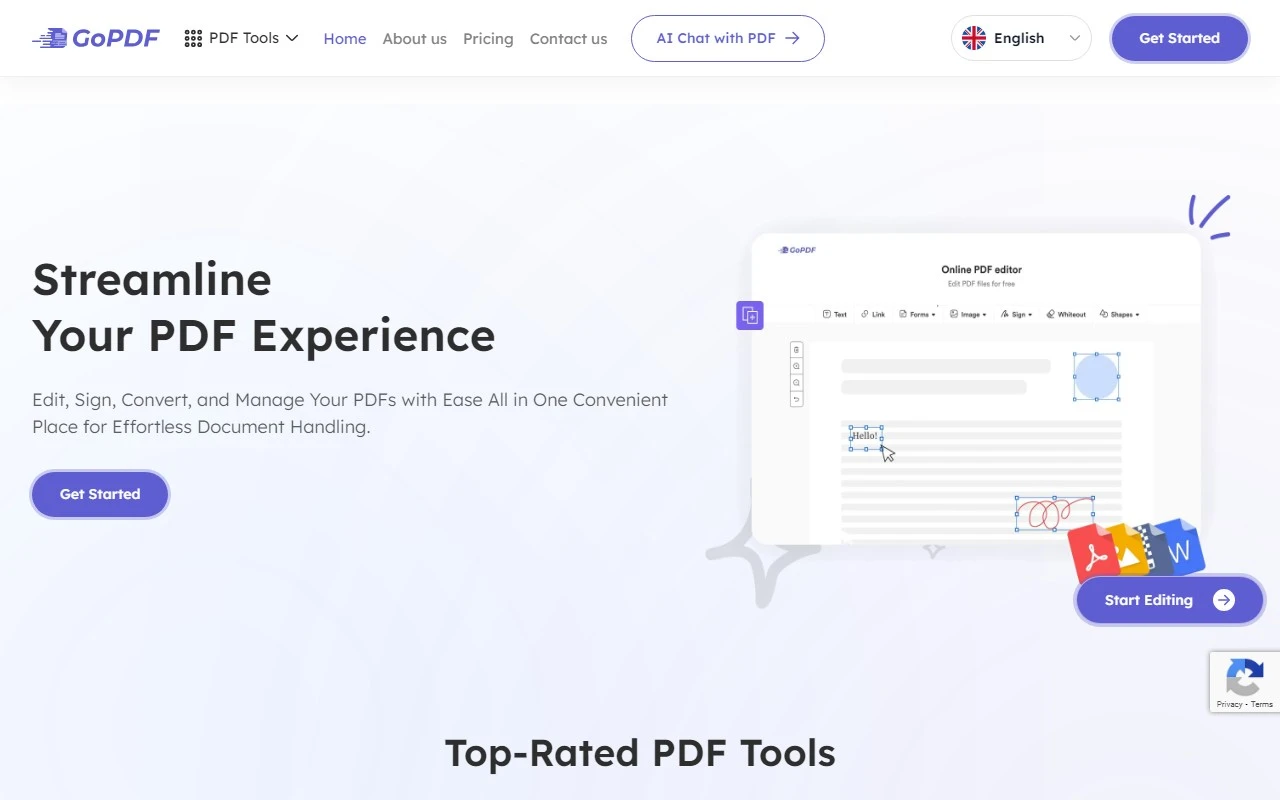
GoPDF: Your All-in-One PDF Solution Made Simple
If you’ve ever struggled with PDFs—whether it’s editing, converting, or just managing them—GoPDF is here to make your life easier. This powerful yet intuitive platform is designed to streamline all your PDF tasks, whether you’re working on a business project or handling personal documents. With advanced AI features and a user-friendly interface, GoPDF is a game-changer for anyone who deals with PDFs regularly.
What Makes GoPDF Stand Out?
GoPDF isn’t just another PDF tool—it’s a comprehensive solution that covers all your needs. Here’s why it’s worth your attention:
- Edit PDFs with Ease: Make quick changes to your documents, whether it’s updating text, rearranging pages, or adding annotations. GoPDF’s editing tools are straightforward and efficient.
- Convert Files Seamlessly: Need to turn a PDF into a Word doc or a JPG? GoPDF handles conversions effortlessly, preserving the original formatting and quality.
- Compress and Merge: Reduce file sizes without sacrificing quality or combine multiple PDFs into one cohesive document. Perfect for sharing or archiving.
- Protect Your Files: Add passwords and encryption to keep your sensitive documents secure.
- Fill & Sign: Create professional, personalized documents with eSignatures and form-filling capabilities.
- Search and Replace: Quickly find and update text across your PDFs, saving you time and effort.
- Crop for Precision: Trim your PDFs to focus on the most important content.
Real-World Use Cases
Here are just a few ways GoPDF can simplify your workflow:
- Edit PDFs on the Fly: Update a contract or tweak a presentation without starting from scratch.
- Convert PDF to JPG: Turn a PDF into an image for easy sharing or embedding in other documents.
- Compress and Merge: Combine multiple reports into one file or shrink a large PDF for emailing.
- Fill & Sign: Complete and sign forms digitally, whether it’s a job application or a rental agreement.
- Crop for Clarity: Remove unnecessary margins or focus on a specific section of a PDF.
How to Get Started with GoPDF
Using GoPDF is as simple as it gets. Just head to the GoPDF Login page, sign up, and you’re ready to go. No downloads or additional software required—everything is accessible online from anywhere in the world.
Pricing and Plans
GoPDF offers flexible pricing options to suit your needs. Whether you’re a casual user or need advanced features for business, there’s a plan for you. Check out the GoPDF Pricing page to find the best fit.
Support and Contact
Got questions? GoPDF’s customer support team is here to help. You can reach out via email or visit the Contact Us page for more options. If you’re curious about the company behind the tool, learn more on the About Us page.
Stay Connected
Follow GoPDF on social media for tips, updates, and more:
- Facebook: GoPDF Facebook
- YouTube: GoPDF YouTube
- Instagram: GoPDF Instagram
Final Thoughts
GoPDF is more than just a PDF tool—it’s a productivity powerhouse. With its robust features, ease of use, and accessibility, it’s perfect for anyone looking to simplify their document management. Give it a try and see how it can transform the way you work with PDFs.
Ready to get started? Sign up today at GoPDF Sign Up and take control of your PDF tasks!