GPT Excel: Your AI-Powered Spreadsheet Sidekick
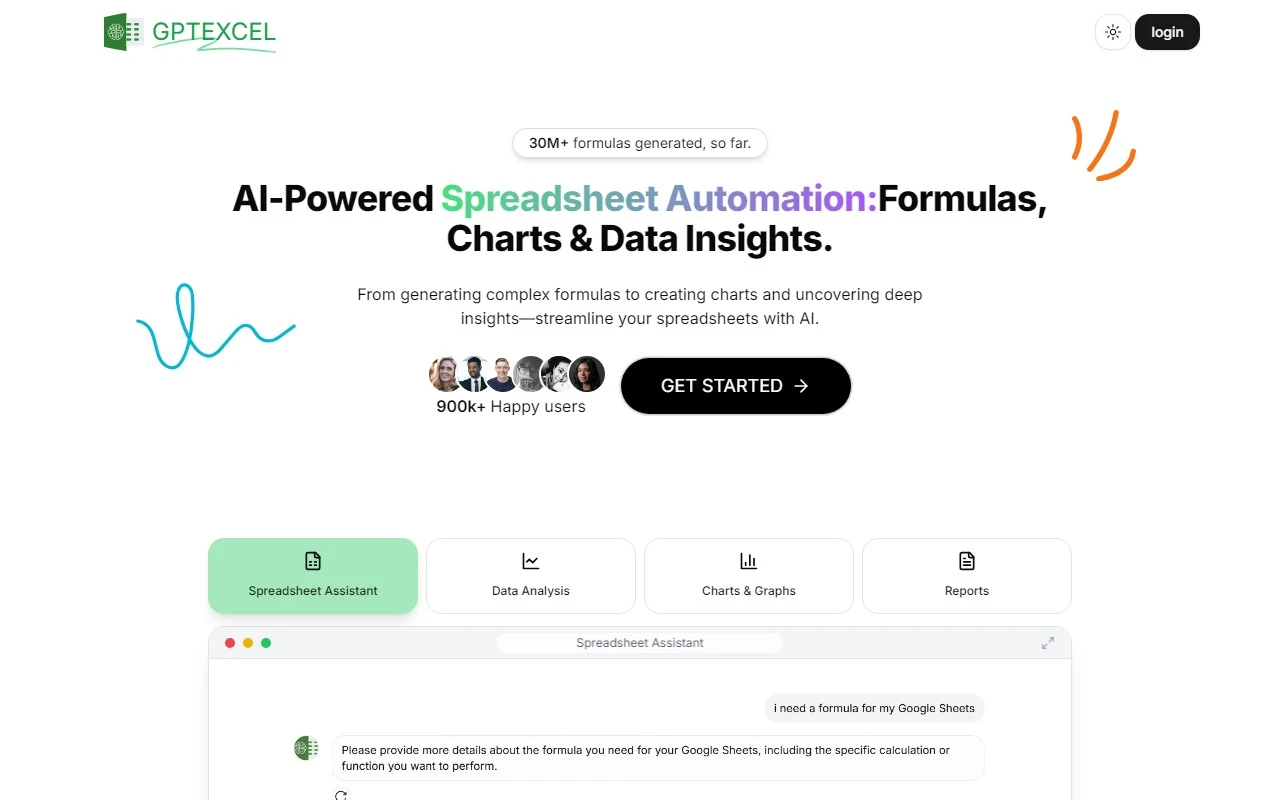
If you’ve ever stared at a blank Excel sheet or struggled to debug a Google Sheets formula, GPT Excel is here to save the day. This AI-driven tool is designed to generate, explain, and optimize formulas for Microsoft Excel, Google Sheets, and even Airtable. Whether you’re a spreadsheet newbie or a seasoned pro, GPT Excel is like having a personal data wizard at your fingertips.
What Makes GPT Excel Stand Out?
GPT Excel isn’t just another tool—it’s a productivity powerhouse. Here’s what it brings to the table:
- Generate Formulas: Need to calculate complex data? GPT Excel can whip up formulas for Excel, Sheets, and Airtable in seconds.
- Explain Formulas: Ever wondered how a formula works? GPT Excel breaks it down in plain English, so you can learn as you go.
- Automate Tasks: From VBA Scripts for Excel to Apps Scripts for Google Sheets, it automates repetitive tasks, freeing up your time for more important work.
- Debug and Optimize: Stuck with a broken SQL query or a finicky regex? GPT Excel can debug and refine it for you.
Real-World Use Cases
Let’s say you’re a small business owner managing inventory in Google Sheets. Instead of manually calculating stock levels, GPT Excel can generate the perfect formula to track your inventory in real time. Or maybe you’re a data analyst working with SQL databases—GPT Excel can help you craft and debug complex queries without breaking a sweat.
For developers, GPT Excel’s VBA Script and Airtable Script features are game-changers. Imagine automating a monthly report or streamlining a workflow with just a few clicks.
Pricing and Support
GPT Excel offers flexible pricing plans to suit your needs. Whether you’re testing the waters or diving in headfirst, there’s an option for you. No credit card? No problem! You can explore the tool without any upfront commitment.
If you ever run into issues, GPT Excel’s support team is just an email away. Visit their Contact Us page for assistance with subscriptions, refunds, or general inquiries.
Stay Connected
GPT Excel isn’t just a tool—it’s a community. Follow them on social media for tips, tricks, and updates:
- TikTok: https://www.tiktok.com/@gptexcel
- Twitter: https://twitter.com/gptexcel
- Instagram: https://instagram.com/excelbrew
Frequently Asked Questions
- What can I use GPT Excel for?
From generating formulas to automating tasks, GPT Excel is your go-to for all things spreadsheet-related. - Can I try it without a credit card?
Absolutely! GPT Excel lets you explore its features risk-free. - How do I cancel my subscription?
Visit the Contact Us page for step-by-step instructions.
Final Thoughts
GPT Excel is more than just a tool—it’s a game-changer for anyone who works with spreadsheets. With its AI-powered features, you’ll save time, reduce errors, and unlock new levels of productivity. Ready to supercharge your spreadsheet game? Give GPT Excel a try today!