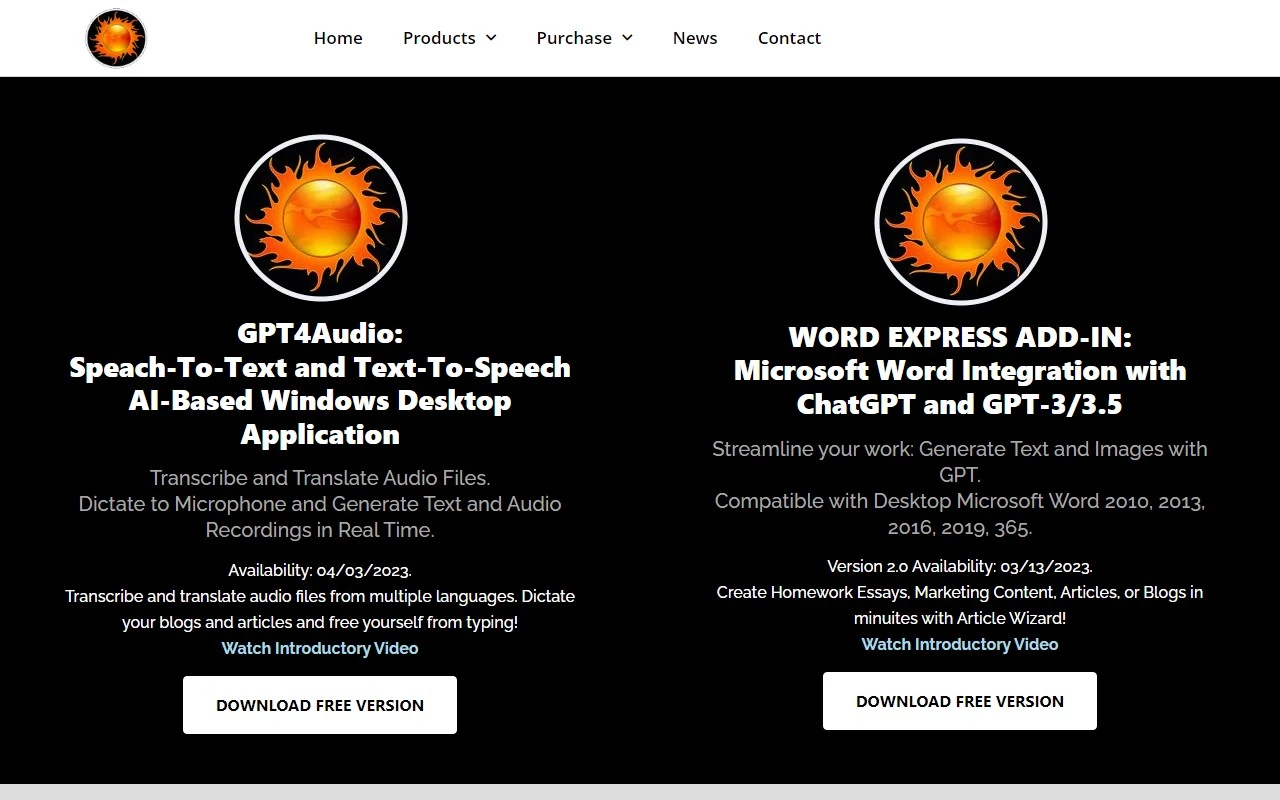
GPT4Audio: A Game-Changer for Speech-to-Text and Text-to-Speech Tasks
If you’re looking for a desktop application that seamlessly blends AI-powered speech-to-text and text-to-speech capabilities, GPT4Audio is a standout choice. Developed by Gravity Storm Software, LLC, this tool leverages OpenAI’s Generative Pretrained Transformer (GPT) language model to deliver exceptional performance in transcription, translation, and text generation. Whether you’re a content creator, student, or professional, GPT4Audio offers a suite of features designed to streamline your workflow and enhance productivity.
How to Get Started with GPT4Audio
Using GPT4Audio is straightforward, even if you’re not tech-savvy. Here’s a quick guide to get you up and running:
- Download and Install: Head over to the official website and download the desktop application for Windows.
- Launch the App: Once installed, open GPT4Audio on your desktop.
- Transcribe Audio: Simply select your audio file and hit the ‘Transcribe’ button. GPT4Audio will convert it into text with impressive accuracy.
- Translate Languages: Choose your source and target languages, input the text, and click ‘Translate’ for instant results.
- Generate Text: Input a prompt or tweak the model parameters, then click ‘Generate’ to create human-like text.
- Dictation and Real-Time Recording: Use your microphone for dictation or real-time transcription, making it perfect for meetings, interviews, or brainstorming sessions.
Core Features That Set GPT4Audio Apart
GPT4Audio isn’t just another transcription tool—it’s packed with features that make it a versatile addition to your toolkit:
- Speech-to-Text Conversion: Effortlessly transcribe audio files into text with high accuracy.
- Language Translation: Break language barriers by translating text between multiple languages.
- Dictation Support: Speak into your microphone and watch your words appear on the screen in real time.
- Microsoft Word Integration: Streamline your workflow by integrating GPT4Audio with Microsoft Word, making it ideal for writers and professionals.
- Text and Image Generation: Generate creative content, from essays to marketing copy, and even images using GPT’s advanced capabilities.
- Real-Time Recording: Capture live audio and convert it into text instantly, perfect for meetings or lectures.
Real-World Use Cases
GPT4Audio isn’t just a tool—it’s a solution for a variety of challenges. Here are some practical ways you can use it:
- Content Creation: Dictate blogs, articles, or marketing copy to save time and boost efficiency.
- Academic Work: Generate essays, research summaries, or translate foreign-language resources for homework or projects.
- Professional Workflows: Use the Microsoft Word integration to draft documents, reports, or presentations with ease.
- Customer Service: Enhance your support systems with AI-powered question-answering capabilities.
- Creative Inspiration: Generate human-like text or translate ideas into different languages to spark creativity.
Pricing and Support
GPT4Audio offers flexible pricing options to suit your needs. Check out the Pricing Page to explore the available plans.
If you have questions or need assistance, the support team is just an email away. For more contact options, visit the Contact Us Page.
See GPT4Audio in Action
Curious about how it works? Watch the official GPT4Audio YouTube Video for a detailed demo.
Final Thoughts
GPT4Audio is more than just a transcription tool—it’s a comprehensive AI-powered solution for anyone looking to enhance their productivity and creativity. With its robust features, seamless integration with Microsoft Word, and user-friendly interface, it’s a must-have for professionals, students, and creators alike.
Ready to transform the way you work? Download GPT4Audio today and experience the future of speech-to-text and text-to-speech technology.