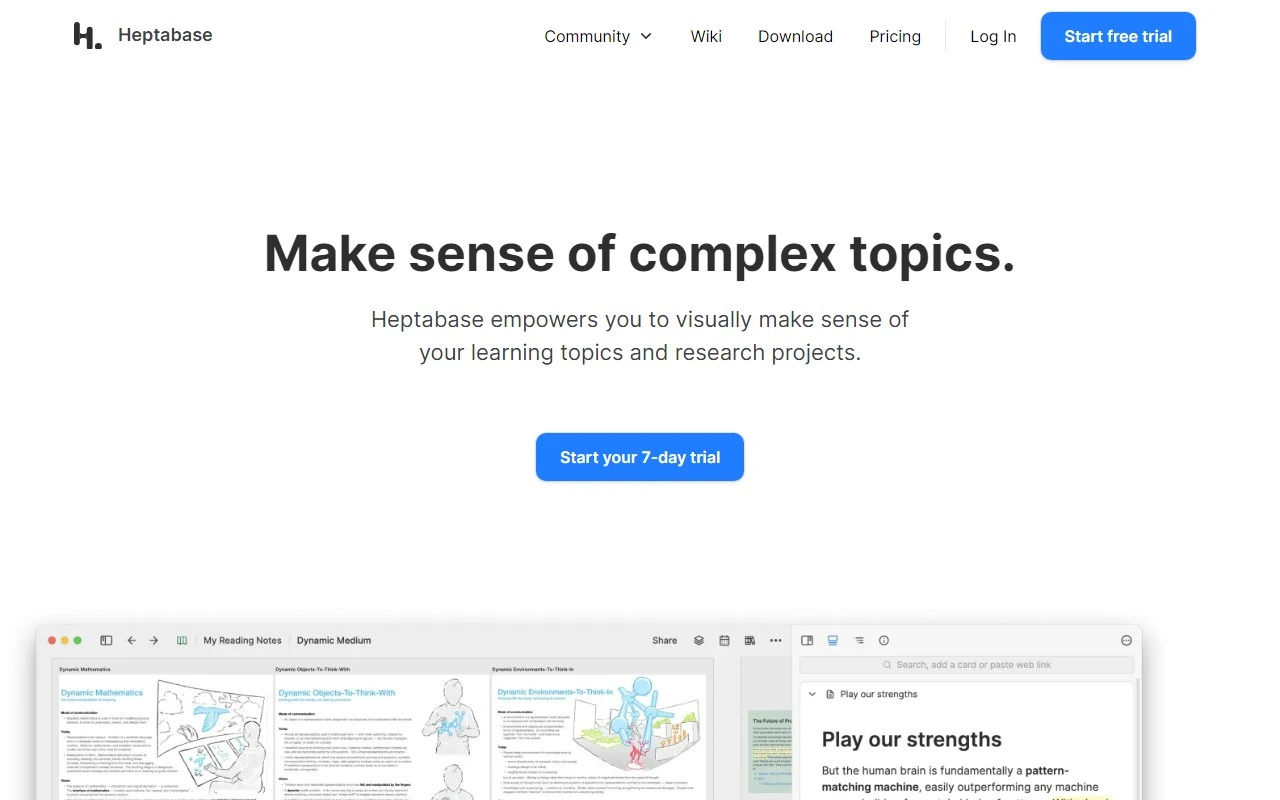
Heptabase: A Visual Note-Taking Powerhouse for Learning and Research
If you’ve ever felt overwhelmed by the sheer volume of information you need to process—whether for academic research, project management, or creative brainstorming—Heptabase might just be the tool you’ve been searching for. Designed with visual learners in mind, this note-taking app goes beyond traditional text-based systems to help you synthesize complex ideas and organize your thoughts in a way that’s both intuitive and impactful.
What Makes Heptabase Stand Out?
At its core, Heptabase is a visual note-taking tool that combines the flexibility of whiteboards, mind maps, tables, and kanban boards into one seamless platform. Whether you’re a student tackling a dense academic subject, a project manager juggling multiple insights, or a creator curating inspiration, Heptabase’s visual tools make it easier to see the big picture while diving into the details.
Here’s what sets it apart:
- Visualizations: Transform your notes into dynamic whiteboards, mind maps, or kanban boards to better understand relationships between ideas.
- PDF Annotation & Transcription: Highlight, annotate, and even transcribe audio/video content directly within the app.
- Collaboration: Work with your team in real-time, ensuring everyone stays on the same page.
- Cross-Device Syncing: Access your notes from anywhere, whether you’re on your laptop, tablet, or phone.
- Offline Access: Keep working even without an internet connection—perfect for on-the-go productivity.
How to Get Started with Heptabase
Getting started is a breeze. Simply head over to the Heptabase Sign Up page to start your free trial. Once you’re in, you can:
- Organize Your Notes: Use whiteboards to map out complex topics or kanban boards to track project progress.
- Collaborate: Invite teammates to join your workspace and brainstorm together in real-time.
- Go Offline: Download your notes for offline access, ensuring you’re never interrupted by a spotty connection.
Real-World Use Cases
Here’s how different users are leveraging Heptabase:
- Students: Struggling to grasp a challenging subject? Heptabase’s mind maps and whiteboards can help you break down complex concepts into digestible chunks.
- Project Managers: Synthesize market research, product insights, and team feedback into a single, cohesive visual dashboard.
- Creators: Organize your ideas, inspirations, and drafts in one place, making it easier to bring your creative projects to life.
Pricing and Support
Heptabase offers flexible pricing plans to suit your needs. Check out the Heptabase Pricing page for details. If you have questions or need assistance, the support team is just an email away at [email protected]. For more resources, visit the Contact Us page.
Why I Recommend Heptabase
As someone who’s always juggling multiple projects, I’ve found Heptabase to be a game-changer. The ability to visualize my notes and collaborate with my team in real-time has saved me countless hours. Plus, the offline access feature ensures I can keep working even when I’m on the go.
Stay Connected
Want to stay updated on the latest features and updates? Follow Heptabase on Twitter or explore their open-source contributions on GitHub.
In a world where information overload is the norm, Heptabase provides a refreshing way to see, organize, and understand your ideas. Give it a try—your future self will thank you.