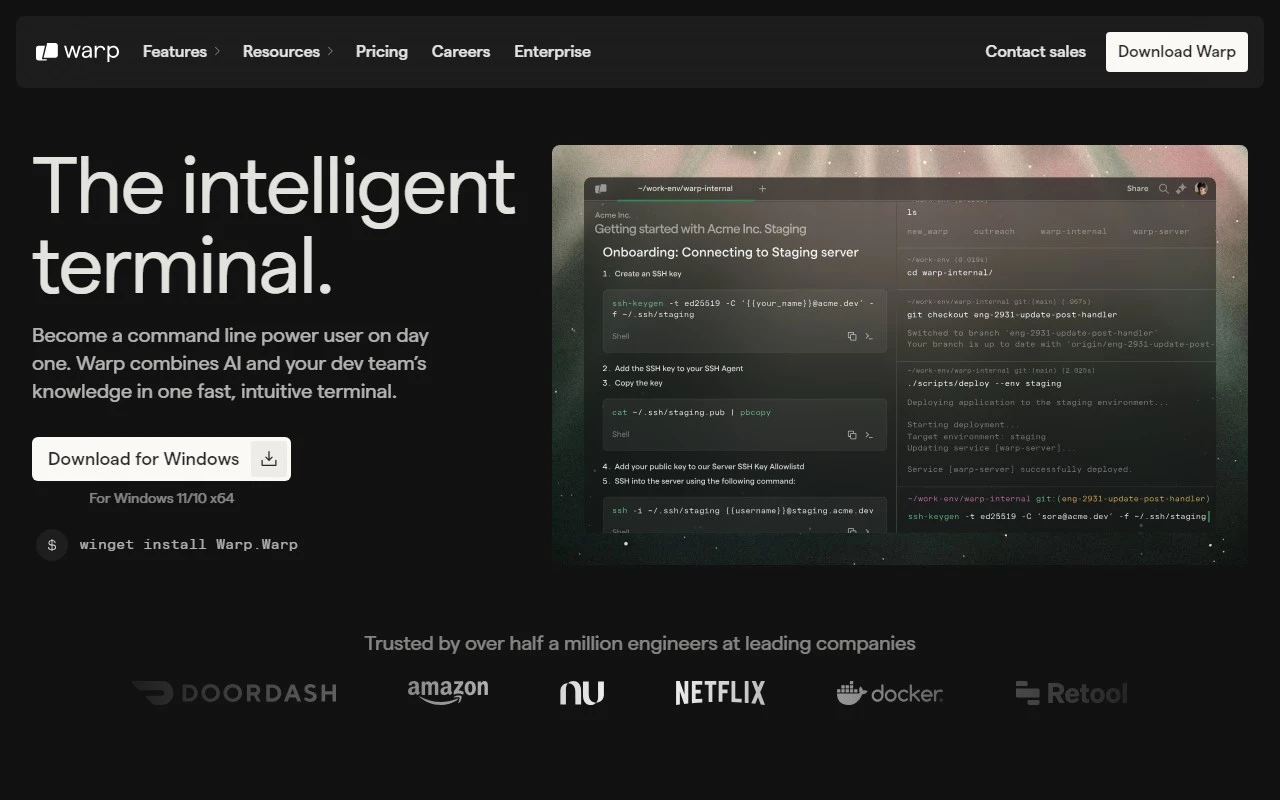
Warp: The Modern Terminal Supercharged with AI
If you’re a developer looking to level up your workflow, Warp is the terminal you’ve been waiting for. Built on Rust for blazing-fast performance and infused with AI, Warp is designed to help you and your team build better software, faster. Whether you’re debugging code, collaborating with teammates, or just trying to execute commands more efficiently, Warp brings a fresh, modern approach to the terminal experience.
What Makes Warp Stand Out?
Warp isn’t just another terminal—it’s a game-changer. Here’s why:
- IDE-Style Text Input Editor: Say goodbye to clunky command-line editing. Warp’s editor feels like a modern IDE, making it easier to write and debug code directly in the terminal.
- Effortless Output Navigation: Scrolling through terminal output is a thing of the past. Warp lets you quickly jump to the information you need.
- Command Reusability: Save frequently used commands for quick access, saving you time and reducing repetitive typing.
- Warp AI: Stuck on a tricky command or debugging issue? Warp’s built-in AI assistant is there to help, offering suggestions and solutions in real-time.
- Customization Galore: From keybindings to launch configurations, Warp is fully customizable. Plus, you can choose from preloaded themes or create your own to match your style.
How to Get Started with Warp
Getting started is a breeze:
- Download and Install: Head over to Warp’s website and download the MacOS version.
- Launch and Explore: Open Warp and start experimenting with its features. Whether you’re writing code, navigating output, or using Warp AI, you’ll quickly see how it streamlines your workflow.
Real-World Use Cases
Here’s how Warp can make a difference in your day-to-day work:
- Software Development: Write, debug, and execute code faster with Warp’s intuitive editor and AI assistance.
- Team Collaboration: Share commands and workflows with your team, ensuring everyone is on the same page.
- Efficient Command Execution: Save time by reusing commands and navigating output with ease.
Frequently Asked Questions
- What is Warp? It’s a modern terminal built on Rust, designed to accelerate software development with AI-powered features.
- How do I use Warp? Download it from warp.dev, install it on MacOS, and start exploring its features.
- What are the core features? IDE-style editor, output navigation, command reuse, Warp AI, and customization options.
- What are the use cases? Software development, team collaboration, and efficient command execution.
Connect with Warp
Warp is more than just a tool—it’s a community. Here’s how you can stay connected:
- Discord: Join the conversation on Warp’s Discord server.
- Support: Need help? Visit the contact page for support, customer service, or refund inquiries.
- Social Media: Follow Warp on YouTube, TikTok, Twitter, and GitHub for updates and tutorials.
Pricing
Warp offers flexible pricing plans to suit your needs. Check out the pricing page for details.
About Warp
Want to learn more about the team behind this innovative tool? Visit the about page to discover their mission and vision.
Final Thoughts
Warp is redefining what a terminal can do. With its modern design, AI-powered features, and focus on developer productivity, it’s a must-have tool for anyone serious about software development. Ready to transform your workflow? Download Warp today and experience the future of terminals.