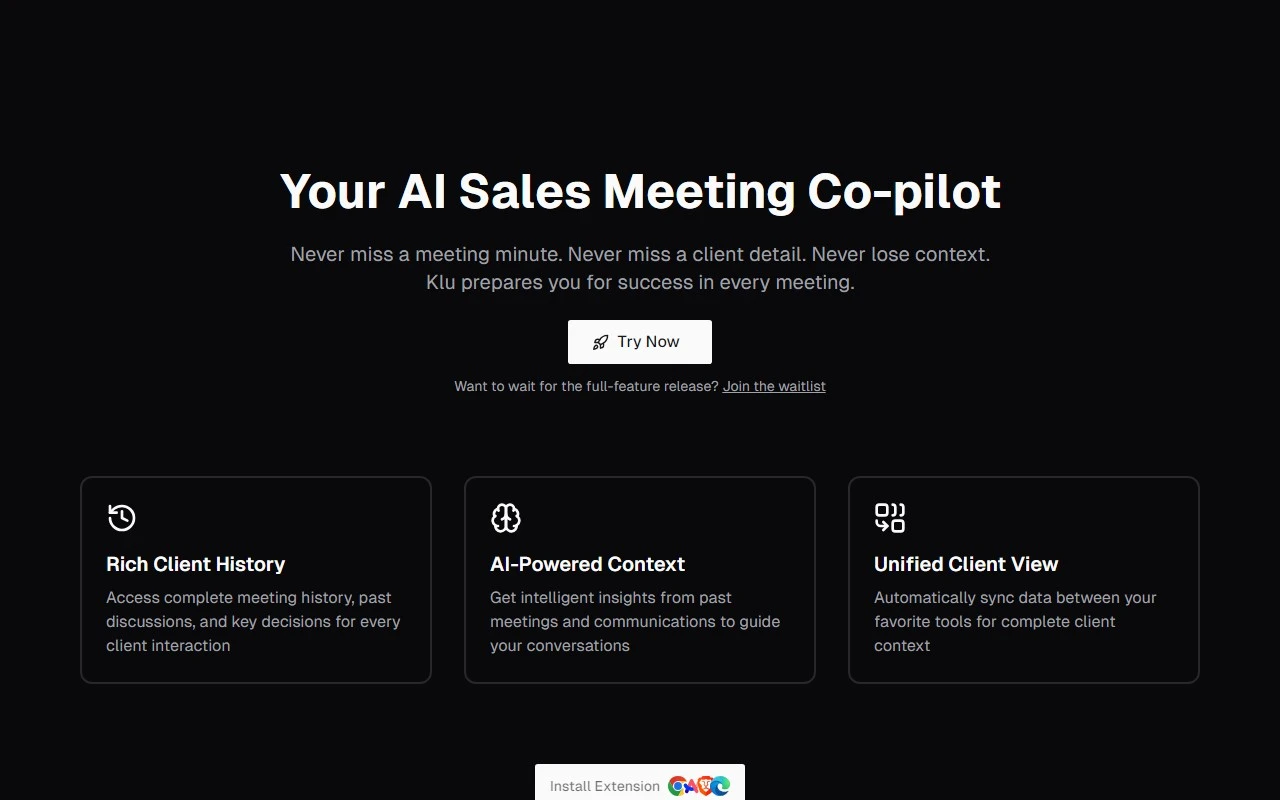
Klu: The Smart Search Tool That Revolutionizes Team Productivity
In today’s fast-paced digital world, information is scattered across countless apps and platforms. Enter Klu, a game-changing smart search tool designed to bring order to the chaos. Whether you’re juggling Slack conversations, Google Drive files, Notion pages, or other cloud-based apps, Klu ensures that everything you need is just a search away.
What Makes Klu Stand Out?
Klu isn’t just another search tool—it’s a productivity powerhouse. By integrating seamlessly with your favorite apps, Klu uses Natural Language Processing (NLP) and machine learning to deliver lightning-fast, accurate search results. Imagine pressing cmd + space + K and instantly finding that elusive file, email, or customer record. That’s the magic of Klu.
But it doesn’t stop there. Klu also offers AI-powered question answering, allowing you to ask questions and get instant, data-driven responses. Plus, its team workspaces let you save and organize information, ensuring your team never loses track of critical data.
How to Get Started with Klu
Getting started with Klu is a breeze:
- Sign up for their public beta at https://app.klu.so/signup.
- Connect your cloud-based apps like Slack, Google Drive, and Notion.
- Start searching! Use the shortcut
cmd + space + Kto access Klu’s search engine anytime, anywhere.
Core Features That Shine
- Smart Search: Leverage NLP and machine learning to find files, messages, and documents across all your apps.
- Lightning-Fast Performance: Search across PDFs, emails, and more in seconds.
- Team Collaboration: Share findings and organize information in team workspaces to boost productivity.
- AI-Powered Insights: Ask questions and get instant answers based on your data.
Real-World Use Cases
Here’s how Klu can transform your workflow:
- Locate Shared Files: Quickly find files scattered across Slack, Google Drive, and Notion without jumping between apps.
- Search Within Apps: Easily pinpoint specific information in your cloud-based tools.
- Organize Data: Save and categorize information in team workspaces for future reference.
- Ask Questions: Use Klu’s AI to get instant answers to queries like, “What was the deadline for Project X?”
Pricing and Support
Klu offers flexible pricing plans to suit teams of all sizes. Check out their pricing page at https://klu.so/pricing to find the perfect fit.
Need help? Reach out to their friendly support team at [email protected] or visit their contact page for more options.
Join the Klu Community
Stay connected with Klu and join their vibrant community:
- Discord: https://discord.gg/WyHDkyKSt4
- LinkedIn: https://www.linkedin.com/company/klu-hq/
- Twitter: https://twitter.com/klu_hq
Why Klu?
Klu isn’t just a tool—it’s a solution to the modern problem of information overload. By centralizing search and collaboration, Klu empowers teams to work smarter, not harder. Ready to experience the future of search? Sign up today at https://app.klu.so/signup and see the difference for yourself.
For more about Klu, visit their About Us page or log in to your account at https://app.klu.so/login.
Klu is here to make your work life simpler, faster, and more efficient. Don’t let scattered information hold you back—let Klu do the heavy lifting!