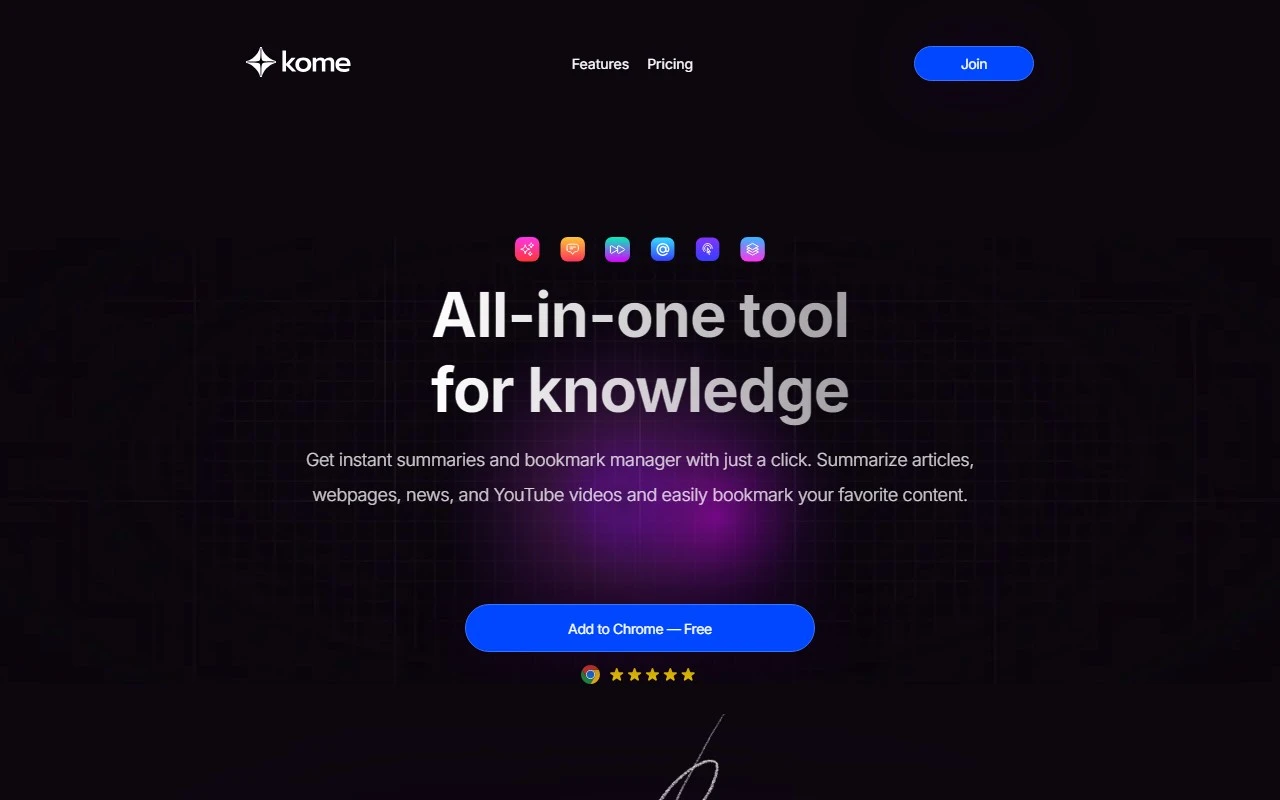
Kome: AI Summary and Bookmark Extension – Your Ultimate Browsing Companion
If you’ve ever wished for a smarter, faster way to navigate the web, Kome is here to transform your online experience. This AI-powered browser extension is packed with tools designed to save you time, boost productivity, and make browsing more enjoyable. Whether you’re a student, professional, or just someone who loves to stay organized, Kome has something for everyone.
What Makes Kome Stand Out?
Kome isn’t just another browser extension—it’s a game-changer. Here’s why:
- AI-Powered Summarizer: Tired of skimming through lengthy articles or YouTube videos? Kome’s summarizer distills content into key points, helping you grasp the essence in seconds.
- Bookmark Manager: Never lose track of important content again. Save and organize bookmarks from any website with ease.
- Smart Compose: Turn your bookmarks into polished emails, tweets, or blog posts with AI assistance.
- YouTube Transcript Generator: Automatically generate transcripts for YouTube videos—perfect for note-taking or accessibility.
- Extract Emails and Colors: Quickly copy email addresses from webpages or create color palettes for design inspiration.
- Automated Scrolling: Let Kome handle the scrolling while you focus on the content.
- URL Search: Search for URLs without leaving your current page—no more tab overload.
How to Use Kome
Getting started with Kome is a breeze:
- Install the Extension: Head to your browser’s marketplace and add Kome to your toolbar.
- Summarize Content: Click the Kome icon, then hit the ‘Summarize’ button for articles, webpages, or YouTube videos.
- Bookmark with Ease: Save content to your preferred category with a single click.
- Create with Smart Compose: Use your bookmarks to generate AI-assisted emails, tweets, or blog posts.
- Explore Advanced Features: Try out tools like email extraction, color palette creation, and automated scrolling.
Real-Life Use Cases
Here’s how Kome can make a difference in your daily life:
- For Students: Quickly summarize research articles or generate YouTube video transcripts for study notes.
- For Professionals: Stay organized by bookmarking industry news and using Smart Compose to draft emails or reports.
- For Creatives: Extract color palettes from websites for design inspiration or automate scrolling to streamline your workflow.
Pricing and Support
Kome offers flexible pricing plans to suit your needs. Check out the details here: Kome Pricing.
Got questions? The Kome team is here to help. Reach out via email at [email protected] for customer service, refunds, or general inquiries.
Join the Kome Community
Ready to upgrade your browsing experience? Sign up now at Kome Signup.
Want to see Kome in action? Watch the demo on YouTube or follow the latest updates on Twitter.
Final Thoughts
Kome is more than just a browser extension—it’s your personal assistant for smarter, faster, and more organized browsing. With its AI-powered tools and user-friendly design, it’s no wonder Kome is quickly becoming a must-have for anyone who spends time online. Give it a try and see the difference for yourself!