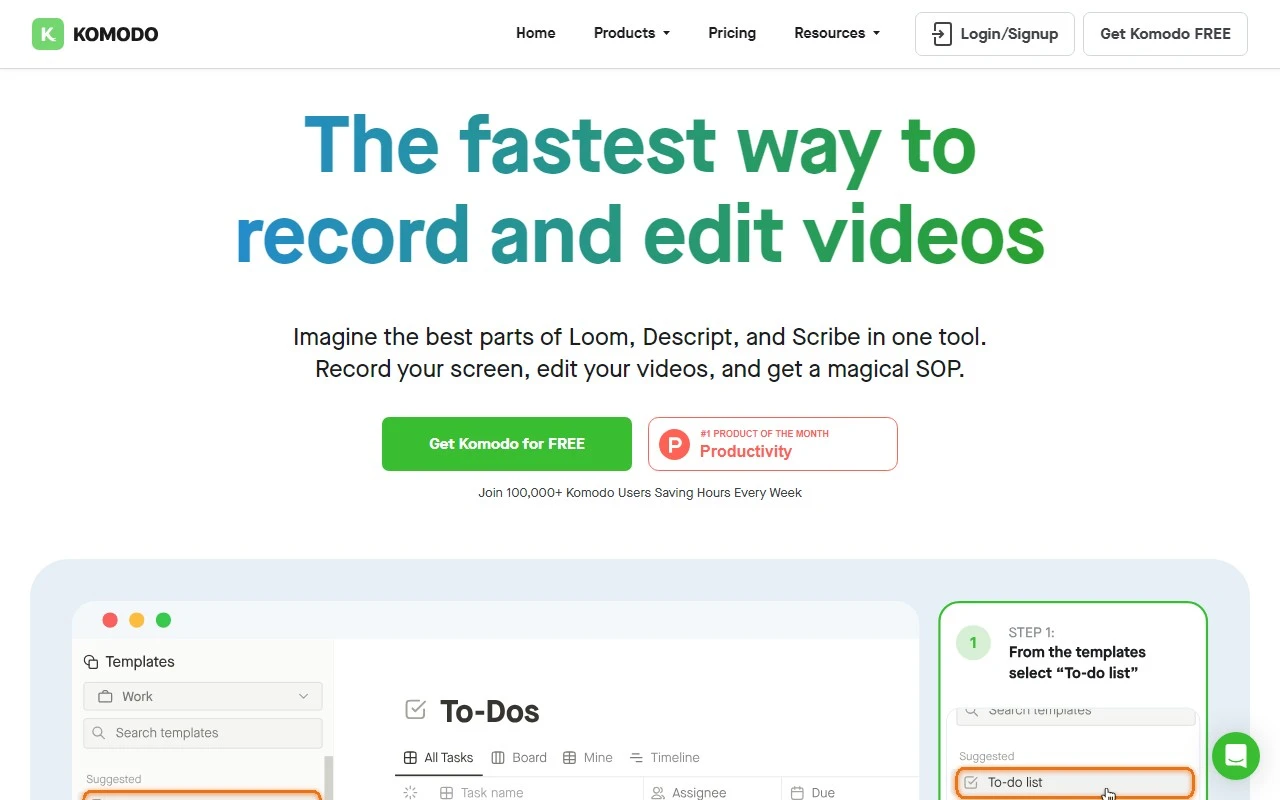
Komodo: The Ultimate Tool for Screen Recording and Interactive Guides
If you’ve ever struggled to create engaging, professional screen recordings or interactive guides, Komodo is here to change the game. Designed to be lightning-fast and incredibly user-friendly, Komodo is the go-to solution for anyone looking to simplify their workflow while delivering high-quality content.
What is Komodo?
Komodo is a native desktop app that allows you to effortlessly record your screen and create interactive guides. Whether you’re crafting presentations, educational tutorials, or sales demos, Komodo streamlines the process with its intuitive interface and powerful features.
How to Use Komodo
Getting started with Komodo is a breeze:
- Download and install Komodo on your Mac or Windows computer.
- Open the app and select the screen or application you want to record.
- Hit the record button to start capturing your screen.
- Edit your video and add interactive elements like guides, annotations, or callouts to make your content more engaging.
- Share your finished video instantly with your team, students, or clients.
Core Features That Set Komodo Apart
- Unlimited Screen Recording: No time limits, no watermarks—just seamless recording for as long as you need.
- Lightweight & Super Fast: Komodo runs smoothly without hogging your system resources, ensuring a lag-free experience.
- Instant Sharing: Share your recordings directly from the app with just a few clicks.
- Native Desktop App: Enjoy a dedicated, optimized experience for both Mac and Windows.
- System Audio Recording: Capture both your screen and audio simultaneously for a polished final product.
Real-World Use Cases
Komodo isn’t just a tool—it’s a solution for a variety of professional and personal needs:
- Presentations: Create dynamic, interactive presentations that keep your audience engaged.
- Education: Develop clear, step-by-step tutorials for students or colleagues.
- Sales: Showcase product features with detailed demos that leave a lasting impression.
Frequently Asked Questions
-
Is Komodo available for both Mac and Windows?
Yes! Komodo supports both Mac and Windows operating systems. -
Can I record my screen without any time limits?
Absolutely. Komodo offers unlimited screen recording with no restrictions. -
Does Komodo have customer support?
Yes, Komodo provides dedicated customer support to help you with any issues. -
Is Komodo funded by venture capital?
No, Komodo is independently funded, allowing it to focus entirely on user needs. -
Does Komodo have AI features?
Not at the moment, but the team is constantly innovating to bring you the best tools possible.
Ready to Get Started?
Experience the power of Komodo for yourself. Download it today and see why it’s the fastest way to create professional screen recordings and interactive guides.
Download Komodo: https://komodo.com/download
Pricing: https://komodo.com/pricing
Support: https://komodo.com/support
Komodo is more than just a screen recorder—it’s your partner in creating content that truly stands out. Give it a try and elevate your workflow to the next level!