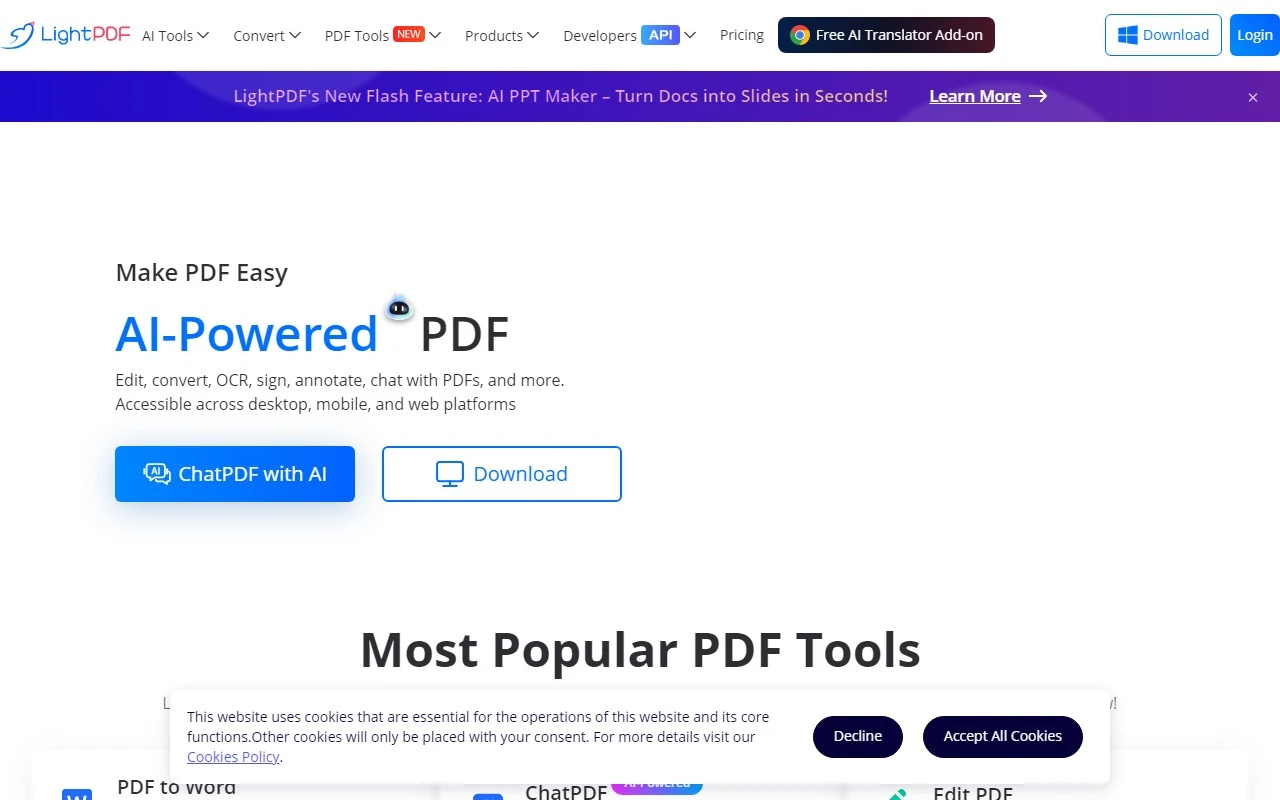
LightPDF Review: The AI-Powered PDF Tool That Does It All
If you’ve ever struggled with PDFs—whether it’s editing, converting, or just organizing them—LightPDF is here to save the day. This free, AI-powered online tool is a one-stop solution for all your PDF needs. From converting files to collaborating with others, LightPDF makes working with PDFs effortless and efficient. Let’s dive into what makes this tool a game-changer.
What is LightPDF?
LightPDF is a cloud-based PDF editor, converter, and reader that’s packed with features to handle every PDF-related task you can think of. Whether you’re a student, professional, or just someone who deals with PDFs regularly, LightPDF’s intuitive interface and powerful tools make it a must-have in your digital toolkit.
Why LightPDF Stands Out
Here’s what makes LightPDF truly shine:
- AI-Powered Efficiency: LightPDF uses AI to streamline tasks like OCR (Optical Character Recognition) and document-related queries. Need to extract text from a scanned PDF? LightPDF’s got you covered.
- All-in-One Solution: From editing and converting to signing and annotating, LightPDF consolidates multiple tools into one platform.
- Cloud-Based Convenience: Upload, store, and access your PDFs from anywhere, on any device. Plus, collaborate with others seamlessly.
- Free to Use: Most of its core features are available for free, making it accessible to everyone.
Key Features of LightPDF
Here’s a breakdown of what you can do with LightPDF:
- View, Edit, and Convert PDFs: Easily edit text, add watermarks, or convert PDFs to formats like Word, Excel, PPT, and more.
- Sign and Annotate: Add signatures, comments, or markups to your documents.
- Merge and Organize: Combine multiple PDFs into one file or organize them in the cloud.
- OCR Technology: Convert scanned PDFs and images into editable text.
- Compress PDFs: Reduce file size for easier sharing and storage.
- AI Chatbot: Get instant assistance for document-related queries.
Real-World Use Cases
Here are some scenarios where LightPDF excels:
- Converting PDFs: Need to turn a PDF into an editable Word document? LightPDF makes it quick and painless.
- Editing on the Go: Add watermarks, update text, or annotate PDFs directly from your browser.
- OCR for Scanned Files: Extract text from scanned PDFs or images, perfect for digitizing old documents.
- Compressing Files: Shrink large PDFs to meet email attachment size limits.
- Collaborating with Teams: Share and co-edit PDFs with colleagues or classmates.
- AI Assistance: Ask the AI chatbot for help with formatting, conversions, or troubleshooting.
How to Get Started with LightPDF
Using LightPDF is as simple as it gets:
- Visit the LightPDF website.
- Choose the tool you need (e.g., convert, edit, merge).
- Upload your file and let LightPDF do the rest.
Pricing and Support
While LightPDF offers a robust free version, you can unlock even more features with their VIP plans. Check out the pricing page for details.
Got questions? LightPDF’s support team is just a click away. Visit their contact page for email support, refund inquiries, and more.
Join the LightPDF Community
LightPDF isn’t just a tool—it’s a community. Connect with other users and stay updated on the latest features:
- Discord: Join the conversation here.
- Facebook: Follow them on Facebook.
- YouTube: Watch tutorials on their YouTube channel.
- Twitter: Stay in the loop on Twitter.
Final Thoughts
LightPDF is more than just a PDF tool—it’s a productivity powerhouse. Whether you’re converting files, collaborating with others, or just organizing your documents, LightPDF’s AI-driven features and user-friendly design make it a standout choice. Best of all, it’s free to use, so there’s no reason not to give it a try.
Ready to simplify your PDF workflow? Head over to LightPDF and see for yourself why it’s a favorite among students, professionals, and PDF enthusiasts alike.