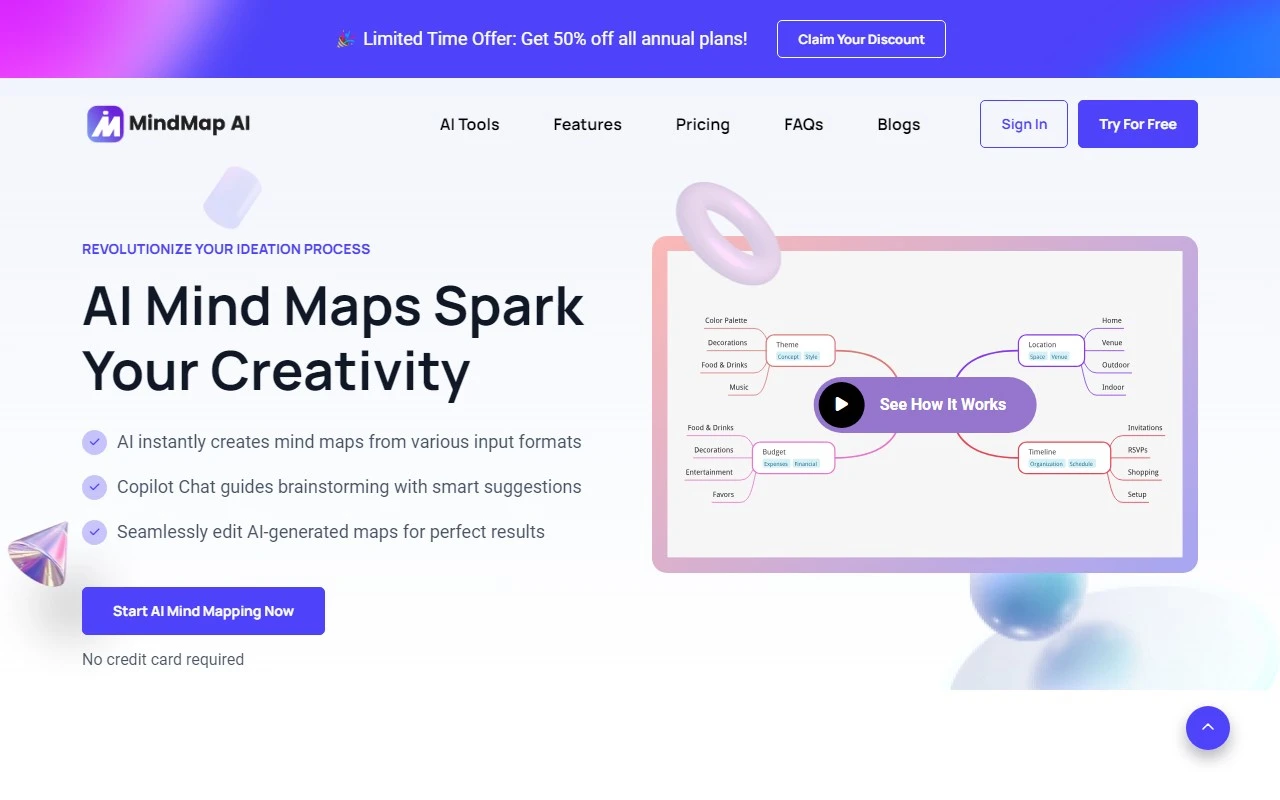
MindMap AI: Revolutionizing the Way You Think and Plan
If you’ve ever felt overwhelmed by complex ideas or struggled to organize your thoughts, MindMap AI is here to change the game. As an AI-powered mind mapping platform, it’s designed to help students, professionals, and teams visualize ideas effortlessly. With over 50,000 users from leading institutions and companies, it’s quickly becoming the go-to tool for anyone looking to boost their productivity and creativity.
What Makes MindMap AI Special?
MindMap AI isn’t just another mind mapping tool—it’s your personal brainstorming assistant. Using advanced AI, it transforms text, PDFs, images, audio, and even video into detailed, visually stunning mind maps. Whether you’re a student trying to organize lecture notes or a project manager breaking down a complex workflow, MindMap AI simplifies the process.
Here’s how it works:
- Sign up for free (no credit card required) at MindMap AI Sign Up.
- Upload your content or start typing your ideas.
- Watch as the AI generates a mind map instantly.
- Refine your map with suggestions from the AI Copilot.
- Customize and export it in your preferred format.
Core Features That Set It Apart
- Intelligent Mind Map Generation: Turn any input—text, PDF, image, audio, or video—into a detailed mind map in seconds.
- AI Copilot Chat: Engage in real-time brainstorming with the AI Copilot, which keeps a history of your sessions for easy reference.
- Multi-Format Idea Capture: No matter how your ideas are stored, MindMap AI can process them.
- AI Expand and Summarize: Dive deeper into topics or condense complex maps into digestible overviews.
- Second Order Connections: Visualize relationships between concepts to simplify complex projects.
- Flexible Export Options: Export your maps as PNG, SVG, PDF, or Markdown for seamless sharing.
Real-World Use Cases
Here’s how people are using MindMap AI to transform their workflows:
- Students: Turn lecture notes and research materials into visual mind maps for better comprehension and exam prep.
- Business Professionals: Break down complex projects into manageable frameworks for efficient planning.
- Content Creators: Organize article outlines, video scripts, and content strategies with a visual hierarchy.
- Researchers: Structure findings and conceptual frameworks from documents and notes.
- Teachers: Convert lesson plans into interactive mind maps for engaging classroom materials.
- Product Managers: Visualize feature roadmaps and user feedback to streamline decision-making.
Pricing and Support
MindMap AI offers flexible pricing plans to suit your needs. Check out the details at MindMap AI Pricing.
Got questions? The AI Copilot FAQ covers everything from editing mind maps to handling large PDFs. For personalized assistance, reach out to the support team at [email protected] or visit the Contact Us page.
Why You’ll Love It
MindMap AI isn’t just a tool—it’s a productivity partner. Whether you’re brainstorming solo or collaborating with a team, its intuitive features and AI-driven insights make it easy to stay organized and creative.
Ready to get started? Sign up for free at MindMap AI Login and see why over 50,000 thinkers are already hooked.
For more updates and tips, follow MindMap AI on:
Transform the way you think, plan, and create—with MindMap AI.