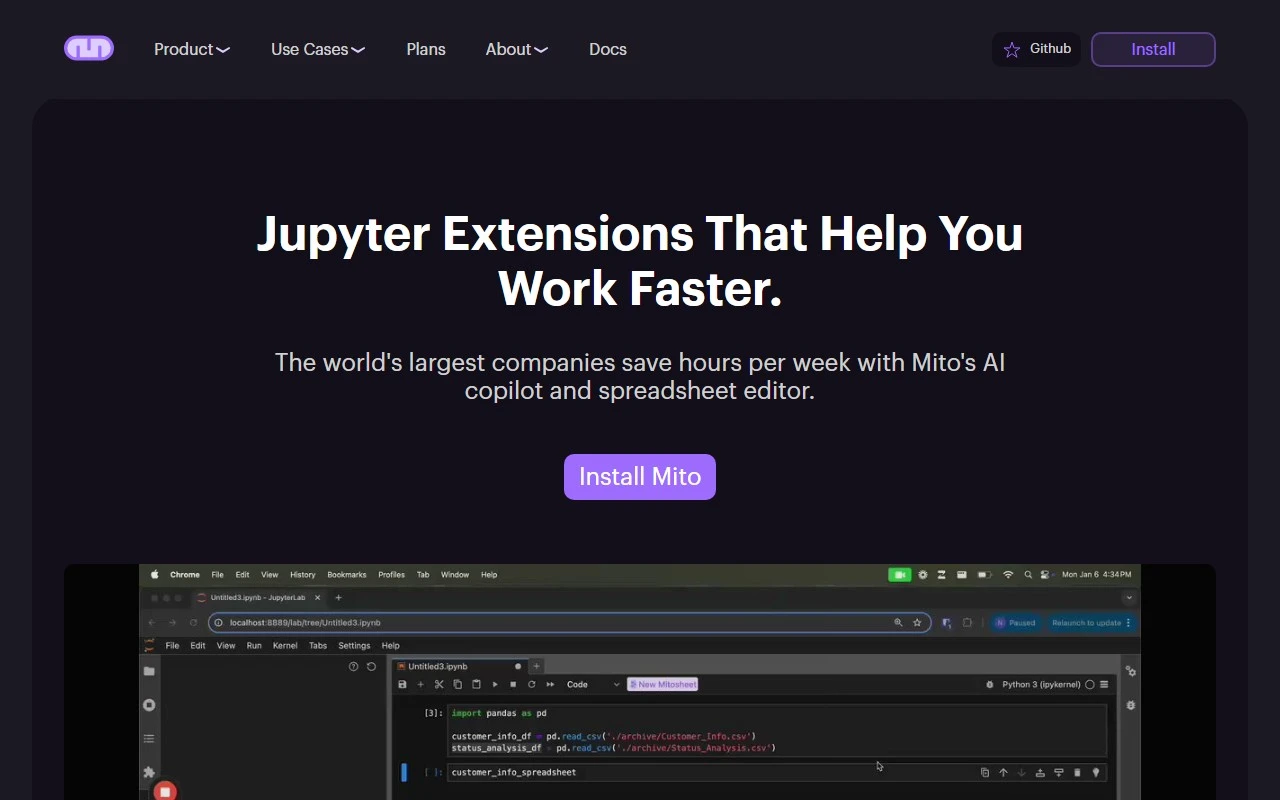
Mito: The Spreadsheet-to-Python Powerhouse You’ve Been Waiting For
If you’ve ever wished you could combine the simplicity of spreadsheets with the power of Python, Mito is here to make that dream a reality. Mito is a game-changing tool that lets you edit spreadsheet data while automatically generating Python code in the background. It’s perfect for analysts, data scientists, and anyone who wants to automate repetitive tasks without diving deep into Python programming.
What Makes Mito Special?
Mito bridges the gap between spreadsheets and Python, offering a seamless experience for users of all skill levels. Here’s why it stands out:
- Automatic Python Code Generation: Every edit you make in the Mito spreadsheet generates corresponding Python code. This means you can automate tasks without writing a single line of code yourself.
- AI-Powered Assistance: With Mito AI, you can describe your edits in plain English, and the tool will write the code for you. It’s like having a Python expert by your side.
- Integration with Jupyter and Streamlit: Mito works seamlessly with Jupyter notebooks and Streamlit, making it easy to set up and use in your existing workflows.
- Interactive Dashboards: Turn your Python scripts into interactive Streamlit dashboards with just a few clicks.
- Data Import and Exploration: Import data from sources like Snowflake and explore it directly in the Mito interface.
- Data Quality Checks: Mito ensures your data is clean and ready for analysis before you export it.
How to Use Mito
Getting started with Mito is a breeze:
- Install the Mito Extension: Add the Mito component to your Jupyter or Streamlit environment.
- Edit Your Data: Use the familiar spreadsheet interface to make changes to your dataset.
- Generate Python Code: Watch as Mito automatically generates Python code for every action you take.
- Automate and Repeat: Use the generated code to automate repetitive tasks or build more complex workflows.
Real-World Use Cases
Mito is incredibly versatile, and here are just a few ways it can make your life easier:
- Automating Spreadsheet Tasks: Say goodbye to manual data entry and repetitive spreadsheet tasks. Mito lets you automate these processes with Python, even if you’re not a coding expert.
- Streamlining Data Cleaning and EDA: Clean messy datasets and perform exploratory data analysis (EDA) faster than ever.
- Creating Visualizations: Generate graphs, charts, and visualizations directly from your spreadsheet data.
- Improving AI Performance: Use Mito to prepare and clean data for AI models, ensuring better performance and accuracy.
- Empowering Analysts: Stay in control of your data and automation processes without relying on developers or IT teams.
Pricing and Support
Mito offers flexible pricing plans to suit your needs. Check out the Mito Pricing Page for details: https://www.trymito.io/plans.
Need help? The Mito team is here for you:
- Support Email: Reach out at [email protected].
- Join the Community: Connect with other Mito users on Discord: https://discord.gg/XdJSZyejJU.
Learn More About Mito
- YouTube Tutorials: Watch Mito in action on their YouTube channel: https://www.youtube.com/channel/UCN9o_0m1fwCjigfIpnKr0oA/videos.
- Twitter Updates: Stay in the loop with the latest news: https://twitter.com/tryMito.
- GitHub Repository: Explore the code and contribute to the project: https://github.com/mito-ds/mito.
Final Thoughts
Mito is more than just a tool—it’s a productivity revolution for anyone who works with data. Whether you’re an analyst in financial services, life sciences, or any other industry, Mito empowers you to take control of your data and automation processes.
Ready to give it a try? Visit https://www.trymito.io/plans to get started today!