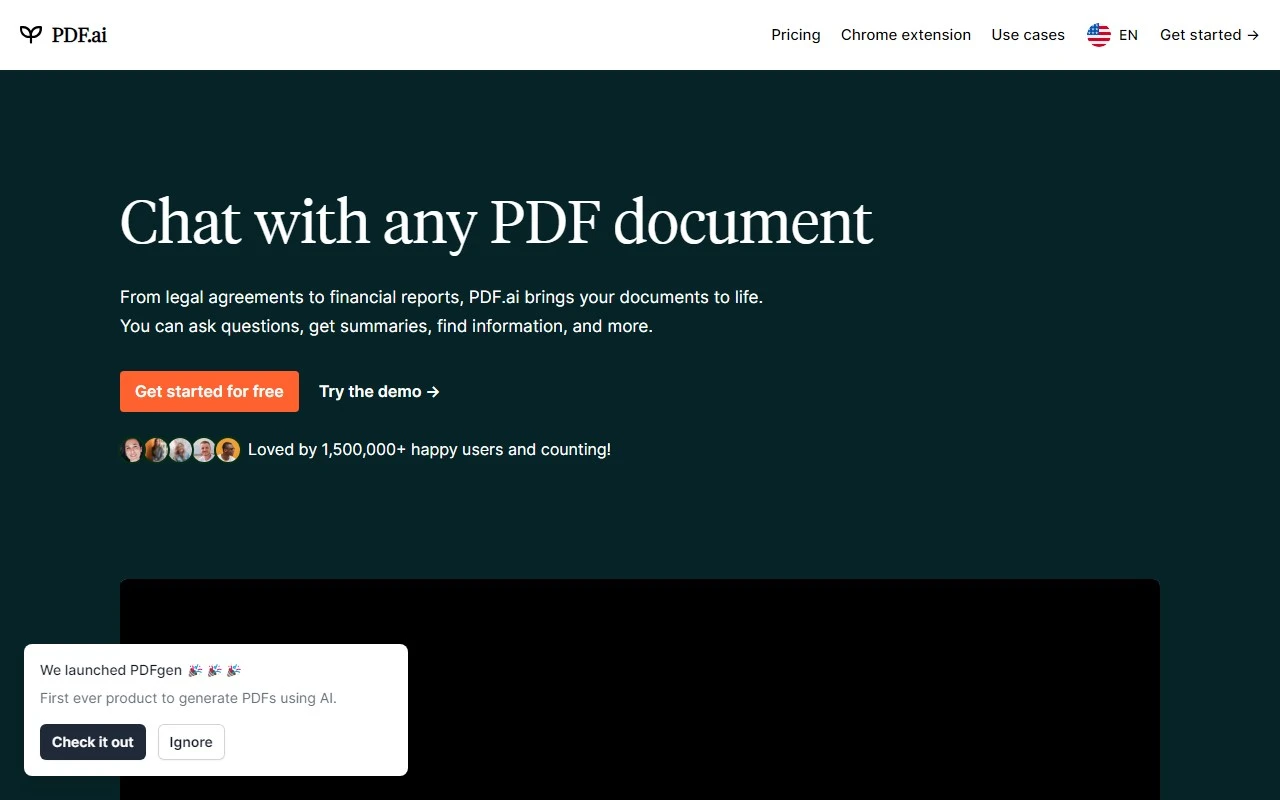
PDF.ai Review: The Ultimate ChatPDF App for Effortless Document Interaction
If you’ve ever struggled to sift through lengthy PDFs, searching for that one crucial piece of information, PDF.ai is here to revolutionize your workflow. This innovative ChatPDF app allows you to interact with your documents like never before—ask questions, get summaries, and find information in seconds. Whether you’re a student, professional, researcher, or avid reader, PDF.ai is designed to make your life easier.
What is PDF.ai?
PDF.ai is more than just a PDF viewer—it’s your personal document assistant. Imagine being able to “chat” with any PDF, whether it’s a research paper, a legal contract, or a novel. Simply upload your document, and PDF.ai will help you extract the information you need in a conversational, intuitive way.
How Does PDF.ai Work?
Using PDF.ai is as simple as having a conversation. Here’s how it works:
- Upload your PDF: Drag and drop your document into the platform.
- Start chatting: Ask questions, request summaries, or search for specific keywords.
- Get instant answers: PDF.ai delivers precise responses, saving you time and effort.
For example, if you’re a student with a 50-page research paper due tomorrow, you can ask PDF.ai, “What are the key findings of this study?” and get a concise summary in seconds.
Core Features of PDF.ai
- Chat with PDFs: Interact with your documents in a natural, conversational way.
- Ask questions: Get answers to specific queries without manually scanning the text.
- Obtain summaries: Quickly extract the main points of any document.
- Efficient search: Find information instantly, even in large, complex PDFs.
Real-World Use Cases
-
For Students:
Struggling with dense academic readings? PDF.ai can summarize chapters, explain complex concepts, or help you find answers for your assignments. -
For Professionals:
Need to review a lengthy contract or report? PDF.ai can pinpoint key clauses or provide a quick overview, saving you hours of manual reading. -
For Researchers:
Extract critical insights from academic papers or research documents without spending hours poring over every detail. -
For Readers:
Exploring a book or article in PDF format? PDF.ai can help you search for specific themes, characters, or quotes effortlessly.
FAQs About PDF.ai
-
What types of PDFs are supported?
PDF.ai works with all standard PDF documents, including text-heavy files, scanned documents, and more. -
Can I chat with multiple PDFs at once?
Currently, PDF.ai supports one document per session, but future updates may include multi-document functionality. -
How accurate are the summaries?
PDF.ai uses advanced AI to provide highly accurate summaries, though results may vary depending on the document’s complexity. -
Is there a limit on questions?
No! You can ask as many questions as you need to get the information you’re looking for. -
Can I download the PDF after chatting?
Yes, your original document remains unchanged and can be downloaded at any time.
Getting Started with PDF.ai
Ready to try PDF.ai? Here’s how to get started:
- Login: https://pdf.ai/auth/sign-in
- Sign up: https://pdf.ai/auth/sign-in
- Pricing: Check out the affordable plans at https://pdf.ai/pricing.
Follow PDF.ai on Social Media
Stay updated with the latest features, tips, and tricks:
- YouTube: https://www.youtube.com/@pdfai
- TikTok: https://www.tiktok.com/@pdfai
- Twitter: https://twitter.com/pdfdotai
- Instagram: https://www.instagram.com/pdfdotai/
Final Thoughts
PDF.ai is a game-changer for anyone who regularly works with PDFs. Its ability to simplify complex documents, provide instant answers, and deliver concise summaries makes it an indispensable tool for students, professionals, and researchers alike. Give it a try and experience the future of document interaction!