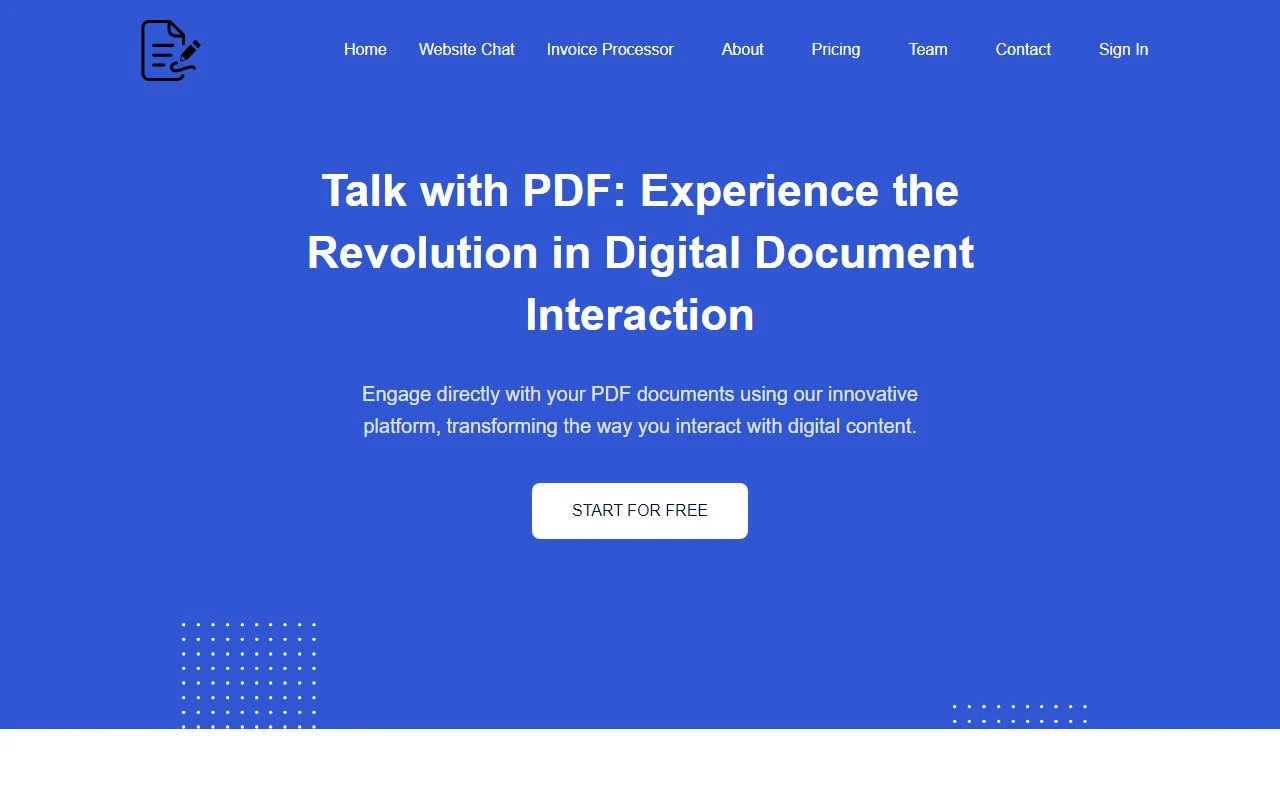
PDF Talk: Your All-in-One PDF Management Solution
If you’ve ever struggled with editing, organizing, or sharing PDFs, PDF Talk is here to make your life easier. This online platform is a game-changer for anyone who regularly works with PDF documents. Whether you’re a student, professional, or just someone who needs to handle PDFs occasionally, PDF Talk offers a suite of tools that are both powerful and user-friendly.
What Makes PDF Talk Stand Out?
PDF Talk is more than just a PDF editor—it’s a comprehensive platform designed to handle all your PDF needs. From editing and annotating to merging, converting, and even collaborating, it’s a one-stop shop for document management.
Here’s what you can do with PDF Talk:
- Edit PDFs: Modify text, images, and layouts with ease.
- Annotate and Markup: Add comments, highlights, and notes to your documents.
- Merge and Split PDFs: Combine multiple files into one or break large PDFs into smaller, manageable parts.
- Convert PDFs: Transform PDFs into editable formats like Word, Excel, or PowerPoint.
- Collaborate: Share documents with others and work together in real-time.
- Secure E-Signatures: Digitally sign PDFs for secure verification.
Real-World Use Cases
Let’s break it down with some practical examples:
- Editing Contracts: Need to tweak a contract? PDF Talk lets you edit text and images directly within the PDF.
- Annotating Research Papers: Highlight key points and add comments for easy reference.
- Merging Reports: Combine multiple PDFs into a single document for streamlined sharing.
- Splitting Large Files: Break down a massive PDF into smaller sections for easier handling.
- Converting PDFs to Excel: Extract data from a PDF and convert it into an editable Excel spreadsheet.
- Team Collaboration: Share a PDF with colleagues and work on it together in real-time.
- Signing Documents: Add a secure e-signature to finalize agreements without printing or scanning.
How to Get Started
Using PDF Talk is incredibly straightforward:
- Visit the PDF Talk Login page to create an account or log in.
- Upload your PDF file to the platform.
- Choose the tool you need—whether it’s editing, merging, converting, or signing.
- Download your updated document and share it as needed.
Pricing and Support
PDF Talk offers flexible pricing plans to suit different needs. Check out the Pricing Page for details on subscriptions and features.
Got questions? The platform’s FAQ section covers common queries like:
- Can I edit text and images in a PDF? (Yes!)
- Is my e-signature secure? (Absolutely!)
- Can I convert PDFs to other formats? (Of course!)
For further assistance, reach out to their support team via the Contact Us page. Whether you need help with a feature or have a refund inquiry, they’re ready to assist.
About PDF Talk
Based in Rotterdam, Netherlands, PDF Talk is committed to simplifying PDF management for users worldwide. Learn more about their mission and team on the About Us page.
Final Thoughts
PDF Talk is a reliable, feature-rich platform that takes the hassle out of working with PDFs. Its intuitive interface, robust tools, and affordable pricing make it a top choice for individuals and teams alike. Whether you’re editing a document, collaborating with colleagues, or signing a contract, PDF Talk has you covered.
Ready to give it a try? Head over to PDF Talk and see how it can transform your PDF workflow!