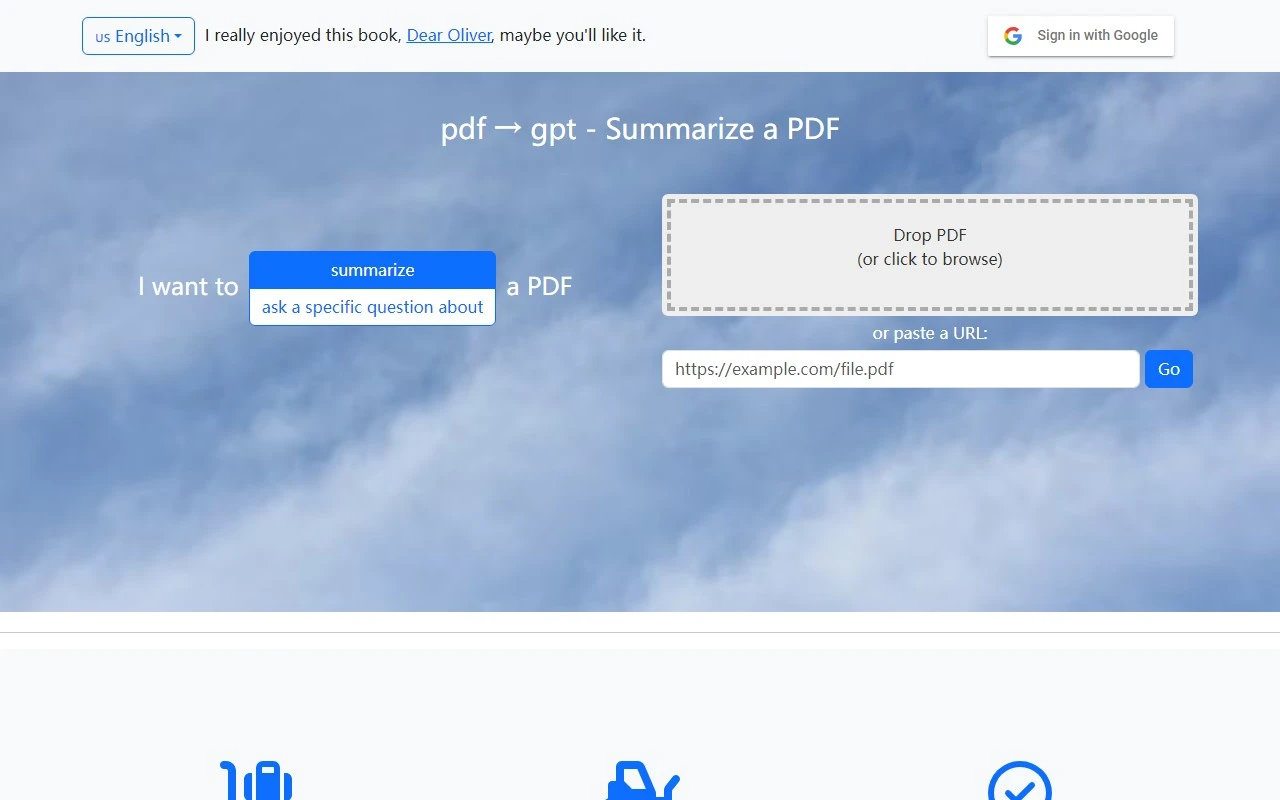
PDF2GPT: The Ultimate Tool for Effortless PDF Summarization
If you’ve ever found yourself drowning in lengthy PDF documents, whether for research, work, or study, PDF2GPT is here to save the day. This innovative tool leverages the power of GPT to automatically summarize your PDFs, making it easier than ever to extract key insights without spending hours reading. Let’s dive into what makes PDF2GPT a game-changer.
What is PDF2GPT?
PDF2GPT is a smart, AI-powered tool designed to automatically summarize long PDF documents. It intelligently breaks down your PDF into manageable chunks that fit within GPT’s context limits, ensuring no important detail is missed. The result? A comprehensive overall summary, a detailed table of contents, and section-wise summaries that make navigating complex documents a breeze.
How Does PDF2GPT Work?
Using PDF2GPT is as simple as it gets. Here’s how it works:
- Upload Your PDF: Just upload the PDF you want to summarize.
- Let the Magic Happen: PDF2GPT processes the document, breaking it into GPT-friendly chunks.
- Get Your Summaries: You’ll receive an overall summary, a table of contents, and individual section summaries—all in one place.
It’s perfect for anyone who needs to quickly grasp the essence of a document without sifting through pages of text.
Core Features of PDF2GPT
PDF2GPT isn’t just another summarization tool—it’s packed with features designed to make your life easier:
- Automated Summarization: Quickly generates concise summaries of large PDFs.
- Segmentation: Breaks documents into GPT-sized chunks for optimal processing.
- Table of Contents: Provides a clear overview of the document’s structure.
- Section-Wise Summaries: Dive deeper into specific sections with tailored summaries.
Who Should Use PDF2GPT?
PDF2GPT is a versatile tool that caters to a wide range of users:
- Researchers: Quickly extract key findings from academic papers or reports.
- Students: Summarize textbooks or study materials for efficient learning.
- Professionals: Save time by summarizing lengthy contracts, whitepapers, or manuals.
For example, imagine you’re a researcher reviewing a 50-page academic paper. Instead of spending hours reading, PDF2GPT gives you a clear, concise summary in minutes, allowing you to focus on what matters most.
Frequently Asked Questions
Here are answers to some common questions about PDF2GPT:
- What file format does PDF2GPT support?
PDF2GPT currently supports PDF files only. - Can I customize the summary length?
At this time, summary length is optimized by the tool, but customization features may be added in the future. - Does PDF2GPT retain the original formatting of the PDF?
The tool focuses on content summarization and does not preserve the original formatting. - Can PDF2GPT handle password-protected PDFs?
No, password-protected PDFs are not supported. - Is there a limit on the size of PDF that can be summarized?
While PDF2GPT handles large documents, there may be practical limits based on GPT’s context size.
Need Help? Contact PDF2GPT Support
PDF2GPT’s customer service team is here to assist you. For any questions or issues, reach out via email at [email protected]. Whether you need technical support or have questions about refunds, they’ve got you covered.
Final Thoughts
PDF2GPT is a must-have tool for anyone dealing with lengthy PDFs. Its ability to automate summarization, create a table of contents, and provide section-wise insights makes it a standout solution in the world of document processing. Give it a try and experience the difference for yourself!
Ready to simplify your PDF reading experience? Upload your document today and let PDF2GPT do the heavy lifting.