PDFToQuiz: Turn Your PDFs into Engaging Quizzes with Ease
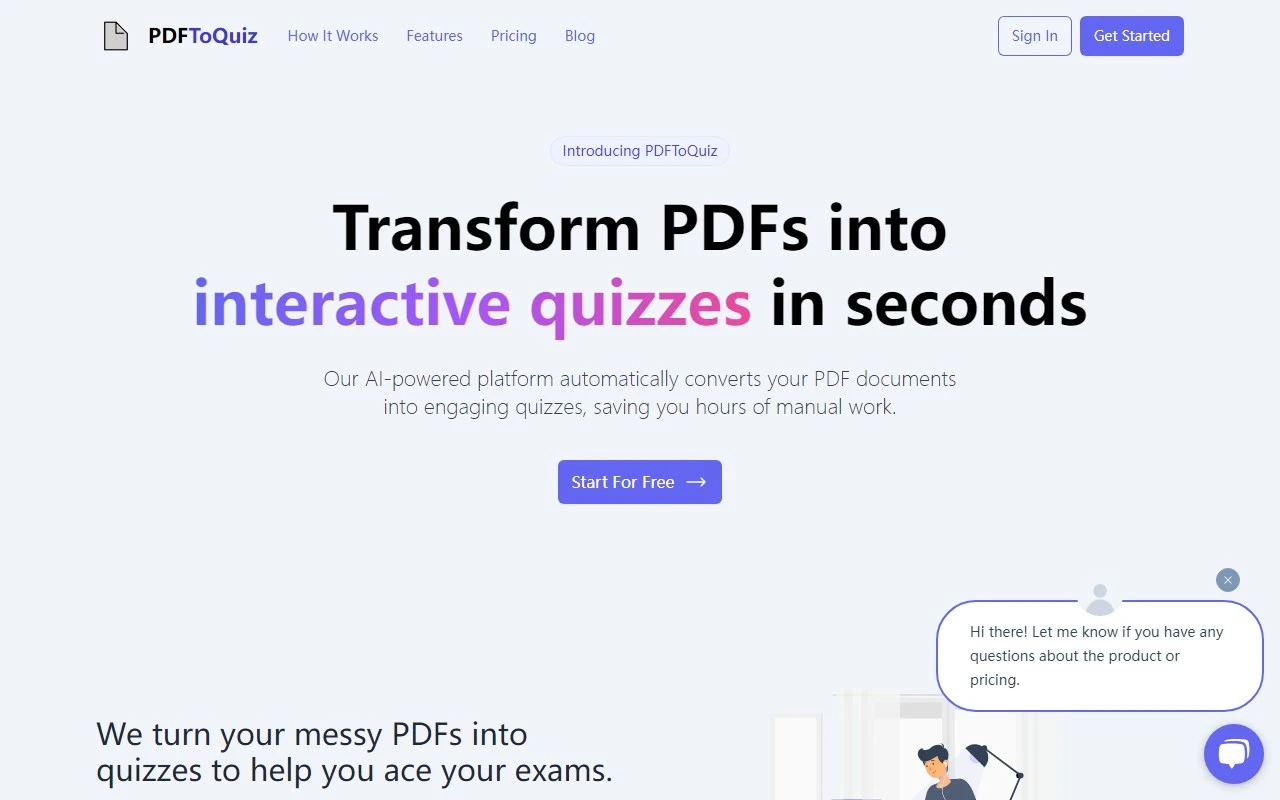
If you’ve ever wished for a smarter way to study or teach, PDFToQuiz might just be the game-changer you’ve been looking for. This innovative online platform takes your PDFs and transforms them into interactive quizzes, making learning and teaching more engaging and effective. Whether you’re an educator, a student, or just someone who loves to test their knowledge, PDFToQuiz simplifies the process with its intuitive design and advanced AI capabilities.
What Makes PDFToQuiz Stand Out?
At its core, PDFToQuiz is all about making learning interactive and efficient. Here’s how it works:
- Upload Your PDF: Simply drag and drop your PDF file into the platform or click to upload. It’s as easy as that.
- AI-Powered Quiz Generation: The platform’s advanced AI scans your document, extracts key information, and creates tailored multiple-choice questions. No more manually crafting quizzes!
- Instant Feedback: After completing the quiz, you’ll get immediate feedback to identify areas where you need improvement. This feature is perfect for solidifying your understanding and tracking progress.
Key Features of PDFToQuiz
- Convert PDFs into Quizzes: Transform any PDF into a dynamic quiz in just a few clicks.
- Advanced AI Technology: The platform uses cutting-edge AI to generate relevant and challenging questions.
- Customizable Study Material: Choose specific pages from your PDF to focus on, making your study sessions more targeted.
Who Can Benefit from PDFToQuiz?
For Educators
Creating interactive study materials has never been easier. With PDFToQuiz, you can quickly generate quizzes tailored to your curriculum, saving time while keeping your students engaged. Imagine turning a dense textbook chapter into a fun, interactive quiz that students can take to test their understanding.
For Students
Studying can be monotonous, but not with PDFToQuiz. Convert your lecture notes, research papers, or any PDF into a quiz to test your knowledge. The instant feedback feature helps you pinpoint areas where you need more practice, making your study sessions more effective.
Real-Life Use Cases
- Example 1: A teacher uploads a chapter from a history textbook and generates a quiz for their students to take after class. The students find the quiz engaging and are able to retain the information better.
- Example 2: A student uploads their lecture notes before an exam and uses the quiz to test their understanding. They identify weak areas and focus their study time more effectively.
Pricing and Plans
Wondering about the cost? PDFToQuiz offers flexible pricing options to suit your needs. Whether you’re looking for a free plan or want to unlock advanced features with the Pro plan, you can find all the details on their Pricing Page.
Getting Started
Ready to give it a try? Here’s how to get started:
- Sign Up: Create your account by visiting the Sign Up Page.
- Log In: If you already have an account, head over to the Login Page to access your dashboard.
Frequently Asked Questions
- Is PDFToQuiz free to use? Yes, there’s a free plan available, but you can unlock additional features with the Pro plan.
- What’s the benefit of the Pro plan? The Pro plan offers advanced features like more detailed analytics and the ability to create longer quizzes.
Final Thoughts
PDFToQuiz is a powerful tool that bridges the gap between static PDFs and interactive learning. Its user-friendly interface, advanced AI, and instant feedback make it a must-have for educators and students alike. Give it a try and see how it can transform the way you learn and teach!
For more information, visit the official website: PDFToQuiz.