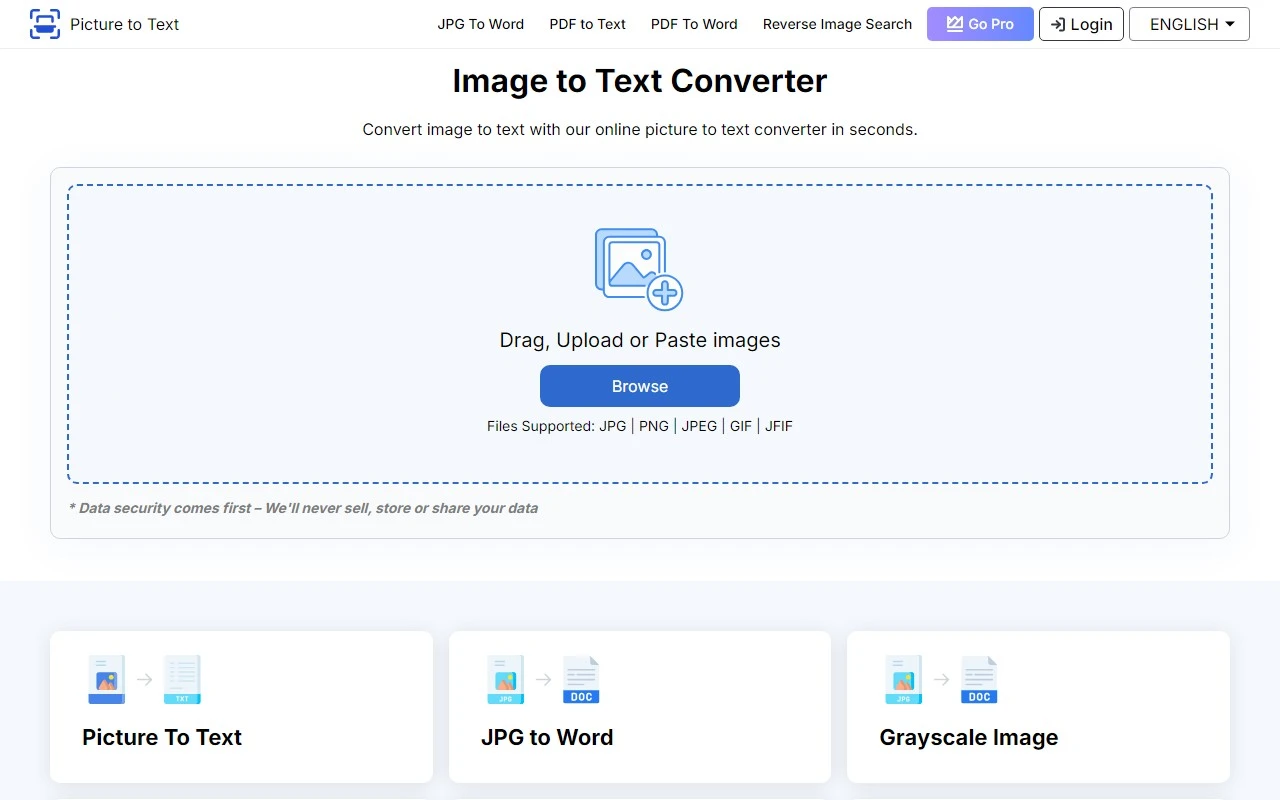
Picture to Text Converter: Your Go-To Tool for Effortless Image-to-Text Conversion
If you’ve ever struggled to extract text from an image, Picture to Text Converter is here to save the day. This free, online OCR (Optical Character Recognition) tool is designed to make your life easier by converting images into editable text with just a few clicks. Whether you’re digitizing documents, extracting text from screenshots, or optimizing workflows, this tool is a game-changer.
What is Picture to Text Converter?
Picture to Text Converter is a powerful yet user-friendly online tool that uses advanced AI to extract text from images. It supports bulk processing, multiple image formats, and a wide range of languages, making it a versatile solution for both personal and professional use. Best of all? It’s completely free!
How to Use Picture to Text Converter
Using this tool is as simple as it gets:
- Upload, Paste, or Drag your image into the input box.
- Click the Convert button to start the process.
- Once the text is extracted, you can either copy it to your clipboard or download it as a TXT file.
It’s that easy! No complicated steps, no hidden fees—just quick and accurate results.
Core Features That Set It Apart
Here’s why Picture to Text Converter stands out:
- Easy to Use: No technical skills required.
- Advanced AI-Based Extraction: Ensures high accuracy even with complex fonts or layouts.
- Multi-Image Format Support: Works with JPG, PNG, BMP, and more.
- Batch Processing: Convert multiple images at once.
- Multi-Language Support: Extracts text in over 100 languages.
- Data Security: Your files are processed securely and deleted after conversion.
- Fast Processing: Get results in seconds.
- Free of Cost: No subscriptions or hidden charges.
Real-World Use Cases
Here are some practical ways to use Picture to Text Converter:
- Digitize Office Documents: Quickly convert scanned documents into editable text.
- Screenshot to Text: Extract text from screenshots for easy editing.
- Invoice and Receipt Digitization: Streamline accounting by converting receipts into text.
- Translate Signboard Text: Snap a photo of a signboard and extract the text for translation.
- Optimize Legal Workflows: Convert scanned legal documents into editable formats.
- PDF Image to Text Extraction: Extract text from image-based PDFs effortlessly.
FAQs Answered
What is an Image-to-Text Converter?
It’s a tool that uses OCR technology to extract text from images and convert it into editable formats like TXT.
How do I get support?
For customer service, refunds, or general inquiries, email the team or visit the Contact Us page.
About Picture to Text Converter
Want to learn more about the company behind this handy tool? Visit the About Us page to discover their mission and vision.
Stay Connected
Follow Picture to Text Converter on social media for updates and tips:
- Facebook: https://www.facebook.com/picturetotext
- Twitter: https://twitter.com/picturetotext
- Instagram: https://www.instagram.com/picturetotext/
Final Thoughts
Picture to Text Converter is a must-have tool for anyone who regularly works with images and text. Its combination of ease of use, advanced features, and zero cost makes it a standout choice. Whether you’re a student, professional, or casual user, this tool will save you time and effort. Give it a try today and experience the convenience for yourself!