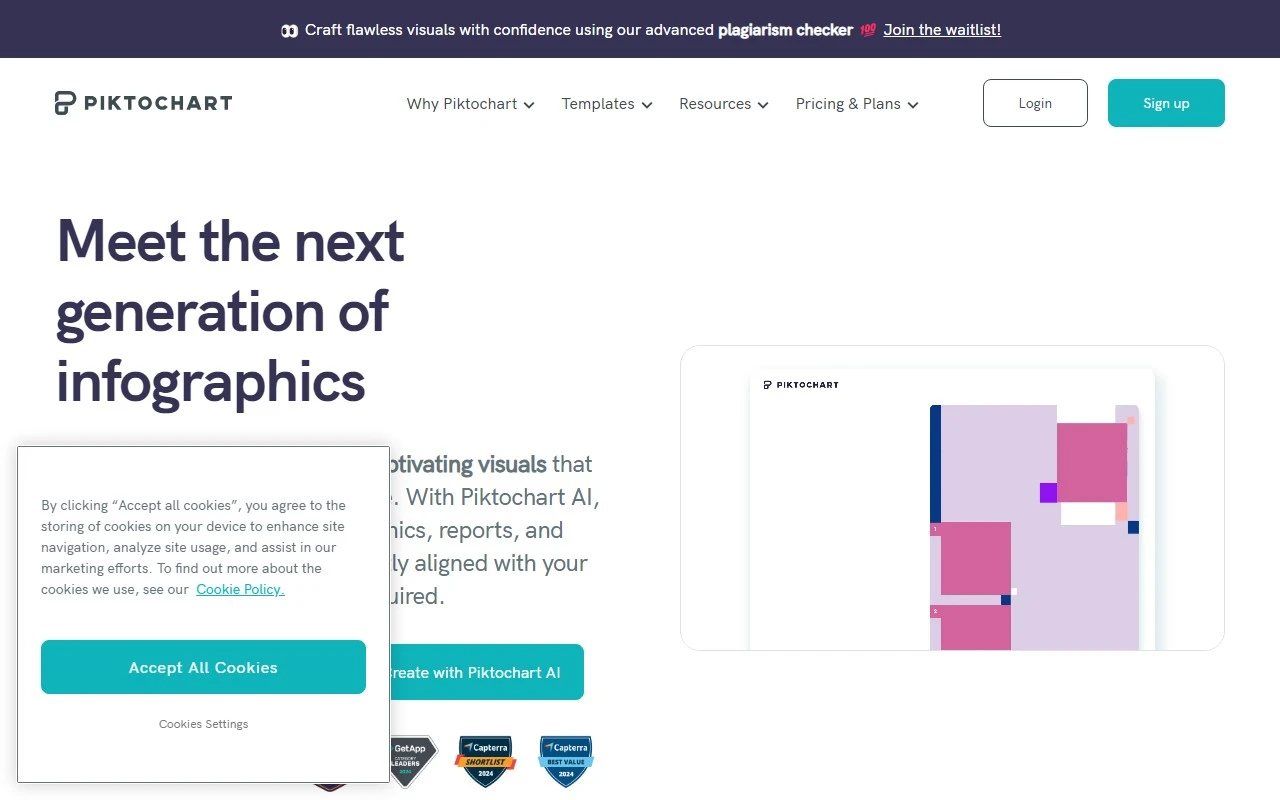
Piktochart: Your Go-To Tool for Stunning Visual Content
If you’ve ever felt overwhelmed by the idea of creating professional designs without a design background, Piktochart is here to save the day. This intuitive infographic maker empowers users to craft visually stunning content—think infographics, flyers, posters, reports, newsletters, and charts—with zero design experience required. Whether you’re a business professional, educator, or marketer, Piktochart simplifies the design process so you can focus on what really matters: your message.
How Does Piktochart Work?
Using Piktochart is as easy as dragging and dropping. Its user-friendly editor lets you create eye-catching designs in minutes. Need a business proposal? A health poster? A sales presentation? Piktochart has you covered. Once your design is ready, you can download it in multiple formats (PNG, PDF, etc.) for sharing online or using in offline presentations.
Core Features That Make Piktochart Stand Out
- AI-Powered Infographic Maker: Transform your ideas into polished visuals with the help of AI.
- Drag and Drop Editor: No coding or design skills? No problem. Just drag, drop, and design.
- Graph Maker: Turn complex data into easy-to-understand charts and graphs.
- Video Editor: Add a dynamic touch to your visuals with video editing capabilities.
- Wide Range of Templates: Choose from hundreds of professionally designed templates tailored for various industries.
- Seamless Workflow Integration: Easily incorporate Piktochart into your existing tools and processes.
Real-World Use Cases
Piktochart isn’t just a tool—it’s a solution for countless scenarios:
- Business Infographics: Simplify complex data for stakeholders.
- Business Proposals: Create proposals that leave a lasting impression.
- Education Templates: Engage students with visually appealing materials.
- Health Posters: Spread awareness with clear, impactful designs.
- HR Templates: Streamline onboarding and internal communications.
- Sales Presentations: Close deals with persuasive visuals.
Frequently Asked Questions
-
Do I need design experience to use Piktochart?
Nope! Piktochart is designed for everyone, regardless of design expertise. -
What file formats can I download my visual content in?
You can export your designs as PNG, PDF, and more. -
Can I integrate Piktochart into my current workflow?
Absolutely! Piktochart plays well with your existing tools. -
Can I turn complex data into visualizations?
Yes, the graph maker and data visualization features make it easy. -
Does Piktochart offer a free plan?
Yes, you can get started with a free plan and upgrade as needed.
About Piktochart
Piktochart is brought to you by Piktochart Sdn. Bhd., a company dedicated to making design accessible to all. Learn more about their mission and values on their About Us page.
Get Started with Piktochart
Ready to create? Here’s how:
- Login: Piktochart Login
- Sign Up: Piktochart Sign Up
- Pricing: Explore plans on the Pricing Page
Connect with Piktochart
Stay updated and get inspired:
- Facebook: Piktochart Facebook
- YouTube: Piktochart YouTube
- LinkedIn: Piktochart LinkedIn
- Twitter: Piktochart Twitter
- Instagram: Piktochart Instagram
Piktochart isn’t just a tool—it’s your partner in creating visuals that make an impact. Whether you’re a beginner or a seasoned pro, it’s time to elevate your design game. Give it a try today!