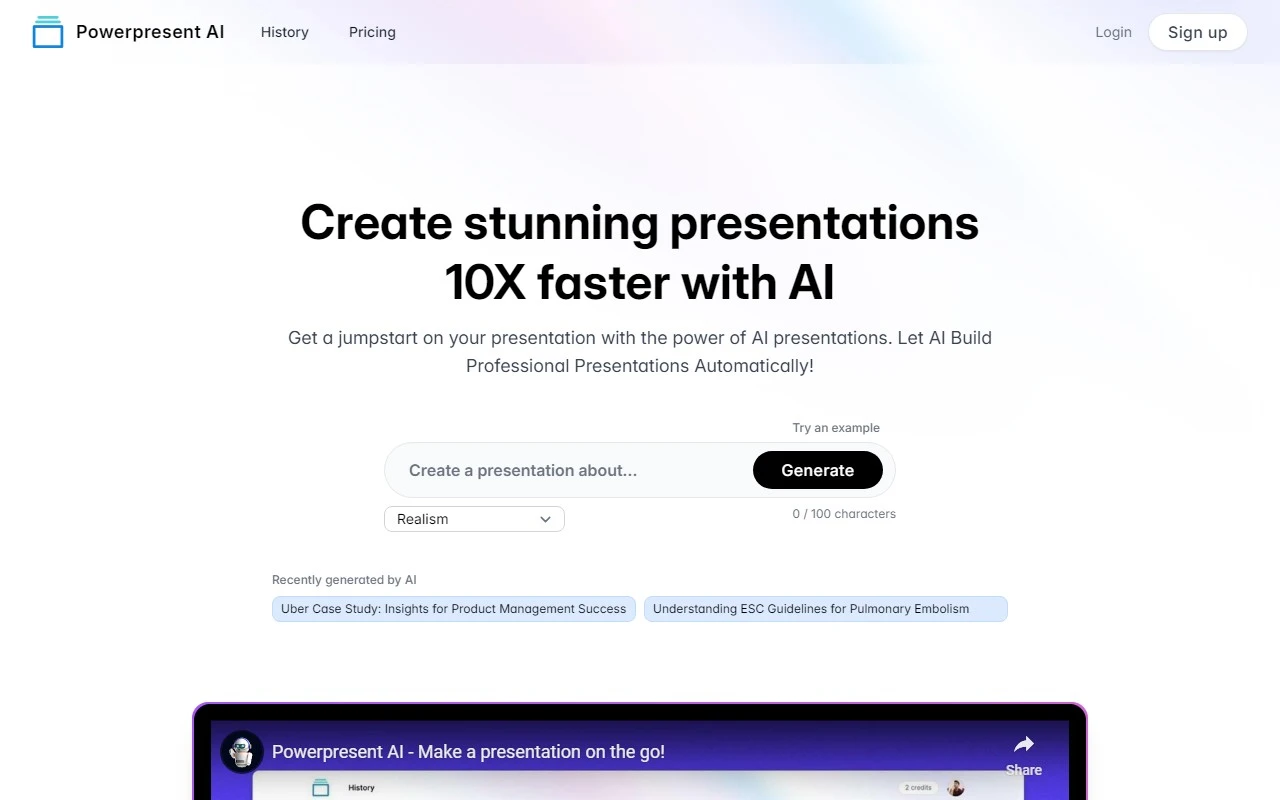
Powerpresent AI: Revolutionizing Presentation Creation with AI
If you’ve ever spent hours crafting the perfect presentation only to feel like it still falls short, Powerpresent AI is here to change the game. This innovative tool leverages cutting-edge AI technology to generate professional, visually stunning presentations in a fraction of the time. Whether you’re a busy professional, a student, or someone who simply dreads the design process, Powerpresent AI makes it effortless to create impactful slides that leave a lasting impression.
How Does Powerpresent AI Work?
Using Powerpresent AI is as simple as it gets. Here’s the magic:
- Input your topic or text – Whether it’s a business pitch, a classroom lecture, or a creative project, just provide the AI with your core idea.
- Let the AI work its magic – The tool analyzes your input and generates a polished, visually appealing presentation tailored to your needs.
- Export and edit – You can export the presentation to Google Slides for further customization or download it as a PPTX file for offline use.
No design skills? No problem. Powerpresent AI eliminates the need for expertise in design or AI, making it accessible to everyone.
Core Features That Make Powerpresent AI Stand Out
- AI-Powered Presentation Generation – The AI does the heavy lifting, transforming your ideas into professional slides in seconds.
- Flexible Export Options – Seamlessly export to Google Slides or download as PPTX files for maximum convenience.
- Visually Appealing Designs – Say goodbye to boring slides. The AI ensures your presentations are engaging and aesthetically pleasing.
- No Expertise Required – Designed for users of all skill levels, from beginners to seasoned professionals.
Real-World Use Cases
Powerpresent AI isn’t just a tool; it’s a game-changer for a variety of scenarios:
- Creating presentations 10x faster – Perfect for last-minute deadlines or when you need to focus on content rather than design.
- Jumpstarting your projects – Use the AI to generate a solid foundation, then tweak it to match your unique style.
- Automating repetitive tasks – Ideal for businesses or educators who frequently create similar presentations.
- Making an impact – Impress your audience with slides that look like they were designed by a pro.
For example, imagine you’re a marketing manager tasked with presenting a quarterly report. Instead of spending hours on slides, you input your data into Powerpresent AI and have a polished presentation ready in minutes. Or, as a student, you can turn a research paper into a compelling presentation with just a few clicks.
Pricing and Support
Powerpresent AI offers flexible pricing options to suit your needs. Check out their pricing page to explore credit packages and subscription plans.
Got questions? Their FAQ section covers everything from how the tool works to its core features and use cases. For additional support, you can reach out through their social media channels or visit their login page to get started.
Connect with Powerpresent AI
Stay updated and engage with the Powerpresent AI community:
- Facebook: https://www.facebook.com/YaaraDotAI
- YouTube: https://www.youtube.com/@yaara_ai
- TikTok: https://www.tiktok.com/@yaara_ai
- LinkedIn: https://www.linkedin.com/company/powerpresent-ai
- Twitter: https://twitter.com/powerpresent_ai
- Instagram: https://www.instagram.com/yaara_ai
Final Thoughts
Powerpresent AI is more than just a presentation tool—it’s a productivity powerhouse. By automating the design process, it frees up your time to focus on what truly matters: delivering your message with confidence. Whether you’re a professional, educator, or student, this tool is a must-try for anyone looking to elevate their presentations effortlessly.
Ready to get started? Sign up today and experience the future of presentation creation!