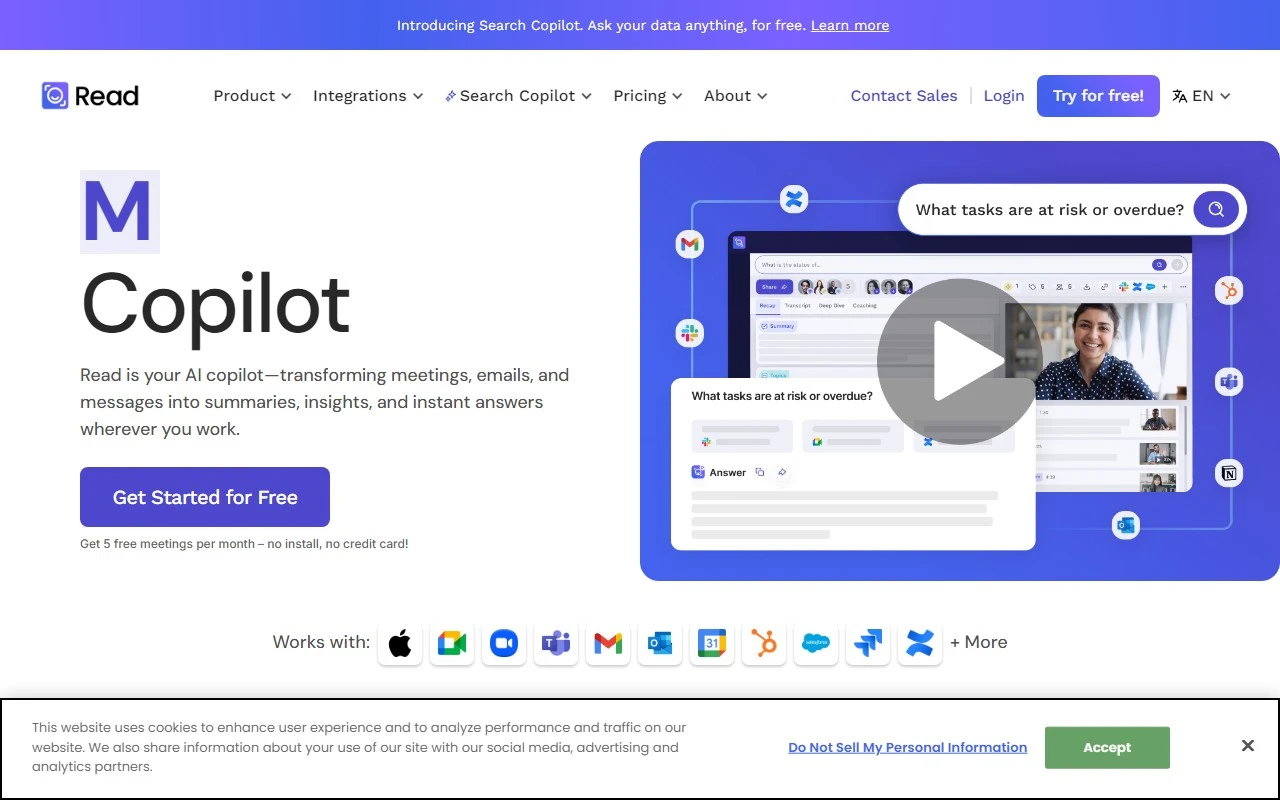
Revolutionize Your Meetings with Read: A Comprehensive Review
In today’s hybrid work environment, meetings can often feel overwhelming, unproductive, or even unnecessary. Enter Read, a cutting-edge platform designed to improve meeting wellness by streamlining scheduling, providing real-time analytics, and delivering actionable insights. Whether you’re in education, engineering, sales, or recruiting, Read transforms how you approach meetings, making them more efficient and impactful.
What is Read?
Read is your ultimate meeting assistant. It’s a platform that helps you reclaim your time by identifying and eliminating unnecessary meeting hours. With features like automatic meeting summaries, AI-powered transcripts, video playback with highlights, and smart recommendations, Read ensures you get the most out of every meeting.
How Does Read Work?
Using Read is simple. Here’s how it works:
- Connect Your Calendar: Sync your calendar with Read and choose which meetings the platform should join.
- Join Meetings Automatically: Read attends meetings as a participant, taking notes and recording key moments.
- Get Instant Recaps: After the meeting, you’ll receive a detailed recap, including a summary, transcript, video playback, and AI-generated highlights.
- Share with Ease: Share the recap via email, calendar, or a simple link, ensuring everyone stays on the same page.
Core Features of Read
Read is packed with features designed to enhance your meeting experience:
- Automatic Meeting Summaries: Get concise, AI-generated summaries that capture the essence of your meetings.
- Transcripts with Reactions: Transcripts are augmented with participant reactions, giving you context and clarity.
- Video Playback with AI Highlights: Skip to the most important moments with AI-curated highlights.
- Better Scheduling: Optimize your meeting schedule to reduce overlap and wasted time.
- AI-Powered Recaps: Comprehensive recaps include summaries, transcripts, and playback, all in one place.
Real-World Use Cases
Read isn’t just for corporate meetings—it’s versatile enough to fit a variety of scenarios:
- Education: Professors can use Read to record and summarize lectures, making it easier for students to review key points.
- Engineering: Teams can document brainstorming sessions and share detailed recaps with stakeholders.
- Sales: Sales reps can review client meetings to identify pain points and opportunities for follow-up.
- Recruiting: HR teams can transcribe and summarize interviews, ensuring no detail is missed.
Frequently Asked Questions
- What does Read offer to improve meeting wellness?
Read improves meeting wellness by providing tools like summaries, transcripts, and AI highlights, helping you focus on what matters most. - How can Read help in meeting management?
Read streamlines scheduling, reduces unnecessary meeting hours, and provides actionable insights to make meetings more productive. - What are the core features of Read?
Core features include automatic summaries, transcripts, video playback, AI highlights, and smart scheduling. - What are some use cases of Read?
Read is ideal for education, engineering, sales, recruiting, and more.
Get Started with Read
Ready to transform your meetings? Here’s how to get started:
- Sign Up: Create your account and connect your calendar.
- Log In: Already a user? Log in here.
- Explore Pricing: Check out Read’s pricing plans to find the best fit for your needs.
Connect with Read
Stay updated with the latest from Read:
- Facebook: Follow us
- LinkedIn: Connect with us
- Twitter: Tweet us
Need Help?
If you have questions or need support, reach out to Read’s customer service team via their contact page.
Learn More About Read
Curious about the company behind the platform? Visit the About Us page to discover Read’s mission and vision.
Read isn’t just a tool—it’s a game-changer for anyone looking to make their meetings more productive, efficient, and enjoyable. Give it a try and experience the difference for yourself!