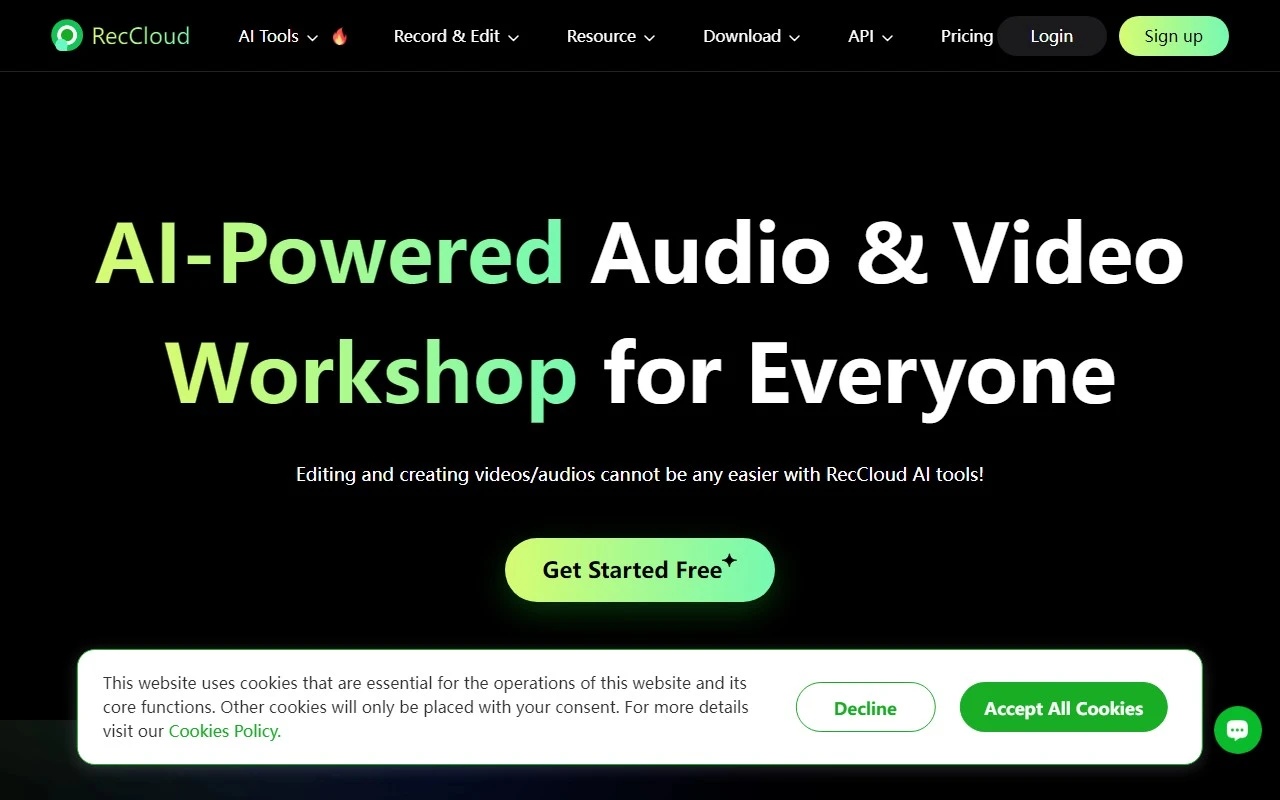
RecCloud: The Ultimate AI-Powered Multimedia Toolkit for Creators
If you’re looking for a one-stop solution to elevate your video creation, editing, and sharing game, RecCloud is the platform you’ve been waiting for. As a free, multifunctional online application, RecCloud combines powerful video tools with cutting-edge AI features to make your workflow smoother, faster, and more professional. Whether you’re a content creator, educator, gamer, or business professional, RecCloud has something for everyone.
What Makes RecCloud Stand Out?
RecCloud isn’t just another video editing tool—it’s a comprehensive multimedia platform designed to simplify your creative process. Here’s what sets it apart:
- AI-Powered Features: From AI subtitles and speech-to-text conversion to Chatvideo for interactive video chats, RecCloud leverages AI to save you time and effort.
- Online Screen Recording: Capture your screen effortlessly, whether for tutorials, gaming highlights, or presentations.
- Advanced Editing Tools: Trim, merge, adjust speed, extract audio, and even convert videos into GIFs—all in one place.
- Storage and Sharing: Easily store and share your creations with others, making collaboration a breeze.
How to Get Started with RecCloud
Using RecCloud is as simple as it gets. Just head over to their website, create a free account, and you’re ready to roll. Once logged in, you’ll have access to all the tools and features you need to start recording, editing, and enhancing your videos.
Real-World Use Cases
Here’s how RecCloud can transform your projects:
- Educators: Create engaging tutorials with AI subtitles and speech-to-text for accessibility.
- Gamers: Record and edit gameplay highlights, then convert them into shareable GIFs.
- Content Creators: Summarize long videos, translate them into other languages, and add professional captions.
- Professionals: Record multi-screen presentations, extract audio for podcasts, and merge clips for polished deliverables.
Pricing and Plans
RecCloud offers flexible pricing options to suit your needs. Whether you’re a casual user or a power creator, there’s a plan for you. Check out their pricing page to find the perfect fit.
Support and Contact
Got questions? RecCloud’s support team is here to help. You can reach out via their contact page or explore their FAQ section for quick answers.
Connect with RecCloud
Stay updated with the latest features, tips, and community highlights by following RecCloud on social media:
- Facebook: RecCloud Facebook
- YouTube: RecCloud YouTube
- TikTok: RecCloud TikTok
- Twitter: RecCloud Twitter
- Instagram: RecCloud Instagram
About RecCloud
Curious about the team behind this innovative platform? Learn more about RecCloud’s mission and story on their about us page.
Final Thoughts
RecCloud is more than just a tool—it’s a game-changer for anyone working with video and multimedia. Its blend of user-friendly design, AI-powered features, and affordability makes it a must-try for creators of all levels. Whether you’re adding subtitles, converting speech to text, or editing a multi-clip masterpiece, RecCloud has your back.
Ready to take your video projects to the next level? Visit RecCloud today and start creating like a pro!