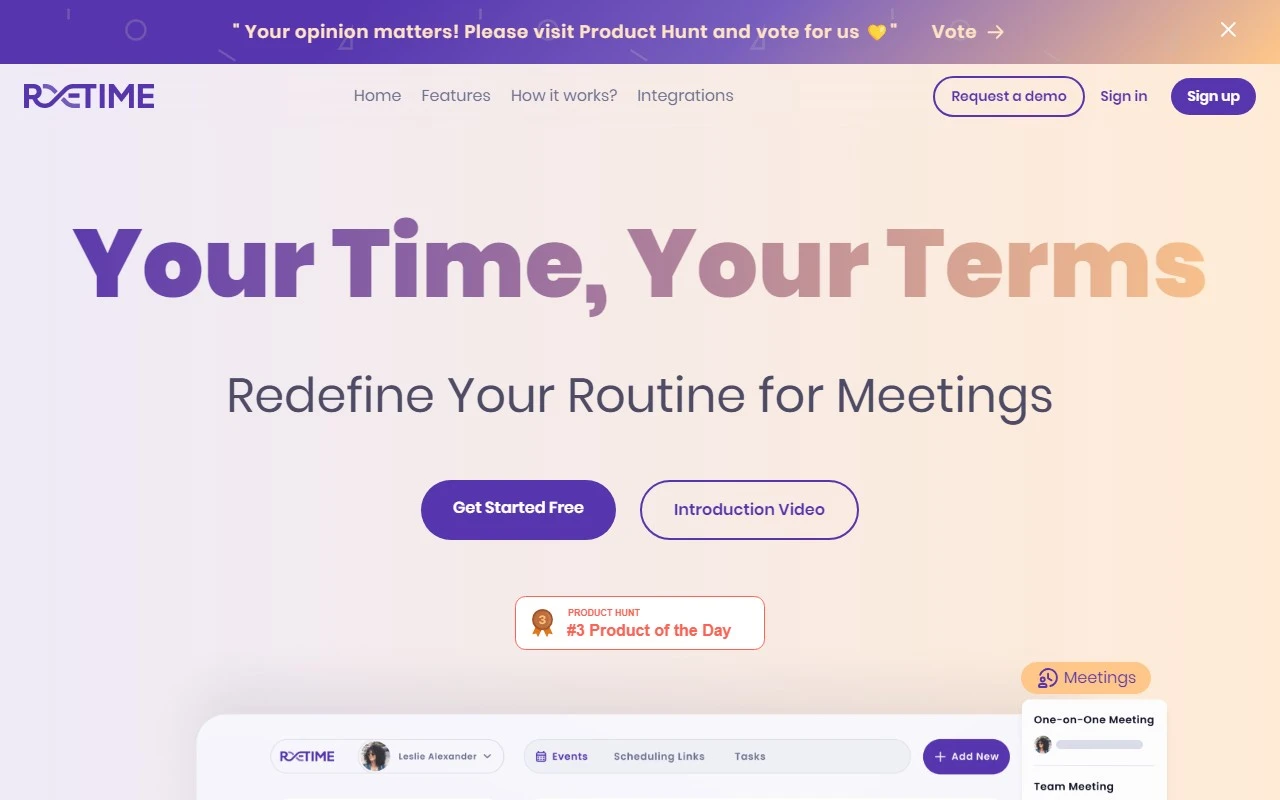
ReTime: The Free Scheduling Tool That Redefines How You Manage Meetings
Looking for a hassle-free way to schedule and manage appointments? Meet ReTime, the free online scheduling software that’s changing the game for professionals, teams, and organizations alike. Whether you’re juggling client meetings, team discussions, or personal appointments, ReTime simplifies the process with its intuitive design and powerful features.
What is ReTime?
ReTime is more than just a scheduling tool—it’s a complete solution for managing your time effectively. It allows you to define your availability, share booking links, and automatically sync events with your calendar. The best part? It’s completely free, making it accessible for everyone from solopreneurs to large teams.
How to Use ReTime
Using ReTime is as easy as 1-2-3:
- Set Your Availability: Connect ReTime to your Google Calendar or manually define your schedule.
- Share Your Booking Page: Send your unique booking link or embed it on your website.
- Let Guests Book: Guests pick a time from your available slots, and the event is added to your calendar automatically.
No more back-and-forth emails or scheduling conflicts—ReTime streamlines the entire process.
Core Features That Make ReTime Stand Out
Here’s why ReTime is a must-have tool for anyone managing meetings:
- Agenda Builder: Write discussion points and keep team meetings focused and productive.
- Action Items: Assign and track tasks directly within the platform.
- Customizable Availabilities: Set your preferred schedule or sync with Google Calendar, Zoho, or Office365.
- Advanced Options: Tailor meeting preferences to suit your needs.
- Date Override: Adjust availability for specific dates when your schedule changes.
- Time Zone Scheduling: Effortlessly manage meetings across different time zones.
Real-World Use Cases
Here’s how ReTime is making a difference:
- Professionals and Businesses: Simplify client meetings and consultations with a seamless booking process.
- Remote Teams: Streamline collaboration by eliminating scheduling headaches.
- Organizations: Avoid last-minute conflicts and ensure everyone is on the same page.
- Individuals: Consolidate your schedule across multiple platforms for a unified view.
Frequently Asked Questions
Got questions? Here are some quick answers:
- How do I sync ReTime with Google Calendar? Just connect your Google account in the settings.
- Can I customize meeting preferences? Absolutely! ReTime offers advanced customization options.
- Which calendars does ReTime integrate with? Google Calendar, Zoho, and Office365 are all supported.
- Is ReTime suitable for remote teams? Yes, it’s perfect for teams spread across different locations.
- What are the main benefits? Save time, reduce scheduling conflicts, and stay organized.
Get Started with ReTime Today
Ready to take control of your schedule?
- Sign Up: https://app.retime.so/signup
- Log In: https://app.retime.so/login
Need Help?
ReTime’s support team is here for you. Reach out at [email protected] for assistance.
Connect with ReTime
Stay updated with the latest news and tips:
- LinkedIn: https://www.linkedin.com/company/myretime
- Twitter: https://twitter.com/myretime
- Instagram: https://www.instagram.com/myretime/
ReTime isn’t just a tool—it’s your partner in productivity. Try it today and experience the difference!