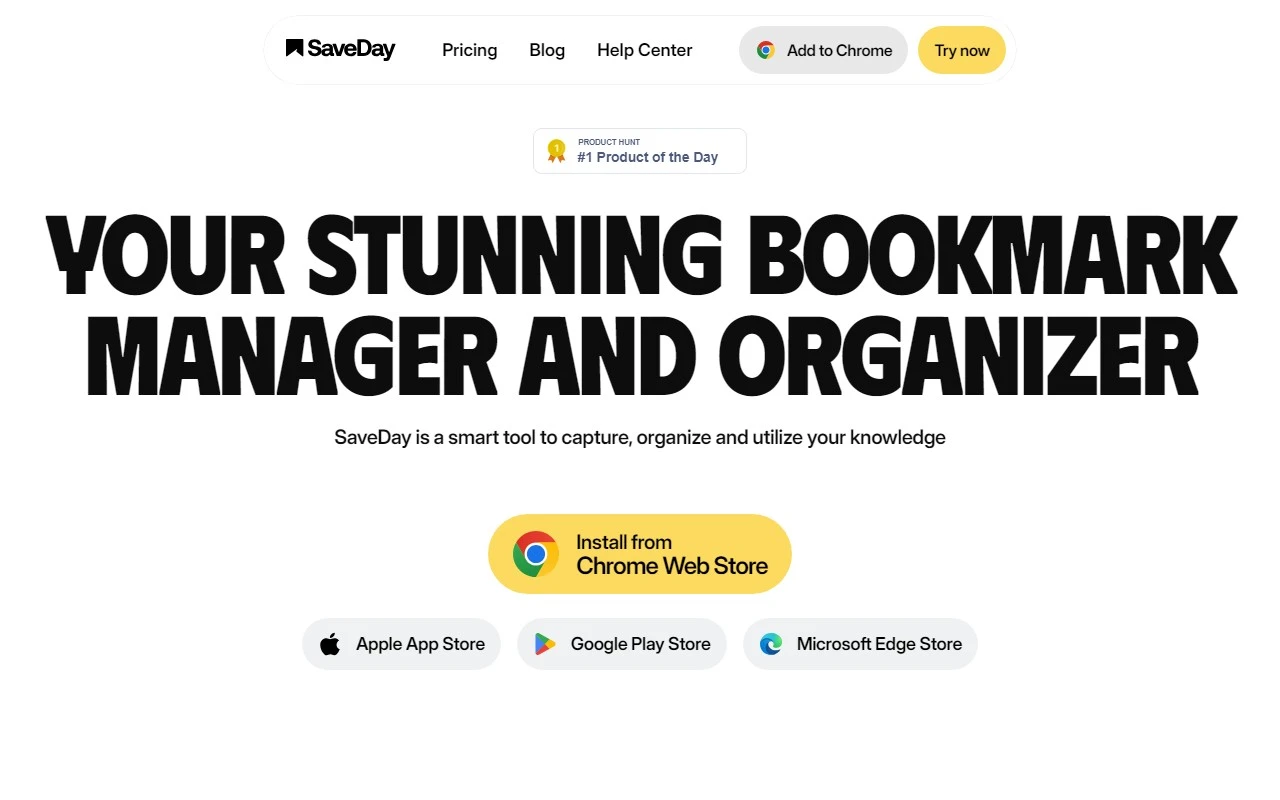
SaveDay: Your Ultimate Telegram Bookmarking Companion
If you’ve ever felt overwhelmed by the sheer volume of content you want to save and organize, SaveDay is here to rescue you. This Telegram bot is a game-changer for anyone looking to streamline their digital life. Whether you’re a student, researcher, entrepreneur, or just a knowledge enthusiast, SaveDay makes it effortless to save, organize, and retrieve content with AI-powered precision.
What is SaveDay?
SaveDay is a versatile Telegram bot designed to help you bookmark and organize a wide range of content—think web pages, articles, PDFs, YouTube videos, and even podcasts. What sets it apart is its AI-driven search capabilities, which allow you to quickly find what you’ve saved. Plus, it offers instant summaries for articles and YouTube videos, so you can consume information faster and smarter. It’s like having a personal assistant for your digital content.
How to Use SaveDay
Getting started with SaveDay is a breeze. Simply add the bot to your Telegram app and start sending it links or files. The bot automatically organizes your content, so you don’t have to lift a finger. Need to find something? Use the search function with relevant keywords, and SaveDay will pull up your saved items in seconds.
One of my favorite features is the instant summaries. Instead of sifting through a 10-minute YouTube video or a lengthy article, SaveDay condenses the key points for you. And if you want to share your saved content, the bot provides stunning templates that make your notes look professional and polished.
Core Features of SaveDay
Here’s what makes SaveDay stand out:
- Save and organize various types of content: From PDFs to podcasts, SaveDay handles it all.
- AI-driven search: Find what you need in seconds with intelligent keyword searches.
- Instant summaries: Get the gist of articles and videos without wasting time.
- Shareable key notes: Use beautiful templates to share your saved content with others.
- Seamless Telegram integration: Everything happens right within your Telegram app—no need for additional tools.
Real-Life Use Cases
SaveDay isn’t just a tool; it’s a productivity booster. Here are some ways people are using it:
- Students: Summarize long articles for quick reading during study sessions.
- Researchers: Save and organize research resources for easy reference.
- Entrepreneurs: Share knowledge with your team in a visually appealing format.
- Content Creators: Capture inspirations and search them back when writing.
- Designers: Save and search design inspirations for your next project.
- Knowledge Lovers: Capture and consume knowledge from multiple sources efficiently.
Frequently Asked Questions
- Is there a limit to the number of links I can save? No, SaveDay lets you save as much as you need.
- How is SaveDay different from Notion or other note-taking tools? SaveDay is specifically designed for quick saving and retrieval, with AI-powered summaries and Telegram integration.
- Is my saved content private and secure? Absolutely. Your data is safe with SaveDay.
- Can I access my saved content from multiple devices? Yes, as long as you’re logged into your Telegram account.
- Is there a fee to use SaveDay? Check out the pricing page for details on free and premium plans.
Get in Touch with SaveDay
Need help? Reach out to SaveDay’s support team at [email protected]. They’re always ready to assist.
Learn More About SaveDay
Curious about the company behind this innovative tool? SaveDay is developed by Pew AI Pte. Ltd.. For more details, visit their About Us page.
Ready to Get Started?
Log in to SaveDay here and transform the way you save and organize content. And don’t forget to follow SaveDay on Facebook, LinkedIn, and Twitter for updates and tips.
SaveDay is more than just a bookmarking tool—it’s your gateway to a more organized, productive digital life. Give it a try and see the difference for yourself!