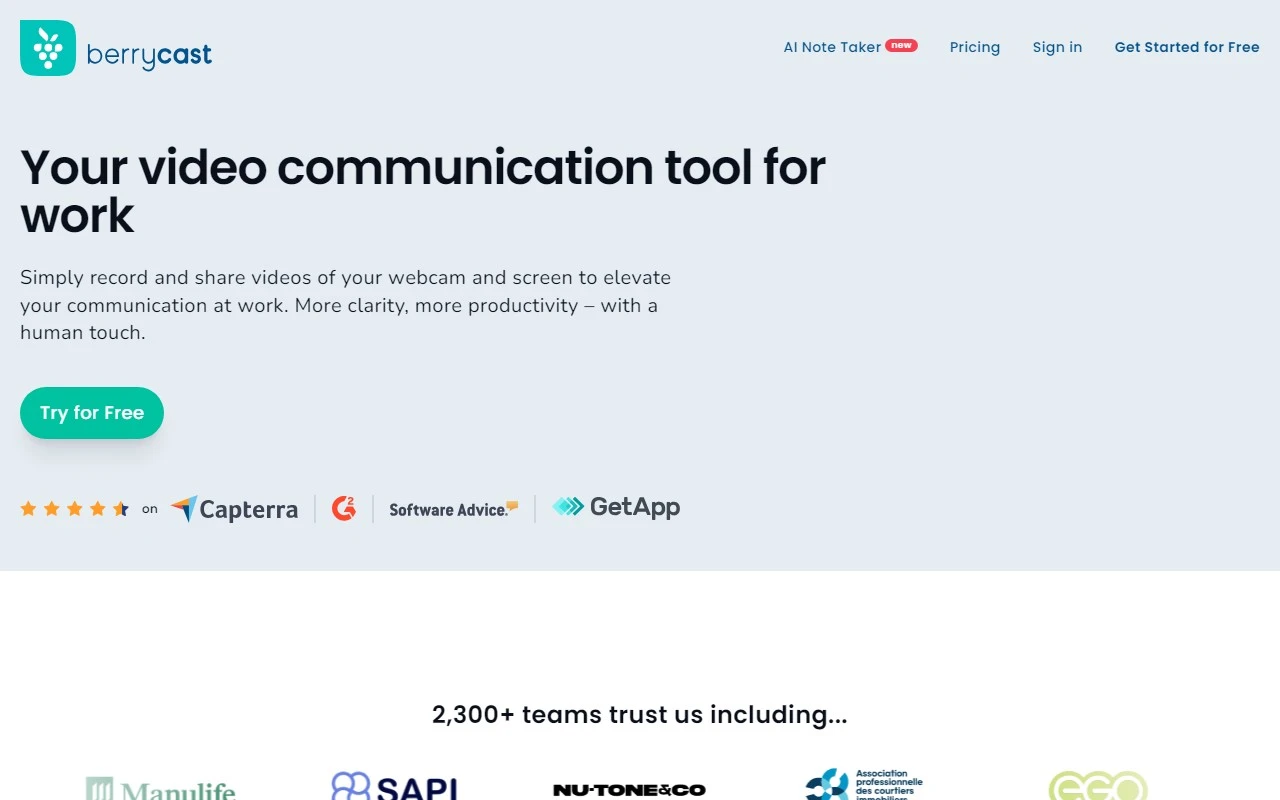
SimpleScreen: Your Go-To Tool for Effortless Screen Recording
If you’ve ever struggled to capture and share screen recordings, SimpleScreen is here to make your life easier. Developed by Berrycast, this intuitive tool is designed for anyone—whether you’re a teacher, gamer, developer, or remote worker—who needs to record their screen quickly and effectively. Let’s dive into what makes SimpleScreen stand out and how it can work for you.
What is SimpleScreen?
SimpleScreen is a user-friendly screen recording tool that lets you capture your screen with just one click. But it’s not just about simplicity—it’s packed with features that make it a versatile solution for a variety of needs. From mic and webcam support to annotations, password protection, and video trimming, SimpleScreen has everything you need to create professional-quality recordings effortlessly.
How to Use SimpleScreen
Getting started with SimpleScreen is a breeze:
- Download and install the application from Berrycast’s website.
- Launch the app and click the ‘Record’ button to start capturing your screen.
- Toggle on mic and webcam support if you want to include audio or video commentary.
- Once you’re done, click ‘Share’ to distribute your recording with ease.
It’s that simple! No complicated setups or steep learning curves—just straightforward functionality.
Core Features of SimpleScreen
Here’s what makes SimpleScreen a must-have tool:
- One-click screen recording: Start recording instantly without any hassle.
- Mic and webcam support: Add your voice or face to your recordings for a personal touch.
- Annotations: Highlight key points or draw attention to specific areas during your recording.
- Password protection: Keep your recordings secure with password-protected sharing.
- Video trimming: Easily remove unwanted sections to create polished, professional videos.
Real-World Use Cases for SimpleScreen
SimpleScreen isn’t just a tool—it’s a solution for a variety of scenarios. Here are some ways you can put it to work:
- Create video tutorials: Whether you’re teaching a new software or sharing a how-to guide, SimpleScreen makes it easy to record and annotate your steps.
- Record online meetings or webinars: Never miss a detail during virtual discussions or presentations.
- Capture gameplay footage: Share your gaming highlights or create walkthroughs for your favorite games.
- Demonstrate software functionality: Showcase features or workflows to clients or team members.
- Document software bugs: Record and share issues with developers for faster troubleshooting.
Frequently Asked Questions
Is SimpleScreen compatible with Windows and macOS?
Yes! SimpleScreen works seamlessly on both platforms.
Can I record my screen and webcam simultaneously?
Absolutely. You can include your webcam feed alongside your screen recording.
Can I edit my recorded videos using SimpleScreen?
Yes, the built-in video trimming feature lets you cut out unwanted parts.
Is password protection available for all recording files?
Yes, you can secure any recording with a password before sharing.
Get Started with SimpleScreen
Ready to try SimpleScreen? Here’s everything you need:
- Sign up: Create your account at SimpleScreen Sign Up.
- Log in: Access your dashboard at SimpleScreen Login.
- Pricing: Explore affordable plans at SimpleScreen Pricing.
Need Help? Contact Berrycast
If you have questions or need support, Berrycast’s team is here to help. Reach out via their Contact Us page for assistance with customer service, refunds, or general inquiries.
SimpleScreen is more than just a screen recorder—it’s a powerful tool that simplifies your workflow and enhances your ability to communicate visually. Whether you’re creating tutorials, documenting processes, or sharing moments, SimpleScreen is the reliable partner you’ve been looking for. Give it a try and see the difference for yourself!