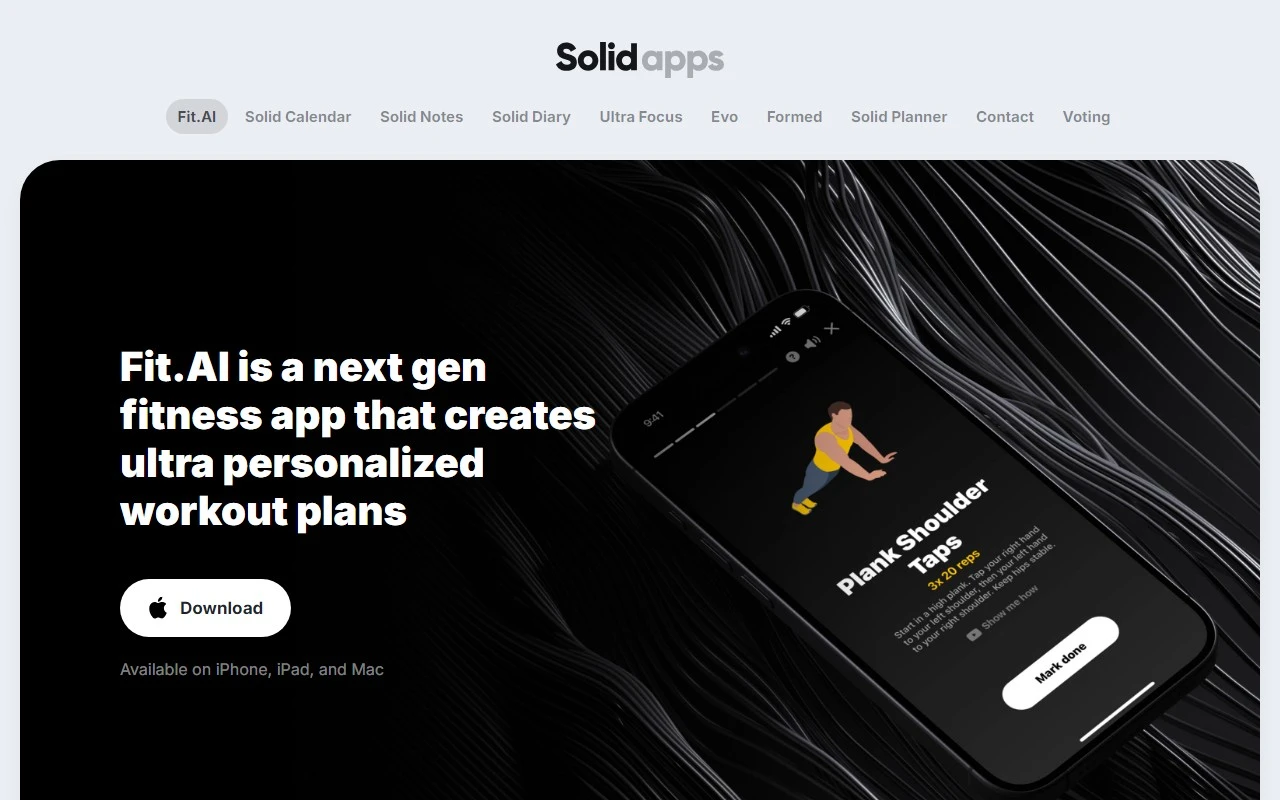
Solid Apps: Your All-in-One Productivity Suite for iOS and macOS
If you’re looking for a seamless way to boost your productivity and stay organized, Solid Apps is a game-changer. This suite of thoughtfully designed apps for iOS, iPadOS, and macOS offers everything from task management to journaling, all wrapped in a user-friendly interface. Whether you’re a student juggling assignments, a professional managing multiple projects, or just someone who wants to keep their life in order, Solid Apps has you covered.
What Makes Solid Apps Stand Out?
Solid Apps isn’t just another productivity suite—it’s a carefully curated collection of tools that work together to simplify your life. Here’s what’s included:
- Ultra Focus: Stay laser-focused on your tasks with tools designed to minimize distractions.
- Formed: Streamline your task and project management with intuitive workflows.
- Solid Diary: Keep a private, encrypted journal for your thoughts and reflections.
- Solid Notes: Organize your ideas, to-do lists, and important information in one place.
- Solid Calendar: Schedule events, set reminders, and never miss a deadline.
- Contact: Manage your contacts efficiently and keep your network organized.
Each app is designed with privacy-first principles, ensuring your data is encrypted and secure. Plus, the clean, customizable interfaces make it easy to adapt the apps to your unique workflow.
How to Get Started with Solid Apps
Getting started is a breeze. Simply head to the App Store and download the apps you need. Once installed, you’ll find the interfaces intuitive and easy to navigate. Here’s how you can make the most of them:
- Ultra Focus: Use this app during work sessions to block distractions and stay productive. For example, set a 25-minute timer for focused work followed by a 5-minute break—perfect for the Pomodoro Technique.
- Formed: Create projects, assign tasks, and track progress. Ideal for team collaborations or personal goal-setting.
- Solid Diary: Write daily entries to reflect on your day or track personal growth. The encryption ensures your thoughts remain private.
- Solid Notes: Jot down meeting notes, grocery lists, or creative ideas. Organize them with tags and folders for quick access.
- Solid Calendar: Sync your events across devices and set reminders to stay on top of your schedule.
- Contact: Keep your address book updated and easily accessible.
Who is Solid Apps For?
Solid Apps is versatile enough to suit a wide range of users:
- Students: Use Solid Notes to organize lecture materials and Solid Calendar to keep track of assignments and exams.
- Professionals: Manage projects with Formed, take meeting notes with Solid Notes, and stay on schedule with Solid Calendar.
- Anyone Seeking Better Organization: Whether you’re planning a trip, managing household tasks, or journaling for personal growth, Solid Apps has the tools to help.
Pricing and Support
Solid Apps offers flexible pricing options to fit your needs. Check out the Pricing Page for detailed information on individual app costs or bundled plans. If you ever need assistance, their Support Team is ready to help via email or their comprehensive knowledge base.
Final Thoughts
Solid Apps is more than just a productivity suite—it’s a lifestyle upgrade. With its robust features, privacy-focused design, and ease of use, it’s the perfect companion for anyone looking to streamline their daily routines. Whether you’re tackling a big project or just trying to stay on top of life’s little details, Solid Apps makes it all feel manageable.
Ready to take control of your productivity? Download Solid Apps today and experience the difference for yourself.