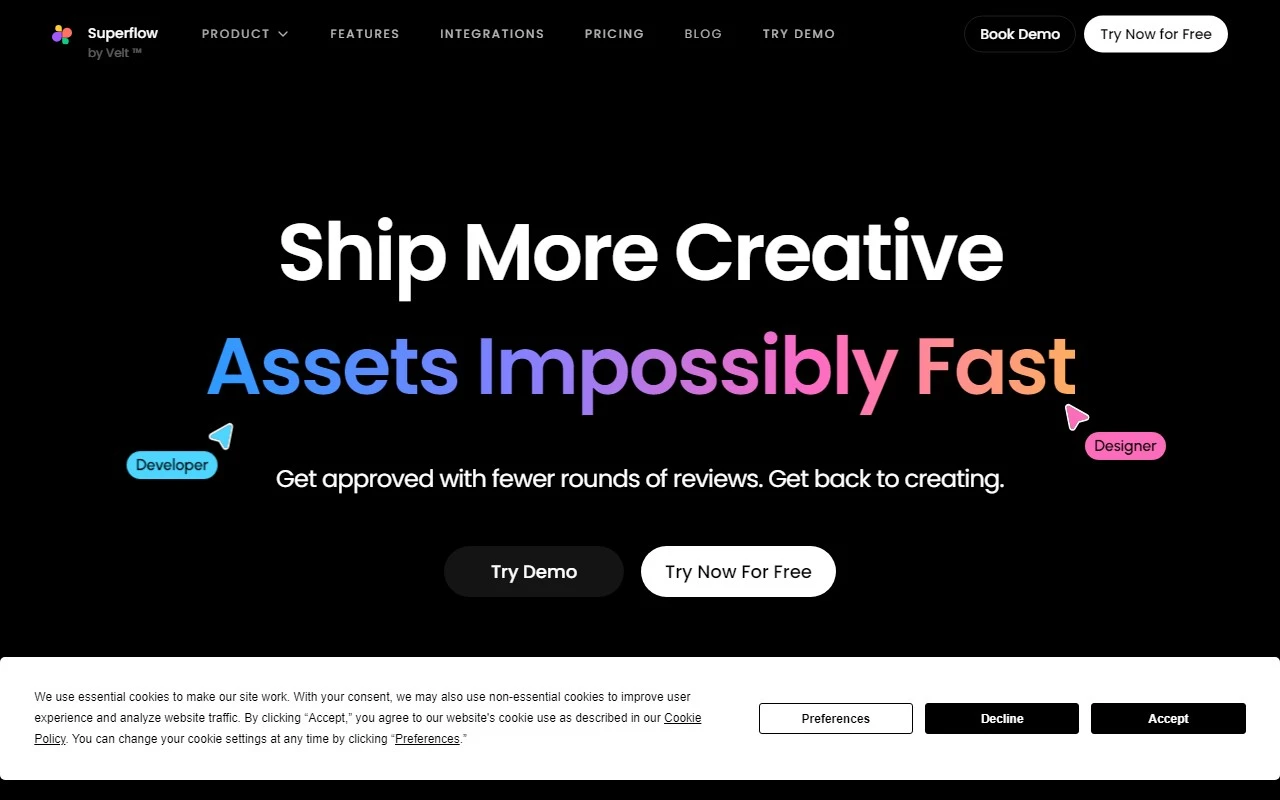
Superflow: The Ultimate Annotation Tool for Seamless Website Collaboration
If you’ve ever struggled with clunky feedback processes or endless email threads during website design and development, Superflow is here to save the day. As an annotation tool built for modern teams, Superflow simplifies collaboration by letting you comment, assign tasks, and iterate directly on your website. It’s a game-changer for designers, developers, marketers, and even non-tech users who want to streamline their workflows.
Why Superflow Stands Out
Superflow isn’t just another feedback tool—it’s a comprehensive solution designed to eliminate inefficiencies. Here’s what makes it special:
- Comment directly on your website: No more vague feedback like “Can we move this button?” With Superflow, you can pinpoint exactly where changes are needed using area commenting and arrow annotations.
- Assign tasks and track progress: Turn feedback into actionable tasks, assign them to team members, and track progress—all within the platform.
- AI-powered comment categorization: Filter and find comments effortlessly with AI auto-categorization, saving you time and frustration.
- Screen recording for better context: Sometimes, words aren’t enough. Superflow lets you record your screen to provide clearer, more detailed feedback.
- Mobile device support: Collaborate on the go with full mobile compatibility.
- Integrations with Asana, ClickUp, and Slack: Superflow seamlessly integrates with your favorite project management and communication tools.
How to Get Started with Superflow
Using Superflow is a breeze. Just install the provided code snippet on your website, and you’re ready to go. Once set up, you and your team can start commenting, assigning tasks, and collaborating in real-time. Whether you’re working on a live site or a staging environment, Superflow ensures everyone stays on the same page.
Real-World Use Cases
Superflow isn’t just for developers—it’s for anyone involved in website creation and feedback. Here are some ways teams are leveraging it:
- Website design and development collaboration: Designers and developers can work together more efficiently, reducing back-and-forth and speeding up the iteration process.
- Client and stakeholder feedback: Get precise, actionable feedback from clients without the confusion of email chains.
- Marketing agency workflows: Streamline project management and ensure deadlines are met with clear task assignments and progress tracking.
- Front-end design coordination: Coordinate changes across multiple pages and elements with ease.
- Non-tech user collaboration: Simplify web development for team members who aren’t technically inclined.
- Authenticated page collaboration: Provide feedback on password-protected or logged-in pages securely.
Pricing and Support
Superflow offers flexible pricing plans to suit teams of all sizes. Check out the Superflow Pricing page to find the plan that works best for you.
Got questions? The Superflow support team is here to help. Reach out at [email protected] or visit the Contact Us page for assistance.
Connect with Superflow
Stay updated with the latest tips, tutorials, and news from Superflow:
- YouTube: Watch video tutorials and demos on the Superflow YouTube channel.
- LinkedIn: Follow Superflow on LinkedIn for industry insights and updates.
- Twitter: Join the conversation on Twitter.
- Instagram: Get inspired by design and collaboration tips on Instagram.
Final Thoughts
Superflow is more than just a tool—it’s a productivity powerhouse for anyone involved in website creation. By bringing feedback, collaboration, and task management into one intuitive platform, it eliminates the headaches of traditional workflows. Whether you’re a solo designer or part of a large agency, Superflow is worth exploring.
Ready to transform your collaboration process? Visit the Superflow website today and see how it can work for you.