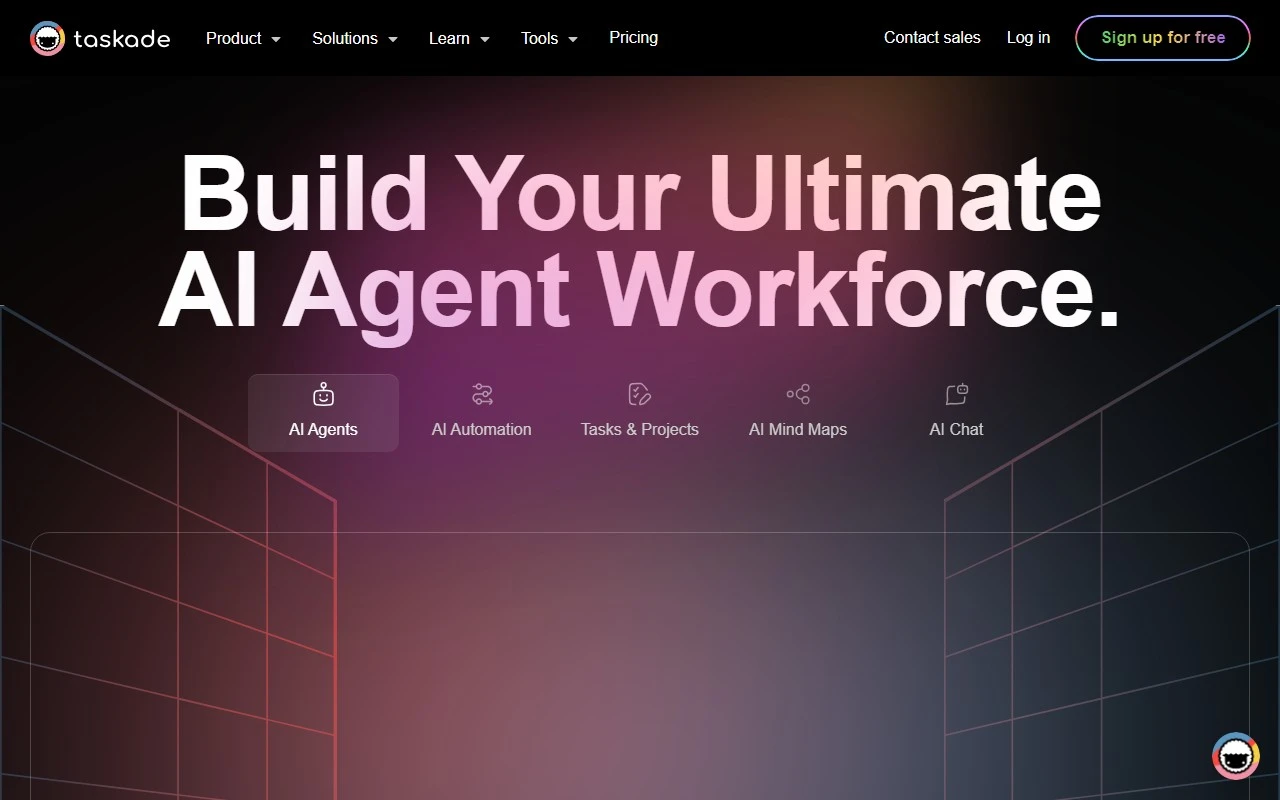
Taskade: The AI-Powered Productivity Powerhouse
If you’re looking for a tool that combines AI assistance, real-time collaboration, and seamless task management into one unified workspace, Taskade is your go-to solution. Designed to help teams and individuals work smarter, not harder, Taskade is more than just a productivity app—it’s a complete workflow ecosystem.
What Makes Taskade Stand Out?
Taskade is an AI-driven productivity platform that brings together generative workflows, task automation, connected knowledge, and real-time collaboration. Whether you’re managing a team project, organizing your personal to-do list, or brainstorming ideas with mind maps, Taskade has you covered.
Here’s what sets it apart:
- Generative Workflows: Let AI help you create tasks, notes, and mind maps in seconds.
- Task Automation: Automate repetitive tasks to save time and focus on what matters.
- Connected Knowledge: Keep all your notes, tasks, and projects in one place for easy access.
- Real-Time Collaboration: Work with your team in real-time, no matter where they are.
- Cross-Platform Accessibility: Use Taskade on Android, iOS, Mac, Windows, or Linux.
How to Get Started with Taskade
Getting started with Taskade is a breeze. Simply sign up for free and log in to your account. From there, you can:
- Create projects and tasks.
- Invite team members to collaborate.
- Use AI to automate workflows and generate content.
For example, imagine you’re planning a marketing campaign. With Taskade, you can:
- Use AI to draft a task list.
- Collaborate with your team in real-time.
- Organize ideas with a mind map.
- Automate follow-up tasks to keep the project on track.
Who is Taskade For?
Taskade is versatile enough for a wide range of use cases:
- Team Collaboration: Keep everyone on the same page with shared projects and tasks.
- Task Management: Break down big projects into manageable steps.
- Project Organization: Use folders, tags, and templates to stay organized.
- Note-Taking: Capture ideas and meeting notes in one place.
- Brainstorming: Visualize ideas with mind maps and flowcharts.
- Workflow Automation: Let AI handle repetitive tasks.
- Mind Mapping: Turn abstract ideas into actionable plans.
Frequently Asked Questions
Here are some common questions about Taskade:
- Can I create mind maps with Taskade?
Yes! Taskade’s mind mapping feature is perfect for brainstorming and organizing ideas. - Is Taskade cross-platform?
Absolutely. Use it on any device or operating system. - Does Taskade have templates?
Yes, Taskade offers a variety of templates to jumpstart your projects. - Can I use Taskade as a to-do list app?
Of course! It’s great for both personal and team task management.
For more FAQs, check out the Taskade Reddit community or join the Taskade Discord.
Pricing and Support
Taskade offers flexible pricing plans to suit your needs. Whether you’re an individual or a large team, you’ll find a plan that works for you. Explore the Taskade Pricing page for details.
Need help? Taskade’s support team is just a click away. Visit the Contact Us page for assistance with questions, refunds, or customer service.
Connect with Taskade
Stay updated and connect with the Taskade community:
About Taskade
Based in San Francisco, US, Taskade is on a mission to simplify productivity for teams and individuals. Learn more about the company on the About Us page.
Ready to Boost Your Productivity?
Whether you’re managing a team, organizing your life, or brainstorming ideas, Taskade is the ultimate productivity companion. Sign up today and experience the future of work!