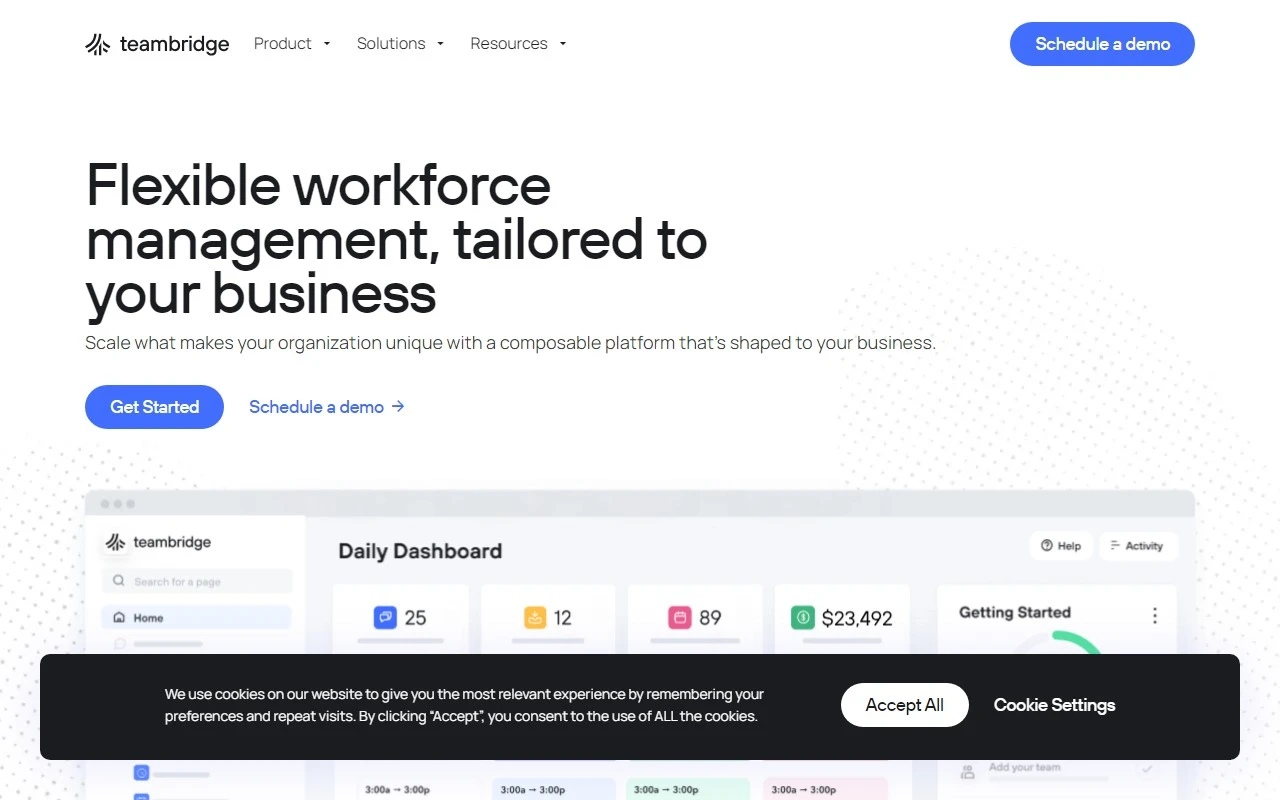
TeamBridge: The Ultimate Workforce Management Platform for Enhanced Productivity
If you’re looking for a solution to streamline your team’s workflows and boost productivity, TeamBridge is a game-changer. This workforce management platform is designed to automate repetitive tasks, making it easier for teams to focus on what truly matters. Whether you’re managing schedules, tracking attendance, or integrating with other tools, TeamBridge has you covered.
What is TeamBridge?
TeamBridge is a cloud-based workforce management platform that specializes in automating business workflows. By eliminating manual, time-consuming tasks, it empowers teams to work smarter and more efficiently. Its intuitive design and robust features make it a must-have for businesses of all sizes.
How to Use TeamBridge
Getting started with TeamBridge is a breeze. Here’s how you can make the most of it:
- Create Custom Workflows: Automate repetitive tasks tailored to your team’s needs.
- Access Anytime, Anywhere: Use the cloud-based platform or the mobile app for on-the-go management.
- Integrate with Your Favorite Tools: Connect TeamBridge with other tools your team already uses for seamless operations.
Core Features of TeamBridge
Here’s what makes TeamBridge stand out:
- Workflow Automation: Automate tasks like scheduling, communication, and attendance tracking.
- Cloud-Based Accessibility: Access your workflows from any device with an internet connection.
- Mobile App: Manage your team on the go with the TeamBridge mobile app.
- Tool Integrations: Sync with a variety of third-party tools to centralize your operations.
Real-World Use Cases for TeamBridge
Here are some practical examples of how TeamBridge can transform your team’s productivity:
-
Streamlining Scheduling and Communication:
Say goodbye to back-and-forth emails! TeamBridge automates scheduling and ensures everyone is on the same page. -
Tracking Time and Attendance:
Effortlessly monitor employee hours and attendance, saving time for both managers and staff.
Frequently Asked Questions (FAQ)
What types of workflows can I automate with TeamBridge?
You can automate a wide range of tasks, including scheduling, communication, and attendance tracking.
Is there a mobile app for TeamBridge?
Yes! TeamBridge offers a mobile app for convenient on-the-go management.
About TeamBridge
TeamBridge is more than just a platform—it’s a partner in productivity. To learn more about the company, visit their About Us page: https://teambridge.com/about/.
Get Started with TeamBridge
Ready to take your team’s productivity to the next level? Log in to TeamBridge here: https://app.teambridge.com/login.
Connect with TeamBridge
Stay updated with the latest from TeamBridge by following them on LinkedIn: https://www.linkedin.com/company/team-bridge.
TeamBridge is the ultimate tool for businesses looking to automate workflows, enhance productivity, and simplify team management. Give it a try and experience the difference for yourself!